Newsletter
Join the Community
Subscribe to our newsletter for the latest news and updates
Local meeting window + dictation
How to Record, Transcribe and Summarize Meetings with Superwhisper — official Superwhisper channel. Official Superwhisper meeting walkthrough.
Superwhisper is a local-first dictation and meeting app: it turns voice into text in any field, and on the Mac it opens a meeting window with a live transcript, private notes, and a summary. Use it when the job is on-device notes you can keep offline, not when you need a hosted CRM bot.
It is not open source. Free exists (local Whisper models). Pro is the first public paid card.
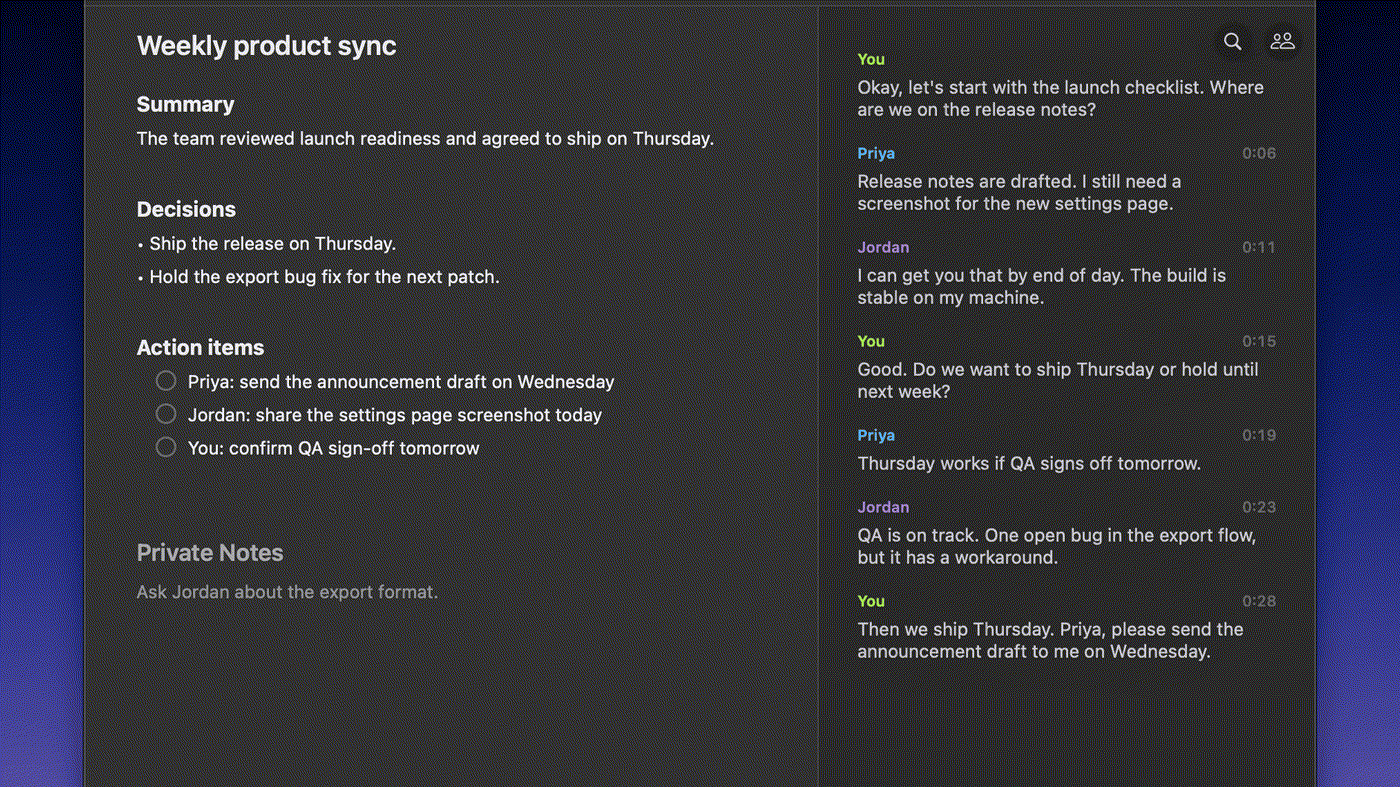
What makes it unique: the cover is Superwhisper’s official meeting-notes view from the docs — Weekly product sync with Summary, Decisions, Action items, and Private Notes beside a speaker-labeled transcript (You / Priya / Jordan).
Best fit: Mac users who want meetings to stay on the machine and will buy Pro when the 3,000-word Pro trial ends.
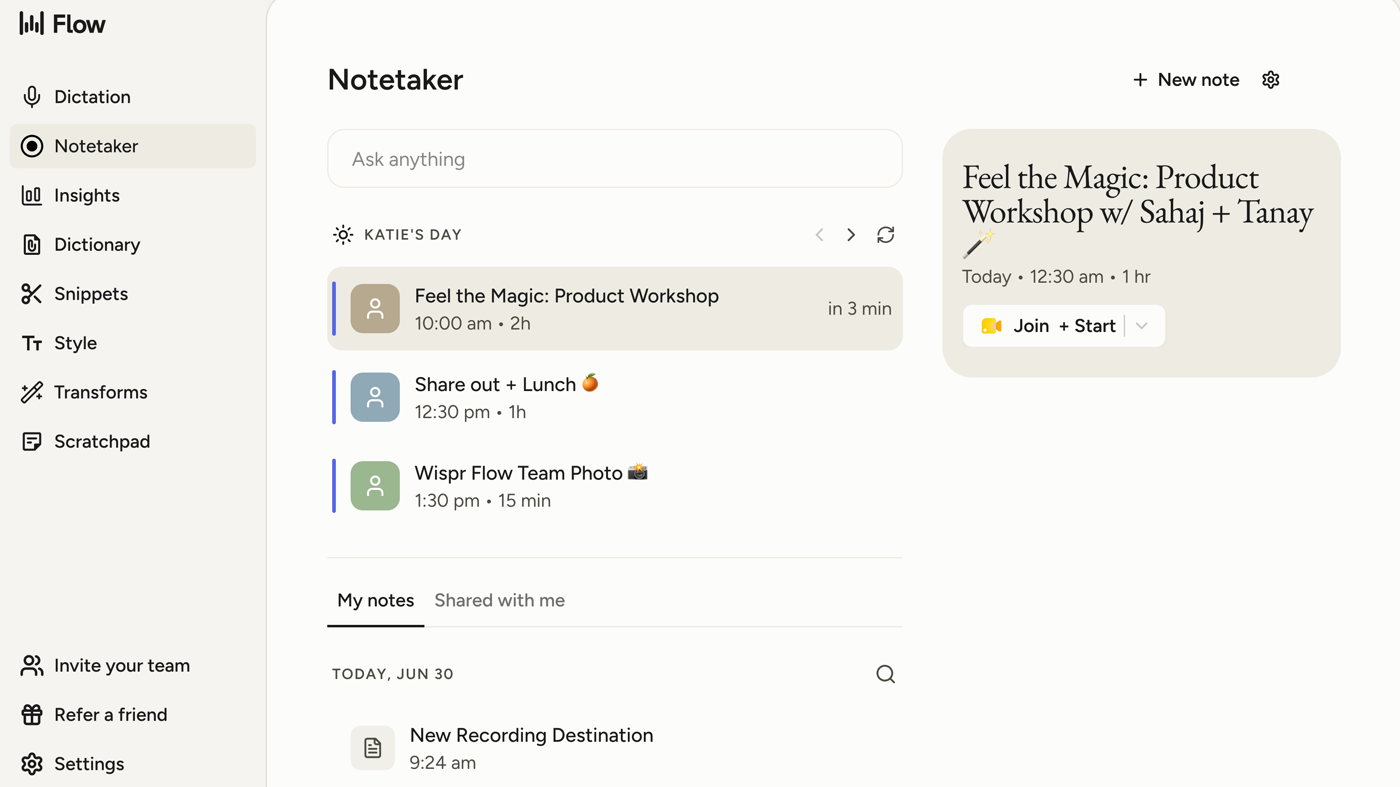
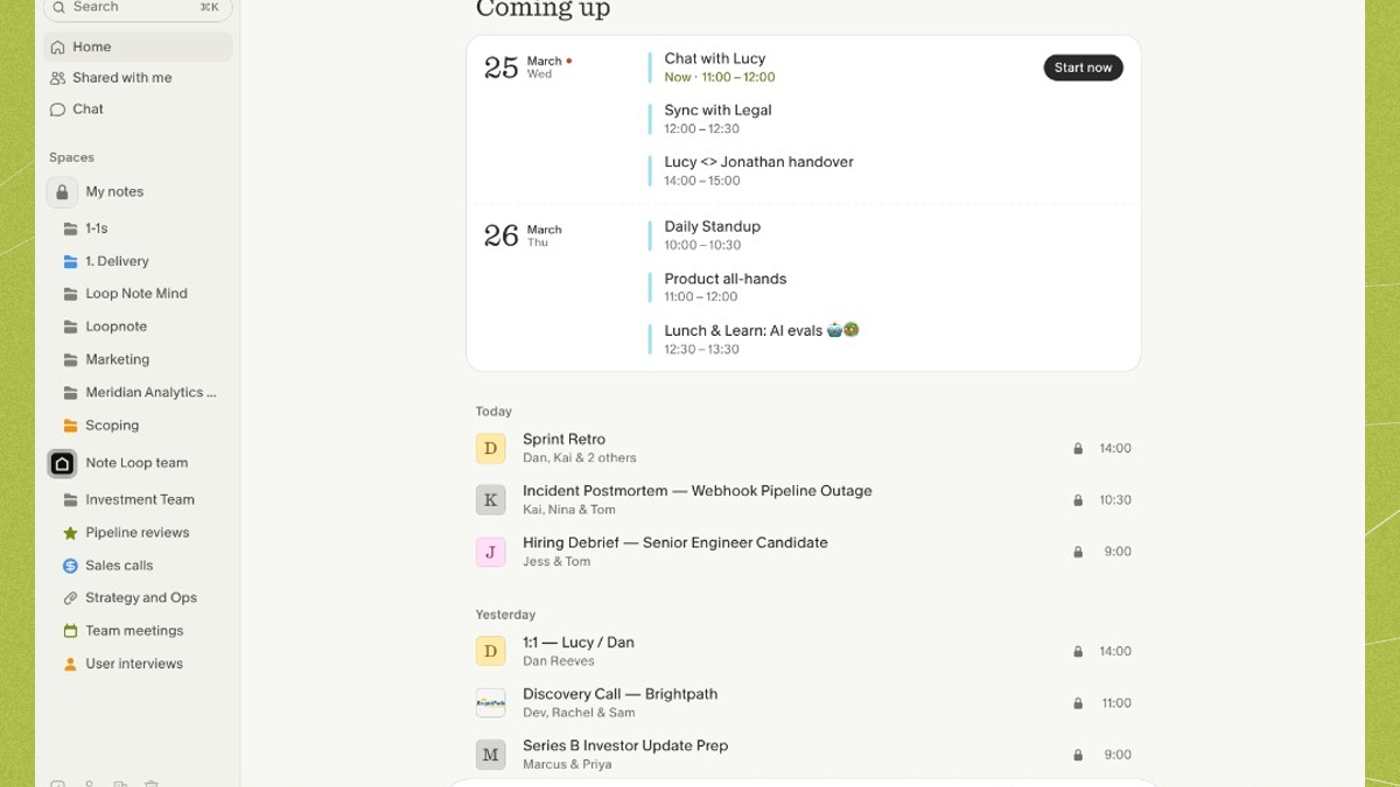
Poor fit: people who want a hosted Notetaker with MCP (Wispr Flow) or a calendar bot archive (Granola is bot-free but cloud-hosted).
Verified 2026-10-22 (Asia/Shanghai) from Plans & Pricing plus the website checkout. Displayed dollars can vary by region and by App Store / Play fees. Site dollars:
Every Pro billing option unlocks the same features. Students / non-profits get 40% off site purchases.
Official Superwhisper channel video: How to Record, Transcribe and Summarize Meetings with Superwhisper (oEmbed author: Superwhisper).
Written path: Record a meeting plus Plans & Pricing and Summaries and templates.
Catalog row curated for AI Tools Nav. Cover is Superwhisper’s official meeting-notes view from Record a meeting (summary + speaker transcript). Dollars checked on superwhisper.com/docs/billing/plans and site checkout (Free local; Pro $8.49 / $84.99 / $249.99). Tutorial: How to Record, Transcribe and Summarize Meetings on @superwhisper (oEmbed).
2026-10-22 (Asia/Shanghai) editorial check.