Newsletter
Join the Community
Subscribe to our newsletter for the latest news and updates
Dictation plus Notetaker
Introducing Notetaker — official Wispr Flow channel. Official Wispr Flow Notetaker introduction.
Wispr Flow is a dictation app with a meeting Notetaker: you speak into any field, and on Mac / Windows the same app records a call without a calendar bot. Use it when the job is type-by-voice plus device-audio notes, not when you need a DAW.
It is not open source. Free exists ($0). Pro is the first public paid card.
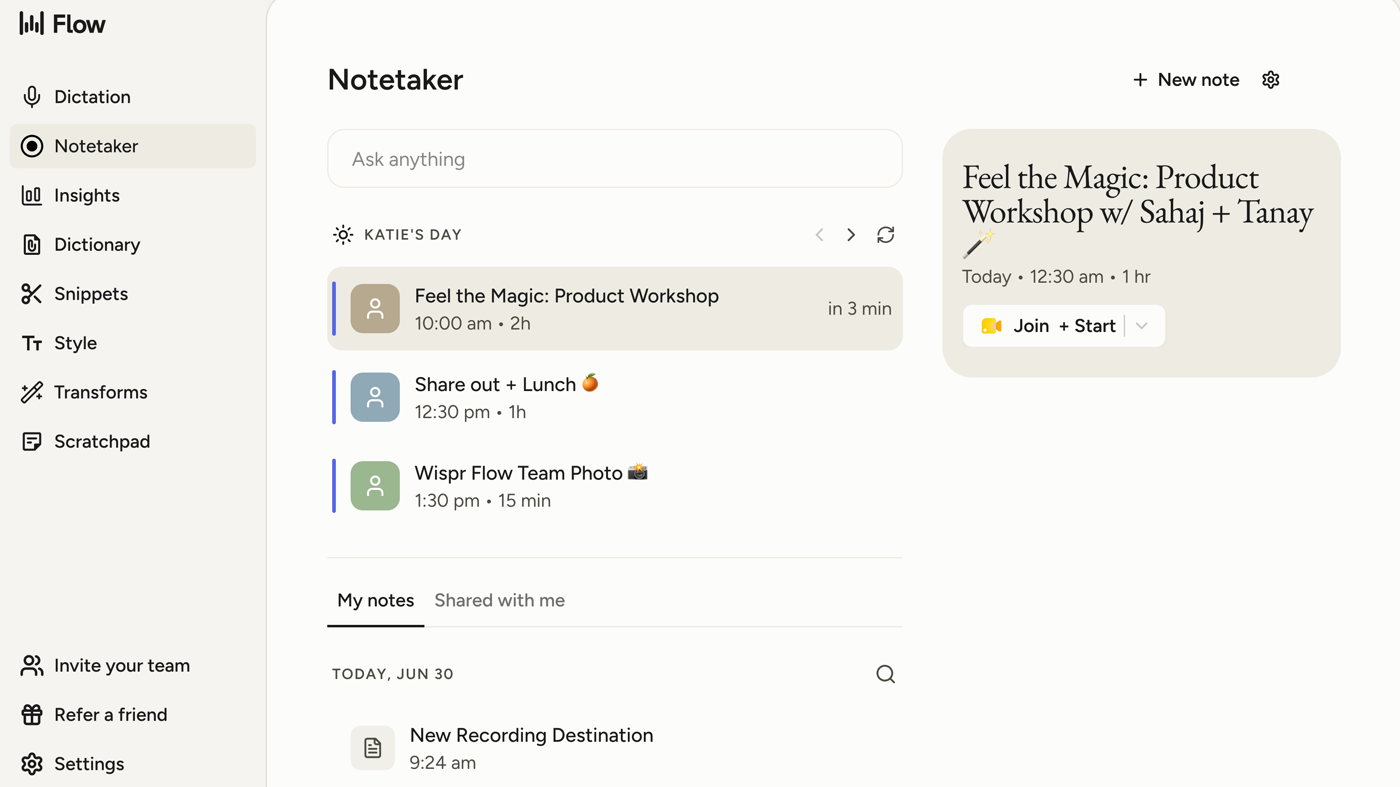
What makes it unique: the cover is Wispr’s official Notetaker hub from the product media kit — sidebar (Dictation / Notetaker / Insights), Ask anything, calendar cards, and a Join + Start meeting chip.
Best fit: people who already dictate and want the same app to keep meeting notes when the weekly Free cap runs out.
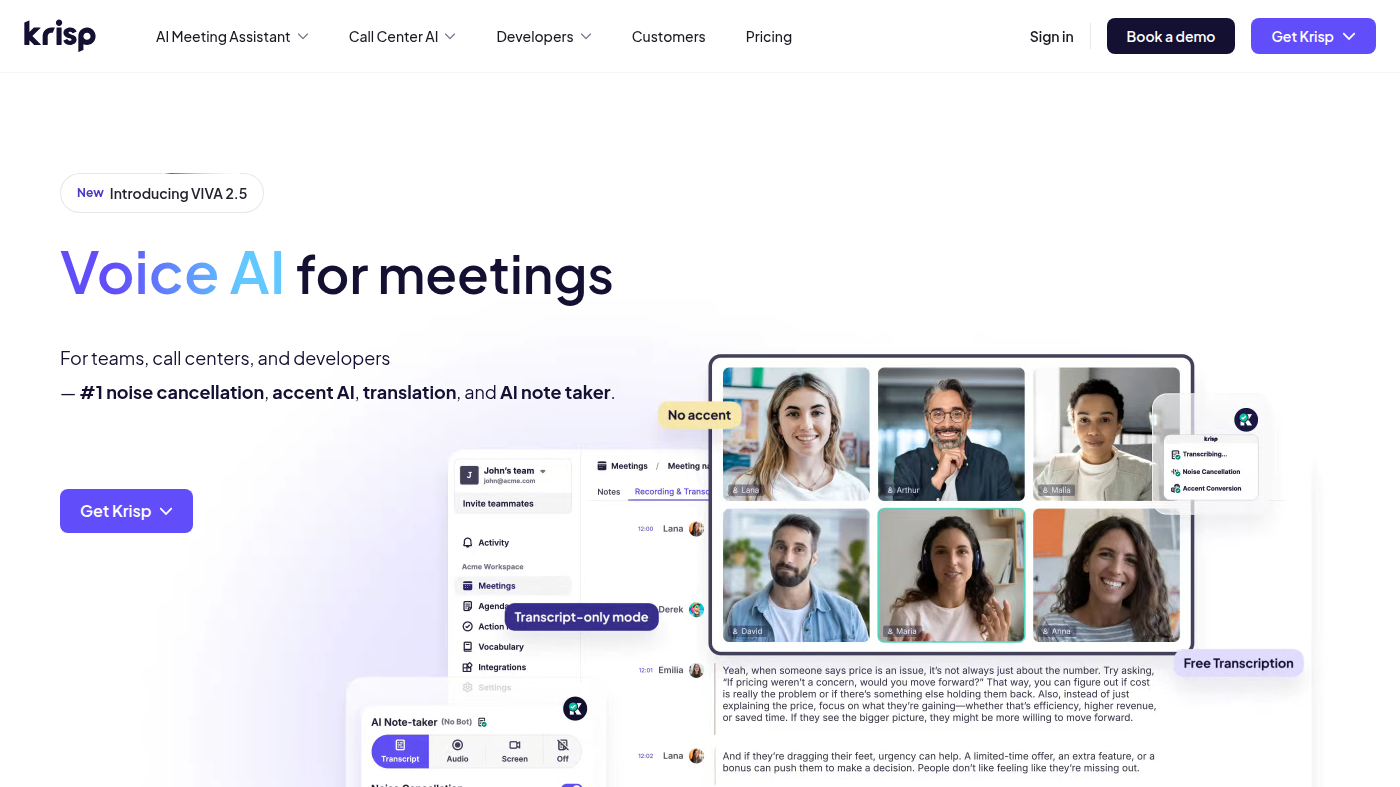
Poor fit: people who want a local meeting window that can stay offline (Superwhisper) or a noise-cancel plugin (Krisp).
Verified 2026-10-22 (Asia/Shanghai) from the live cards on wisprflow.ai/pricing plus Flow plans and what's included. Displayed dollars can vary by region at checkout. Annual saves 20%.
Official Wispr Flow channel video: Introducing Notetaker (oEmbed author: Wispr Flow).
Written path: Getting started with Notetaker plus Flow plans and what's included and Pricing.
Catalog row curated for AI Tools Nav. Cover is Wispr’s official Notetaker hub from the product media kit (Mac-Notetaker: sidebar + calendar + Join + Start). Dollars checked on wisprflow.ai/pricing and the Flow plans article (Free $0; Pro $15 / $144; Growth $23 / $216 or $33 / $312). Tutorial: Introducing Notetaker on @wisprflow (oEmbed).
2026-10-22 (Asia/Shanghai) editorial check.