Newsletter
Join the Community
Subscribe to our newsletter for the latest news and updates
Script-to-stock video studio
How to Use Pictory AI Studio | AI Video Creation Tutorial — official Pictory channel. Official Pictory AI Studio getting-started walkthrough.
Pictory is a script-to-stock video studio: paste a script or article and the product builds a scene per sentence with stock, voiceover, and captions. Use it when the job is turn a blog or script into a narrated clip, not when you need a blank NLE.
It is not open source. Public cards start at Starter. Each card offers GET FREE TRIAL.
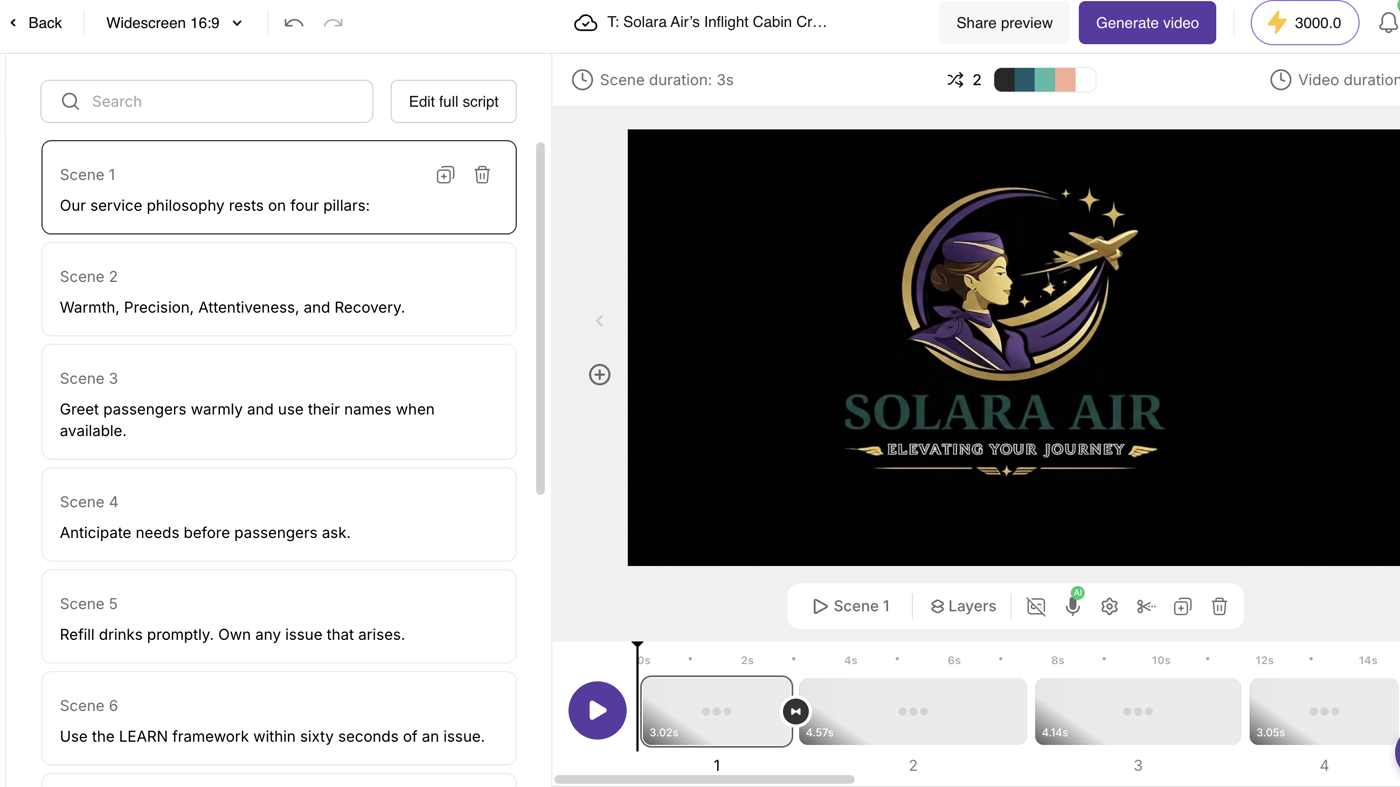
What makes it unique: the cover is Pictory’s official storyboard editor from the Doc to Video help article — scene list, Solar Air preview, and a scene-thumbnail timeline.
Best fit: course and content teams with a finished script who want stock + voiceover without filming.
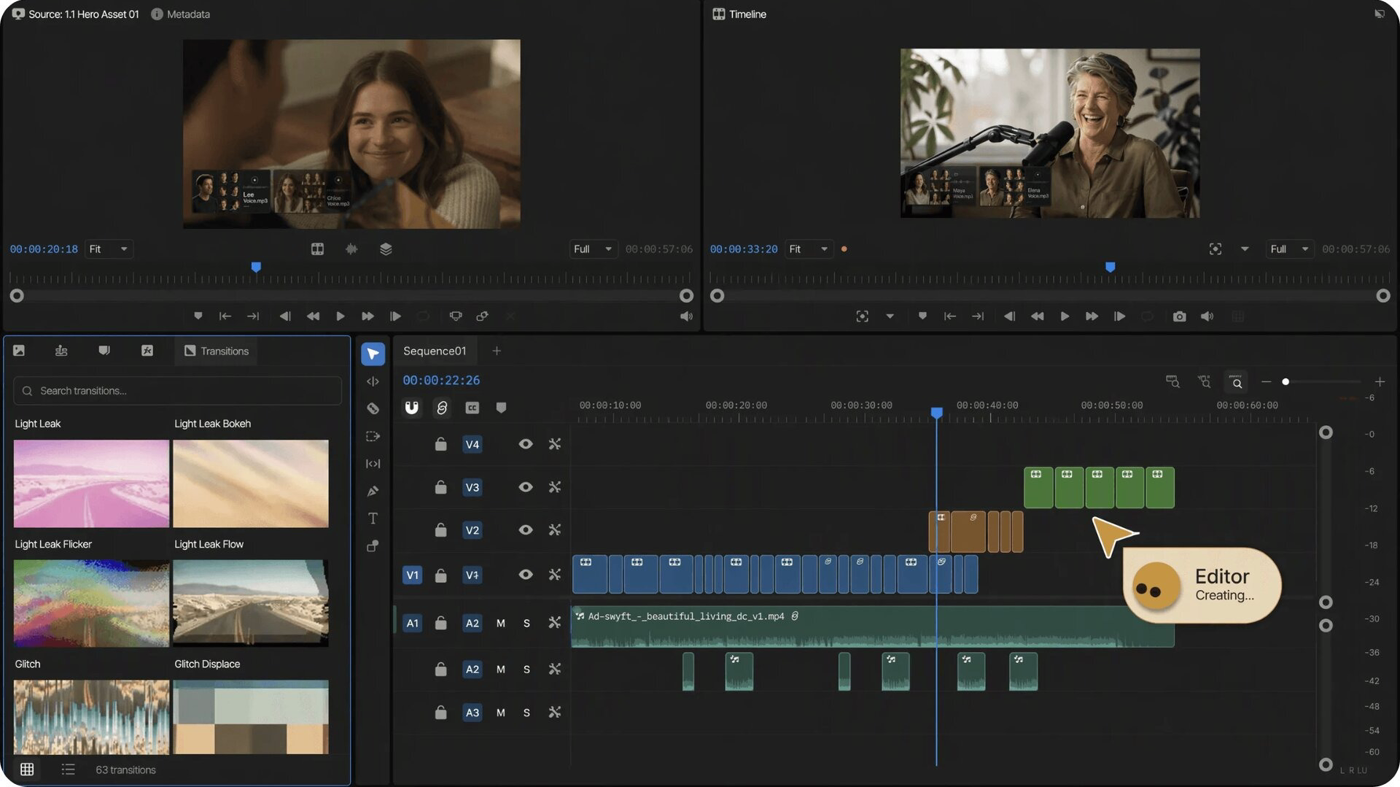
Poor fit: people who cut their own footage on a timeline (CapCut) or who want a meeting recap (tl;dv).
Verified 2026-10-21 (Asia/Shanghai) from the live Annual Pricing cards on pictory.ai/pricing. Displayed dollars can vary by region at checkout.
The annual header prints save up to 40%. A consultation with a video-creation expert is listed as a $210 value on that header.
Official Pictory channel video: How to Use Pictory AI Studio | AI Video Creation Tutorial (oEmbed author: Pictory).
Written path: Turn a document into a video plus Pictory Introductory Videos and Pricing.
Catalog row curated for AI Tools Nav. Cover is Pictory’s official storyboard editor from Doc to Video (scene list + preview + timeline). Dollars checked on pictory.ai/pricing (Starter $25 annual; Professional $35; Team $119). Tutorial: How to Use Pictory AI Studio on @Pictory (oEmbed).
2026-10-21 (Asia/Shanghai) editorial check.