What it is for
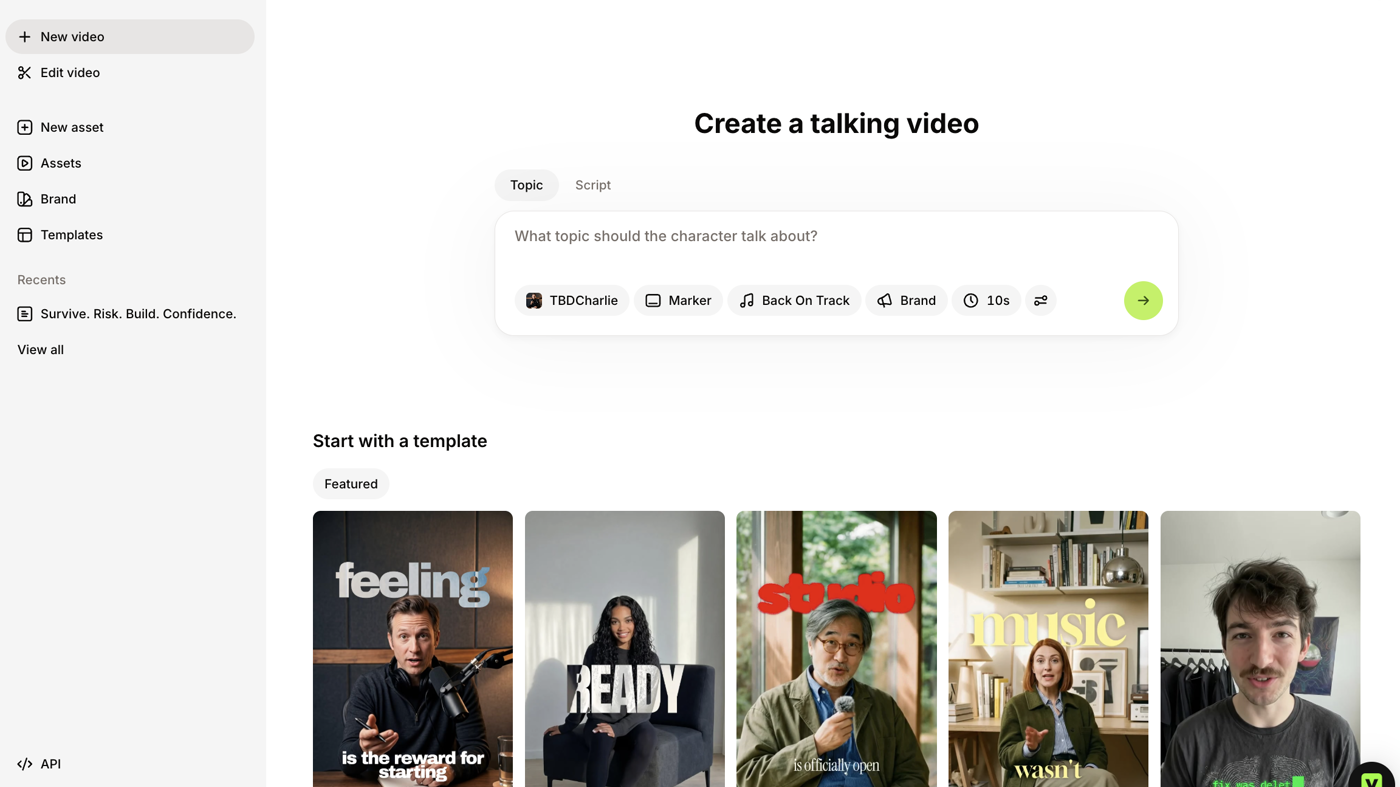
VEED is a browser video editor with AI credits: the official dashboard still (see the cover: Create a talking video, Topic / Script, avatar chips, Featured templates) is the product. Use it when the job is caption, translate, or generate a talking-head clip in the browser, not when you need a local NLE.
It is not open source. A free start exists. Creator is the first public paid card.
What makes it unique: the cover is VEED’s own dashboard composer — topic box plus talking-head templates — not a logo poster.
Key features
- Talking-video composer — Topic or Script, character / marker / music chips (cover).
- Featured templates — talking-head stills you start from (cover).
- Auto subtitles + translation — Unlimited Auto Subtitles on Pro; translate to 50+ languages on Pro+.
- Credits — Creator 6,000/mo (~1,500 AI videos); Pro 30,000/mo (~7,500); Studio 180,000/mo (~45,000) on the live yearly cards.
- Gen-AI Studio — listed on the paid cards alongside the timeline editor.
Who it's for
Best fit: social and course teams who want captions and a talking-head start without installing an NLE.
Poor fit: people who cut by editing a transcript (Descript) or who want a prompt-to-video model (Runway).
Pricing
Verified 2026-10-21 (Asia/Shanghai) from the live cards on veed.io/pricing. Displayed dollars can vary by region at checkout.
- Creator — $12 per user / month billed annually. 6,000 credits (~1,500 AI videos); no watermark; unlimited auto subtitles; Gen-AI Studio.
- Pro — $22 per user / month billed annually. 30,000 credits (~7,500 AI videos); multiple brand kits; translate to 50+ languages; up to 144 hr/yr of AI voice.
- Studio — $39 per user / month billed annually. 180,000 credits (~45,000 AI videos); custom templates; up to 960 hr/yr of AI voice.
- Enterprise — custom pricing and credits.
The live yearly toggle (save up to 51%) printed those $12 / $22 / $39 monthly equivalents.
Limitations / costs
- Credits are the meter for AI videos and voice.
- Creator keeps a 1080p cap; 4K is on Pro.
- Browser editor, not a local project file. For a desktop NLE, look elsewhere.
- Enterprise is quote-only on the public page.
Alternatives
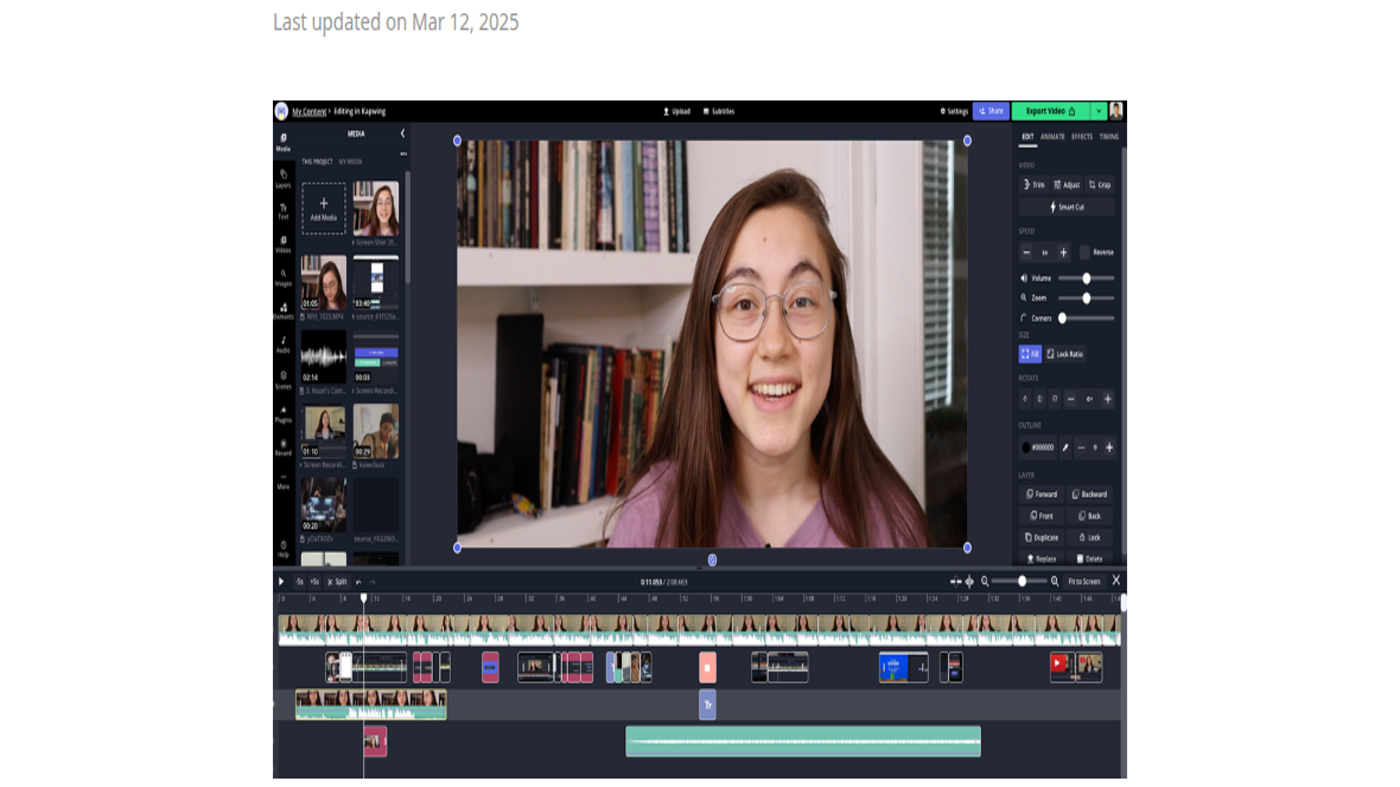
- Kapwing — browser studio with a timeline still; Pro $16 billed annually.
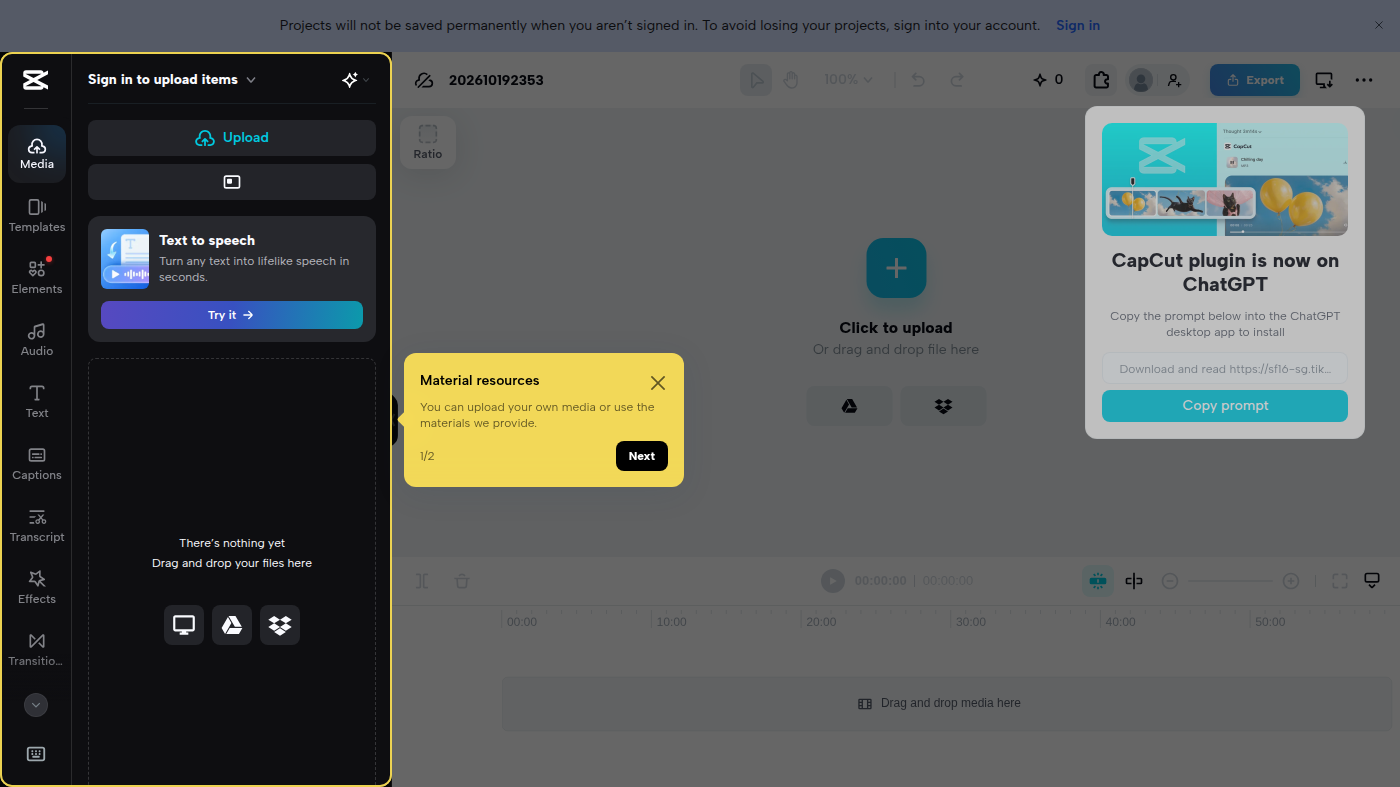
- CapCut — signed-out timeline; Pro USD 19.99/mo.
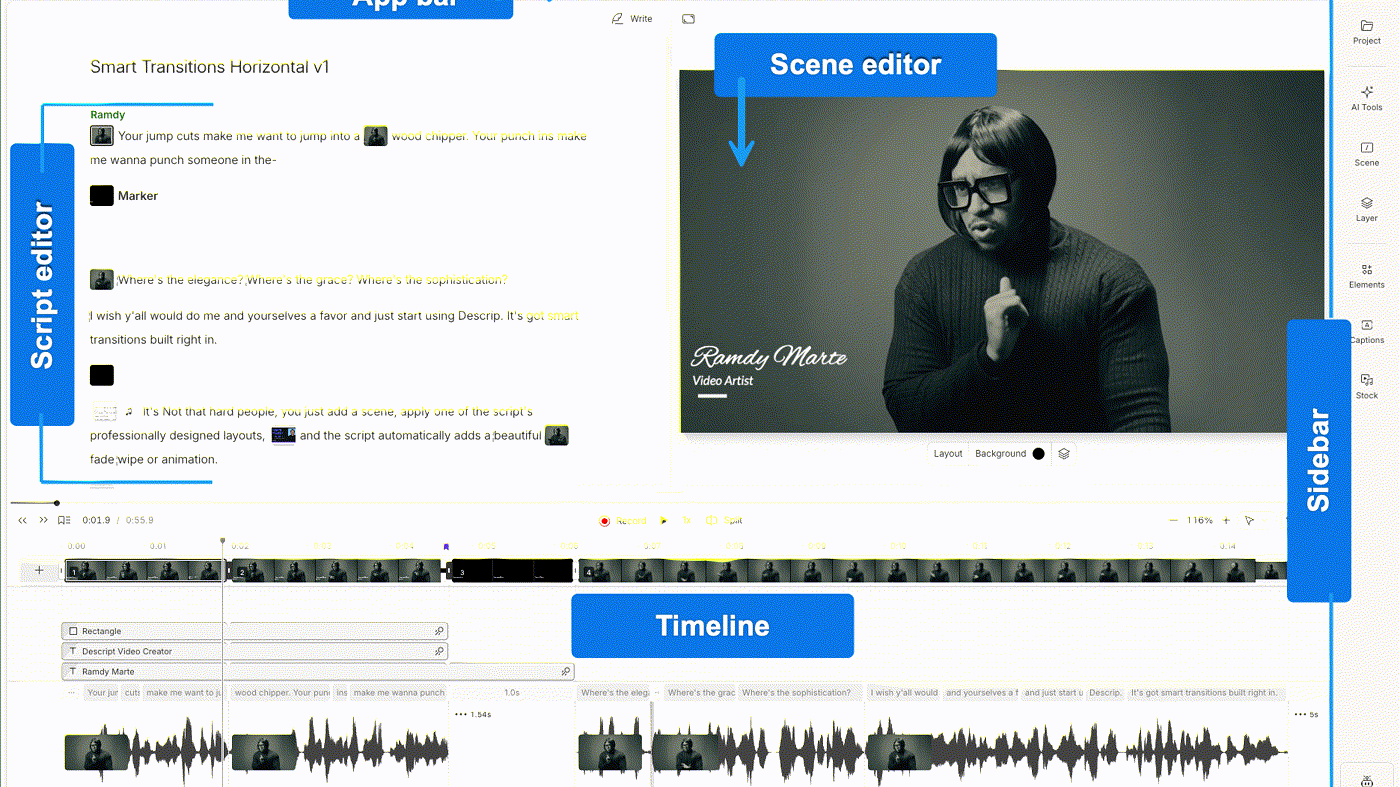
- Descript — edit video by editing a transcript.
Official tutorial
Official VEED STUDIO channel video: How to Edit a Video for Social Media with VEED.IO (oEmbed author: VEED STUDIO).
Written path: VEED plus Pricing.
Website
Source
Catalog row curated for AI Tools Nav. Cover is VEED’s official dashboard (Create a talking video + Featured templates). Dollars checked on veed.io/pricing after JS render (Creator $12/user/mo billed annually; Pro $22; Studio $39). Tutorial: How to Edit a Video for Social Media on @VEEDSTUDIO (oEmbed).
Last verified
2026-10-21 (Asia/Shanghai) editorial check.