Newsletter
Join the Community
Subscribe to our newsletter for the latest news and updates
Prompt-to-video workspace
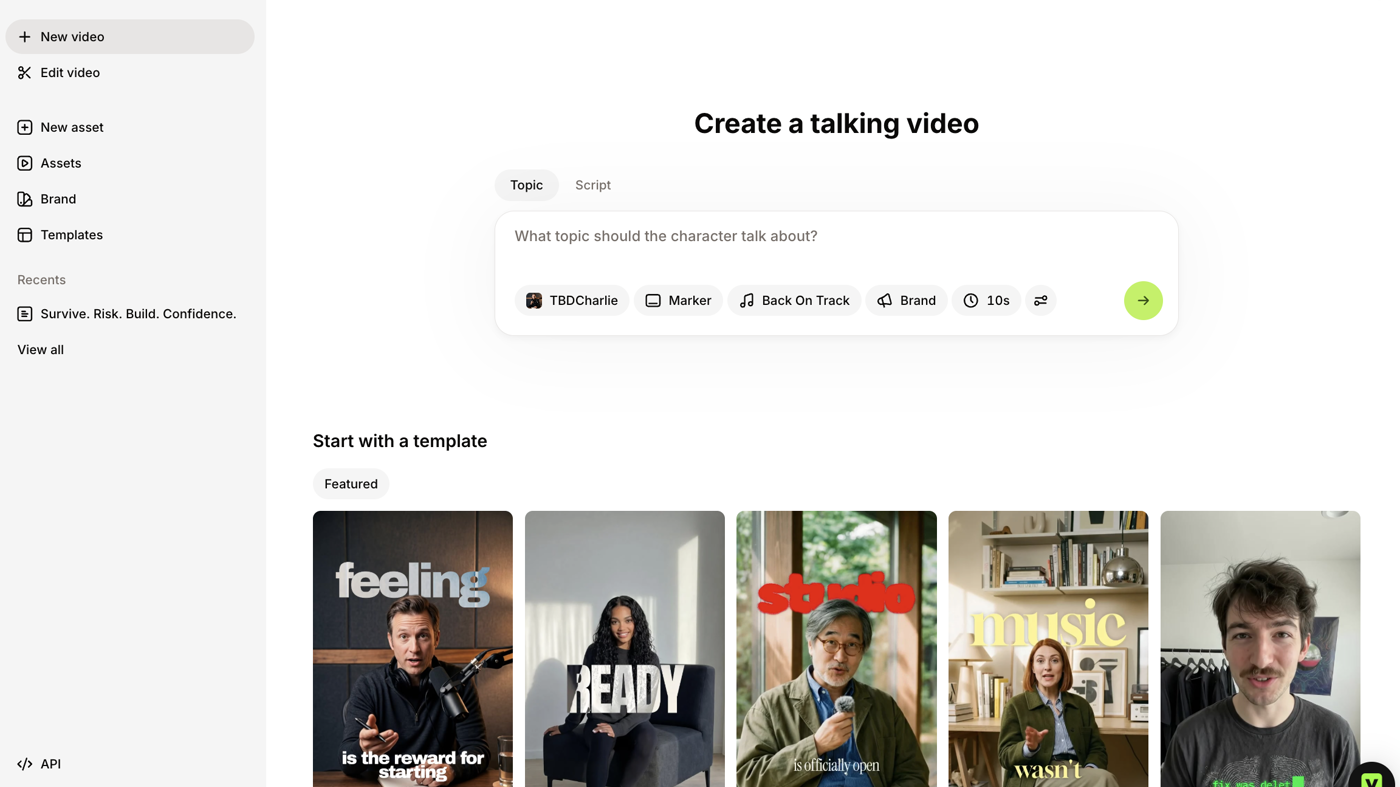
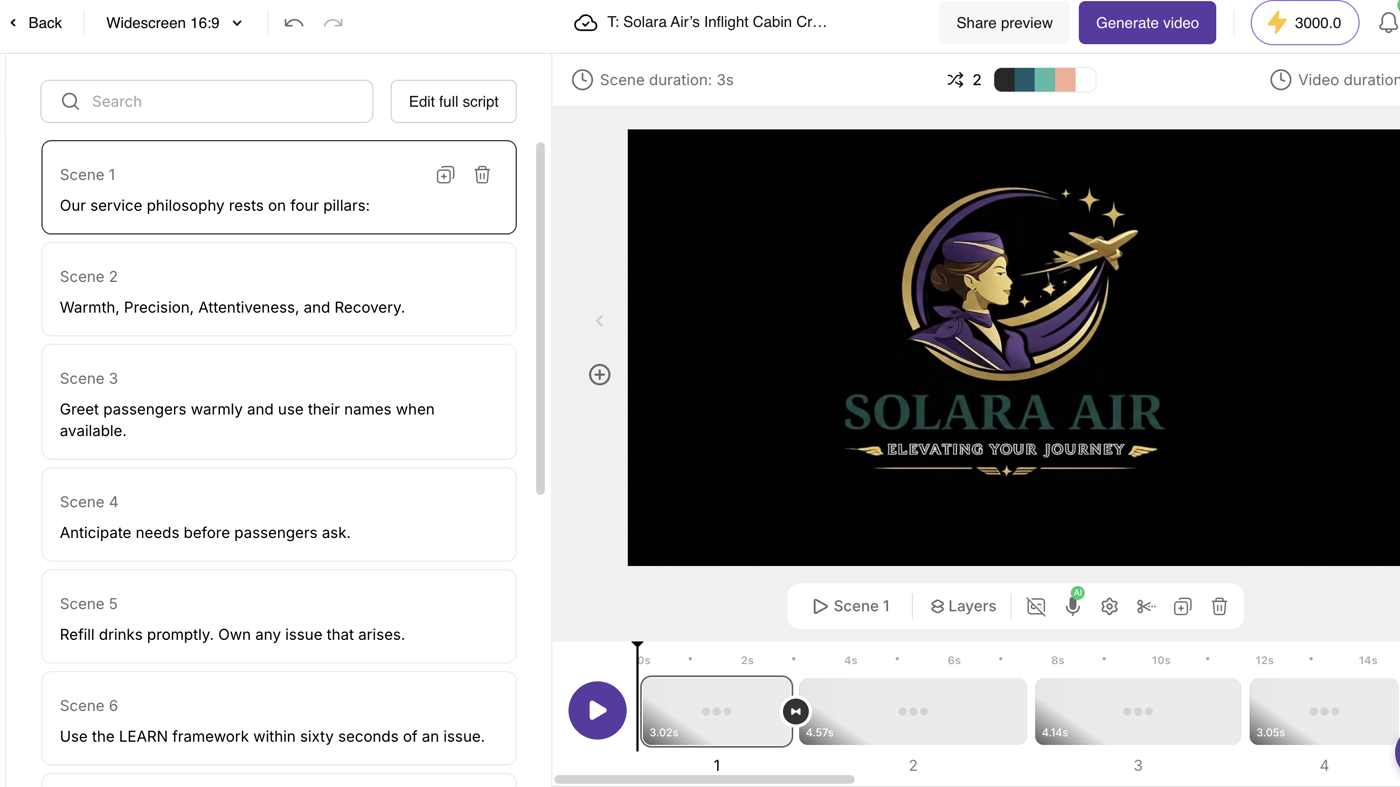
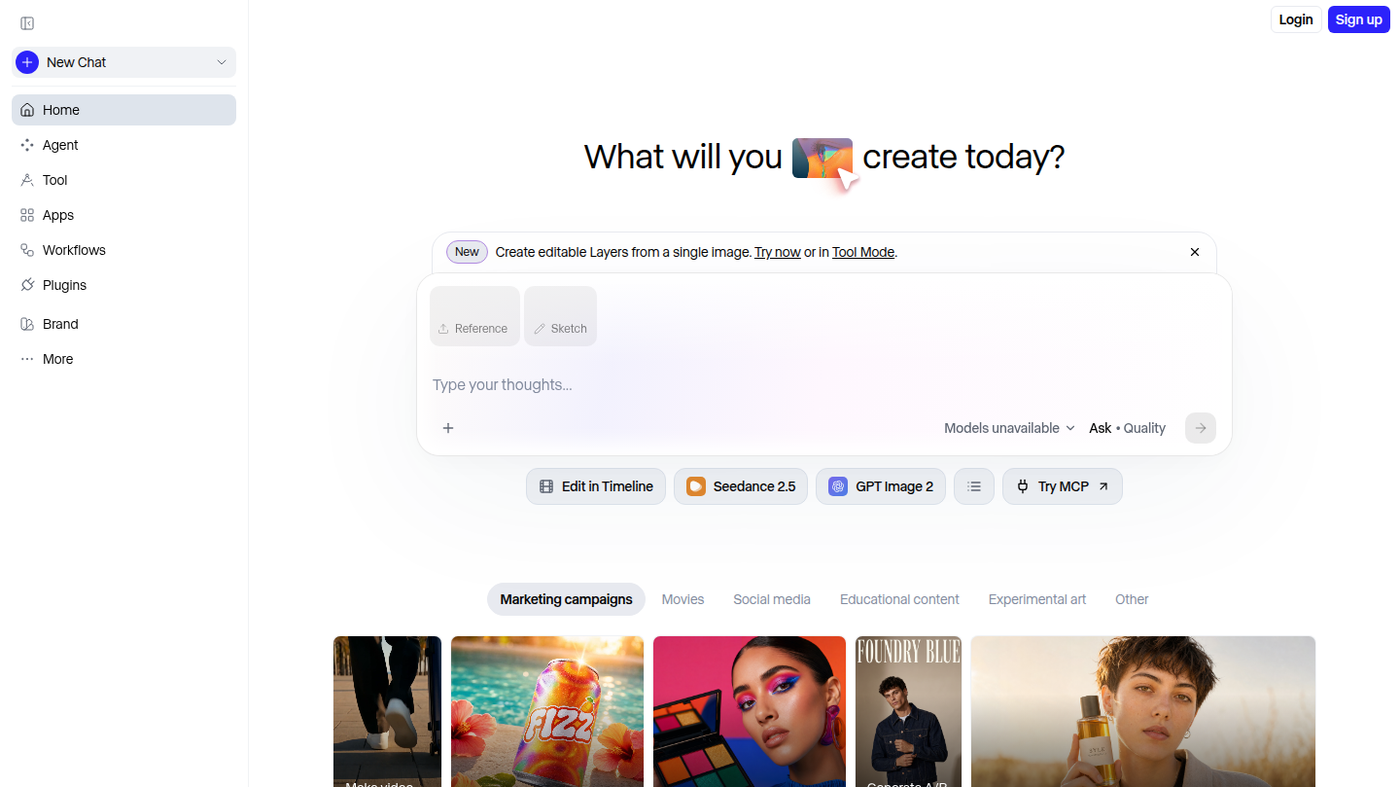
InVideo is a prompt-to-video workspace with a timeline editor: you describe the clip (or open Timeline Editor) and agents assemble stock, voice, and captions. Use it when the job is a finished social or explainer from a prompt, not when you only need a caption overlay.
It is not open source. Paid Starter / Plus / Max cards are public. A watermarked free start is described in official help.
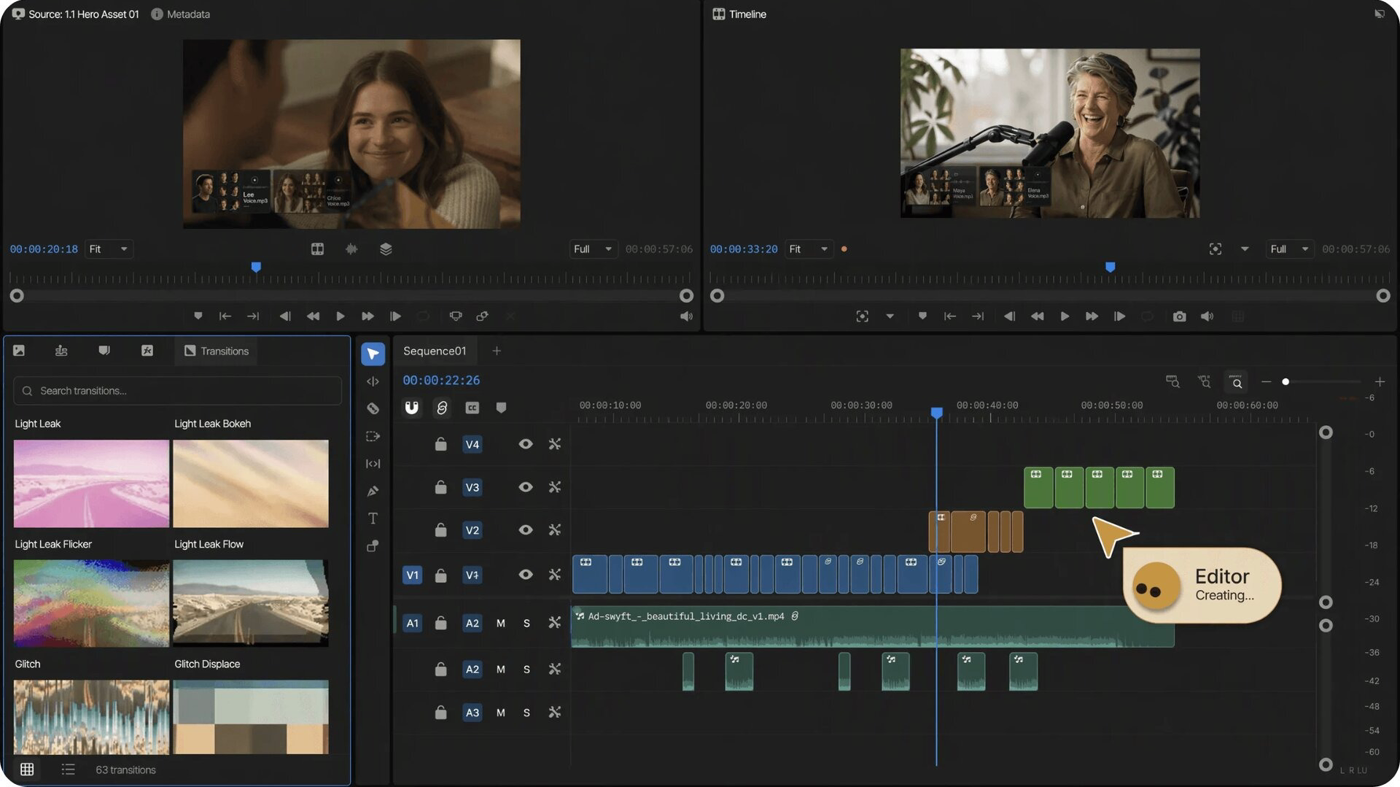
What makes it unique: the cover is InVideo’s official Editor still from Introducing invideo Editor — dual monitors, transition bin, and a multitrack timeline with Editor Creating…
Best fit: marketers who will spend credits on Seedance / Nano Banana generations and then tidy the timeline.
Poor fit: people who only need a transcript cut (Descript) or a free signed-out timeline (CapCut).
Verified 2026-10-21 (Asia/Shanghai) from the live annual cards on invideo.io/pricing. Displayed dollars can vary by region at checkout.
Written official path: How can I use invideo AI? A complete tutorial plus How to get started with invideo Editor, Introducing invideo Editor, and Pricing.
Catalog row curated for AI Tools Nav. Cover is InVideo’s official Editor still from Introducing invideo Editor (dual monitors + timeline). Dollars checked on invideo.io/pricing (Starter $20 / $10 annual; Plus $30 annual; Max $75 annual). Written tutorial: official InVideo help.
2026-10-21 (Asia/Shanghai) editorial check.