aitoolsnav.com

Excalidraw vs Napkin

Our take

Pick Excalidraw if engineers and PMs who will stay on the forever-free OSS editor at $0 (excalidraw.com; no account) while they open a first playground, then Plus at $7/user/month monthly ($6/user/month billed annually) when they need comments, cloud scenes, and presentations — not a $20 chat seat. Pick Napkin if operators and educators who already have the words and need a diagram, not a photo. Skip Napkin if

Excalidraw

Excalidraw

hand-drawn editor playground

Napkin

text-to-visual canvas

Best for

Excalidraw A whiteboard you start at a public $

Napkin A slide-ready diagram from a paragraph

Free plan

Excalidraw $0 · , Free forever (priceMonthly / priceAnnually: “Free forever”). Infinite canvas. Full editor. Invite collaborators by link. PNG / SVG / JSON save-to-file. Personal library stored in the browser. Image uploads: compressed. AI requests: 10 a day. Mermaid to Excalidraw: unlimited. No account on excalidraw.com

Napkin $0 · 500 AI credits/week; unlimited editing and PNG/PDF export; Napkin branding on visuals

Lowest paid

Excalidraw Plus $7/user/mo

Napkin Plus $9/mo

Next step up

Excalidraw

Napkin Pro $22/mo

Watch out

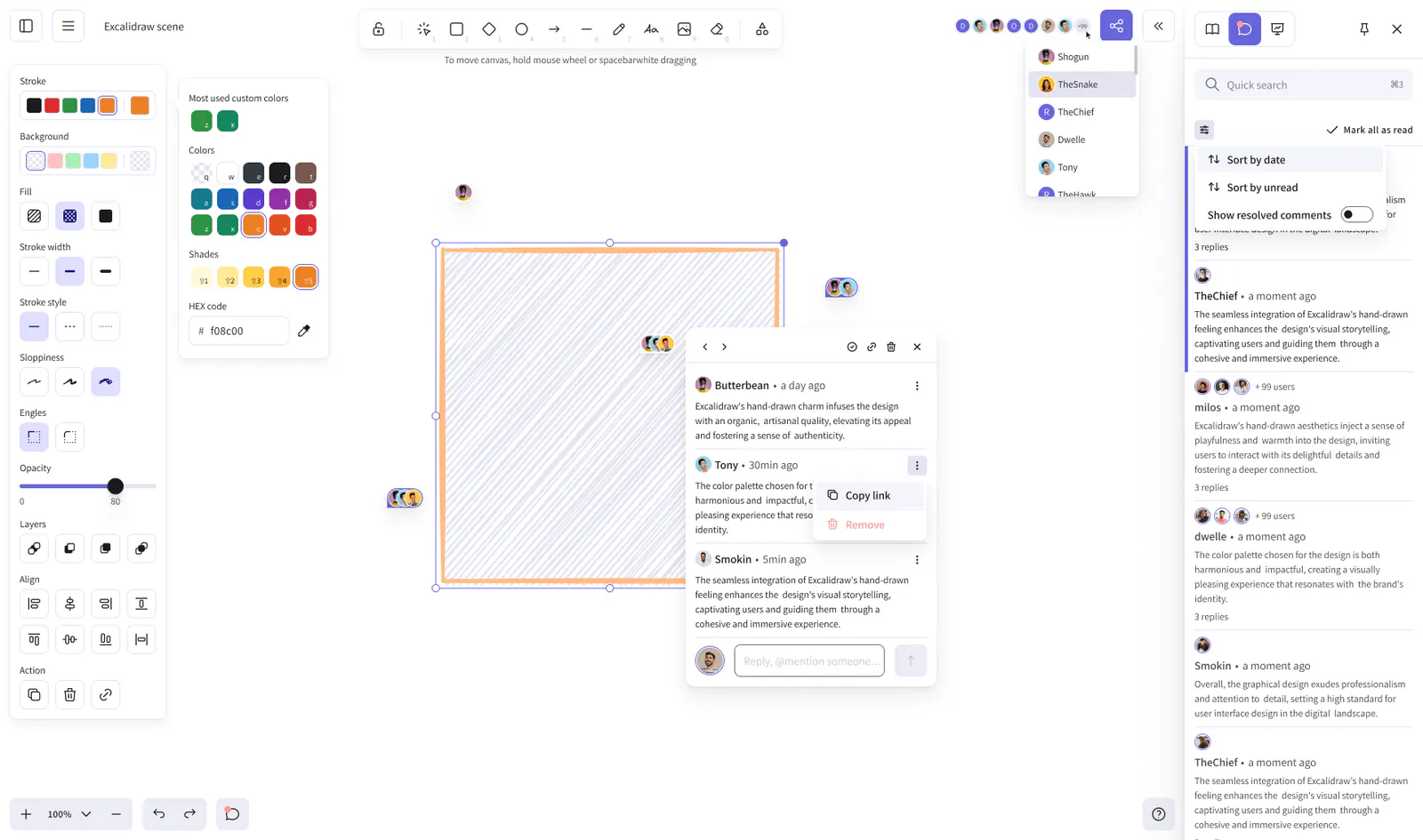
Excalidraw Comments, cloud scenes, and presentations print on Plus

Napkin Credits are per selected word

Last checked

Excalidraw 2026-10-23 · plus.excalidraw.com/pricing

Napkin 2026-10-21 · napkin.ai/pricing

Which one, then?

Pick Excalidraw if

engineers and PMs who will stay on the forever-free OSS editor at $0 (excalidraw.com; no account) while they open a first playground, then Plus at $7/user/month monthly ($6/user/month billed annually) when they need comments, cloud scenes, and presentations — not a $20 chat seat.

Read the Excalidraw page

Pick Napkin if

operators and educators who already have the words and need a diagram, not a photo.

Read the Napkin page

Other comparisons