Newsletter
Join the Community
Subscribe to our newsletter for the latest news and updates
Live Chrome meeting transcript + Ask AI
Real-time Meeting Transcription with Tactiq Chrome Extension — official Tactiq channel. Official Tactiq Chrome extension walkthrough.
Tactiq is a Chrome live-transcript panel: it sits beside Google Meet / Zoom / Teams and turns the call into a transcript you can Ask Tactiq AI about while you are still in the room. Use it when the job is in-meeting answers from the live transcript, not when you need a DAW.
It is not open source. Free exists ($0). Pro is the first public paid card.
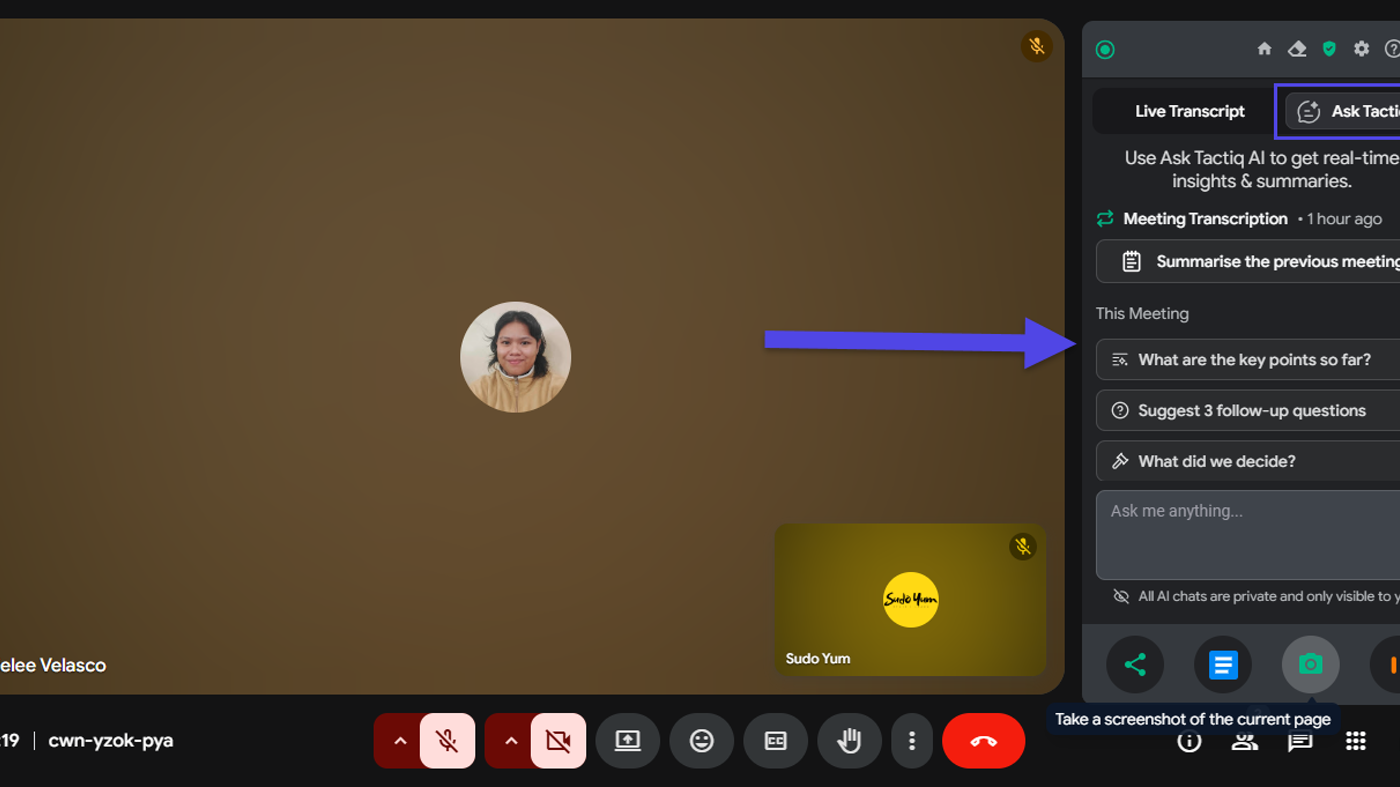
What makes it unique: the cover is Tactiq’s official Ask Tactiq AI widget from the help center — Live transcript / Ask Tactiq tabs, plus the in-meeting prompts What are the key points so far?, Suggest 3 follow-up questions, and What did we decide?
Best fit: people already in Chrome meetings who want the transcript beside the call and will pay when the 10-transcript cap hits.
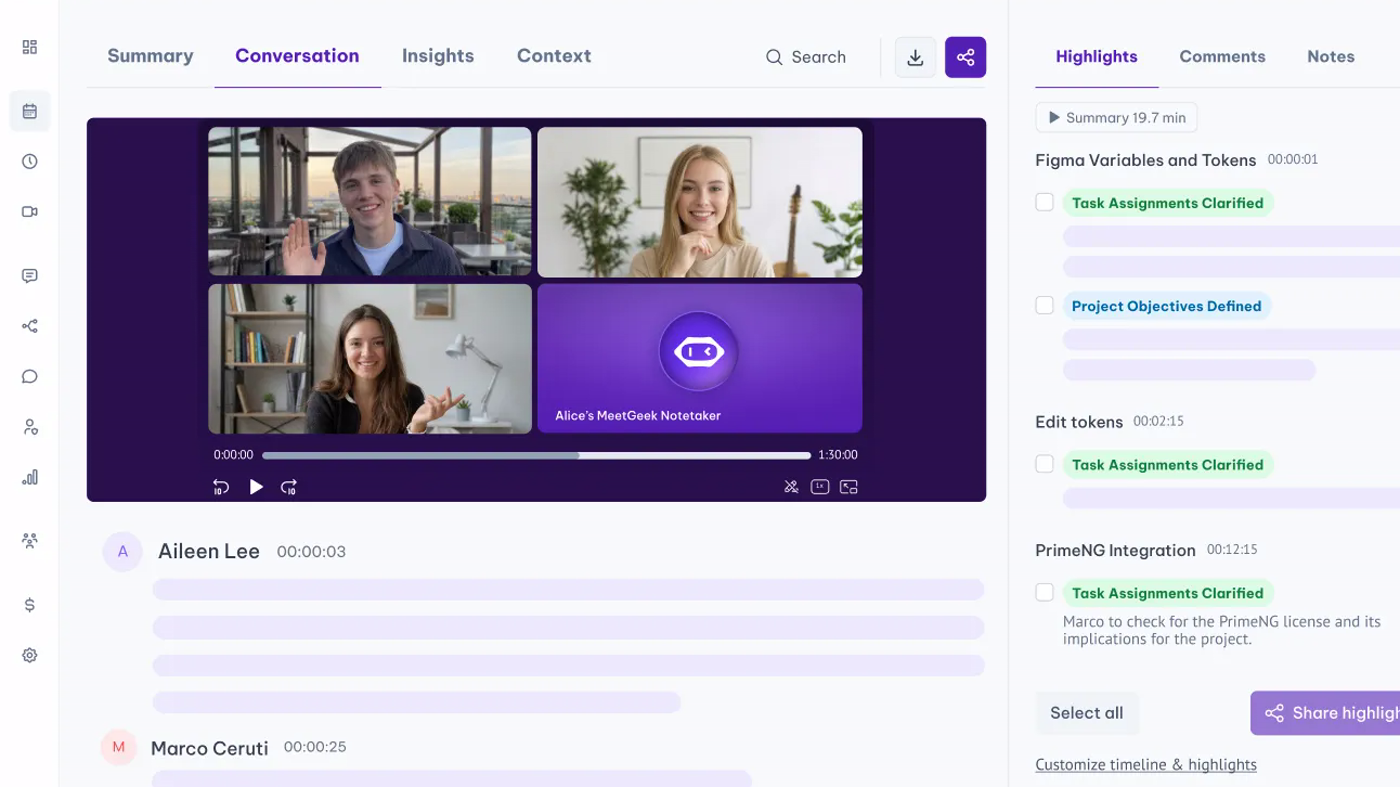
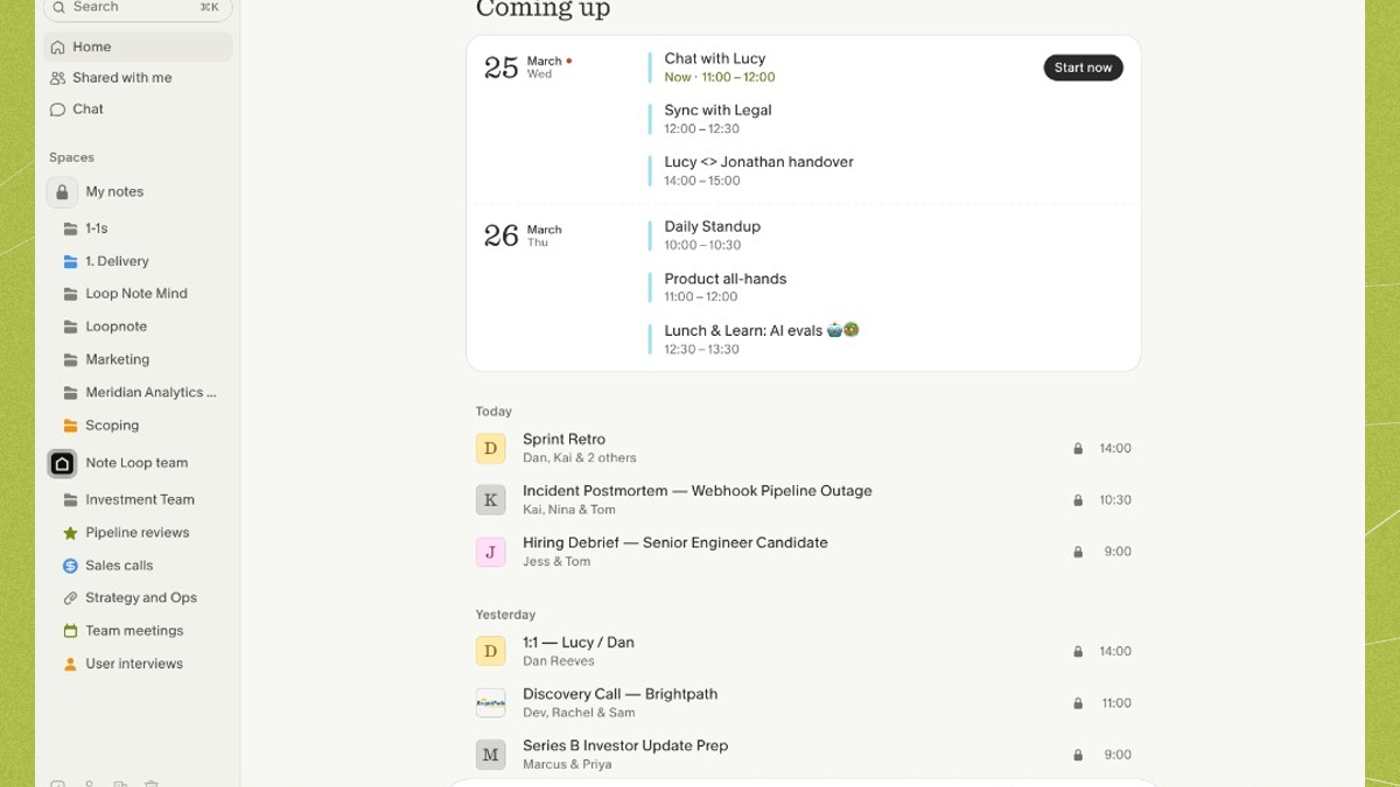
Poor fit: people who want a calendar bot with hour meters (MeetGeek) or a bot-free notepad (Granola).
Verified 2026-10-22 (Asia/Shanghai) from the live annual cards on tactiq.io/buy plus How to choose the right Tactiq plan. Displayed dollars can vary by region at checkout.
Official Tactiq channel video: Real-time Meeting Transcription with Tactiq Chrome Extension (oEmbed author: Tactiq).
Written path: How to use Ask Tactiq AI in your meetings plus How to choose the right Tactiq plan and Pricing.
Catalog row curated for AI Tools Nav. Cover is Tactiq’s official Ask Tactiq AI widget from How to use Ask Tactiq AI in your meetings (Meet canvas + suggested prompts). Dollars checked on tactiq.io/buy (Free $0; Pro $8 annual; Team $16.67; Business $29.17) and the help table (monthly $12 / $20 / $40). Tutorial: Real-time Meeting Transcription on @Tactiq-vlog (oEmbed).
2026-10-22 (Asia/Shanghai) editorial check.