Newsletter
Join the Community
Subscribe to our newsletter for the latest news and updates
Process-doc capture
Best for enablement teams who will stay on Basic ($0) for browser SOPs and only buy Pro Personal when they need…
Verified 22 Oct 2026 · Asia/Shanghai
Pricing. Basic — $0.
Decide
Full notes belowHow It Works: Scribe Capture — official getting-started — official Scribe channel. Official Scribe Capture getting-started.
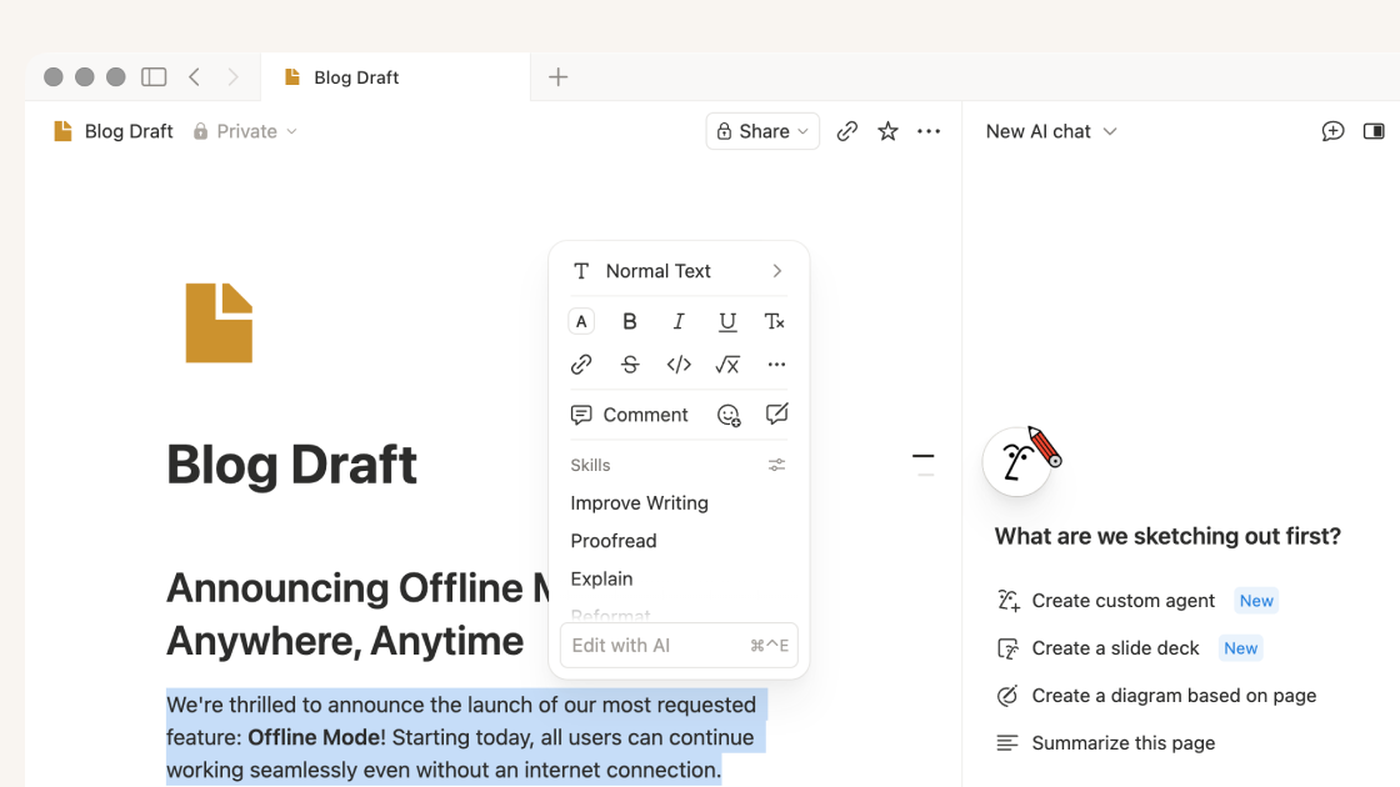
Writing, Q&A, and agents inside Notion pages
Best for Productivity · Writing
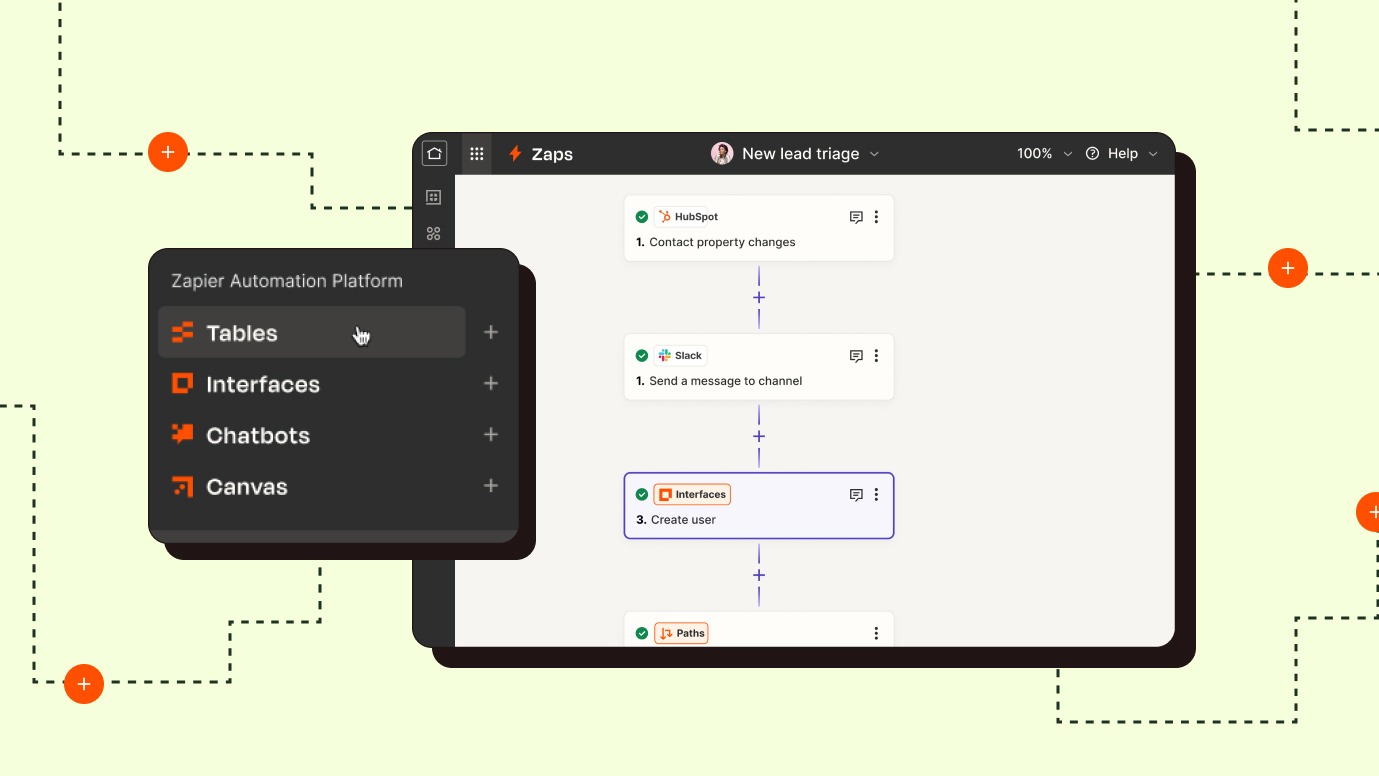
Hosted no-code automation for 9,000+ apps
Best for Productivity
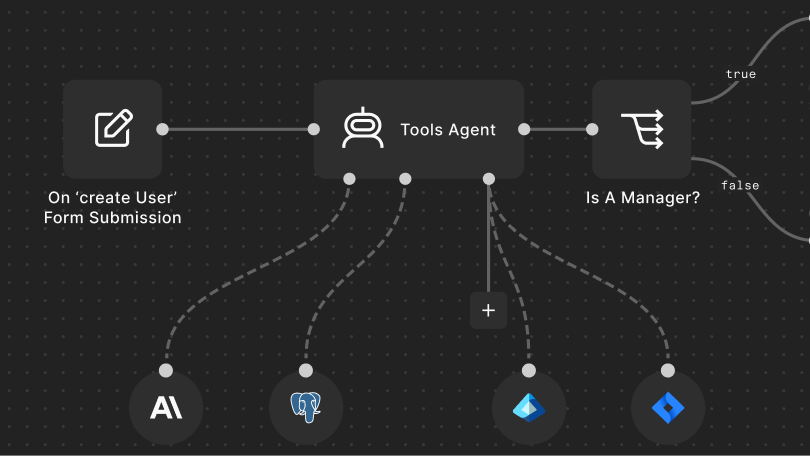
Fair-code workflow and AI-agent builder: self-host Community Edition or run n8n Cloud with…
Best for Code / Agents · Productivity
Scribe is a process-doc desk: start a capture, walk the clicks, and get a step guide with screenshots you share as a link. Use it when the job is a written SOP from a real click-path, not when you need a hosted talking-head video.
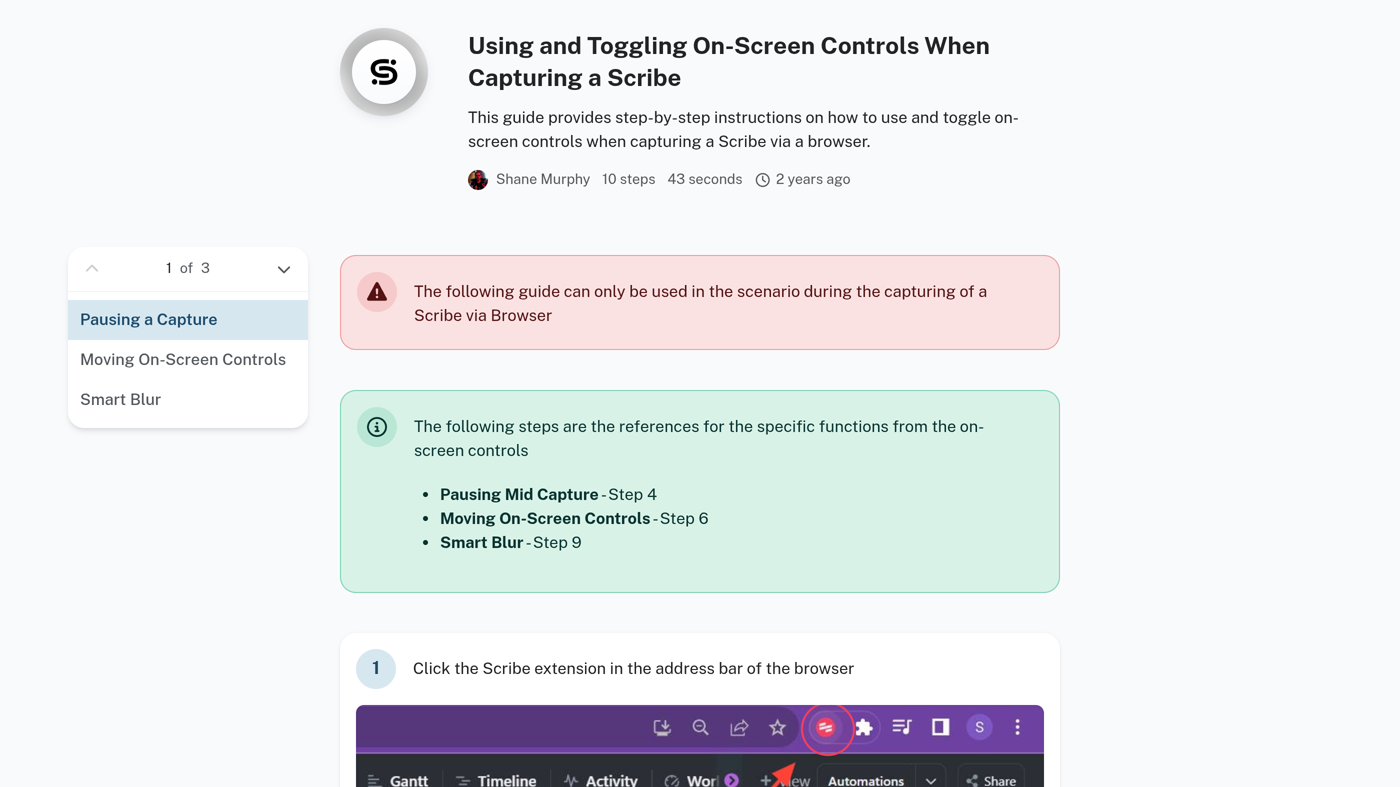
What makes it unique: the cover is Scribe’s own official viewer — Using and Toggling On-Screen Controls When Capturing a Scribe (Pause / Smart Blur steps plus the Chrome toolbar still) — not a pricing card.
PDF / HTML / Markdown export and company branding sit on Pro share. Chrome / Edge / desktop apps are install. Seats are the meter. Document import (PDF / Word → a Scribe) is an input variant of creating a guide.
Best fit: enablement teams who will stay on Basic ($0) for browser SOPs and only buy Pro Personal when they need desktop capture and screenshot redaction.
Verified 2026-10-22 (Asia/Shanghai) from the live scribehow.com/pricing cards with Yearly Save 20% selected. Per seat. All prices USD.
The Monthly toggle exists on that page. This check used the Yearly cards ($25 / $23). Confirm checkout if Yearly is off — do not invent a monthly dollar from a 20% back-solve.
A Pro upgrade applies to the whole team on that workspace. Desktop capture is Pro and Enterprise only.
Official Scribe channel video: How It Works: Scribe Capture (oEmbed author: Scribe).
Written path: How to capture a Scribe plus Pricing.
Catalog row curated for AI Tools Nav. Cover is Scribe’s official viewer for Using and Toggling On-Screen Controls (step list + Chrome toolbar still). Dollars checked on scribehow.com/pricing yearly cards (Basic $0; Pro Personal $25; Pro Team $23/seat). Tutorial oEmbed author: Scribe.
2026-10-22 (Asia/Shanghai) editorial check.