Newsletter
Join the Community
Subscribe to our newsletter for the latest news and updates
Background remover
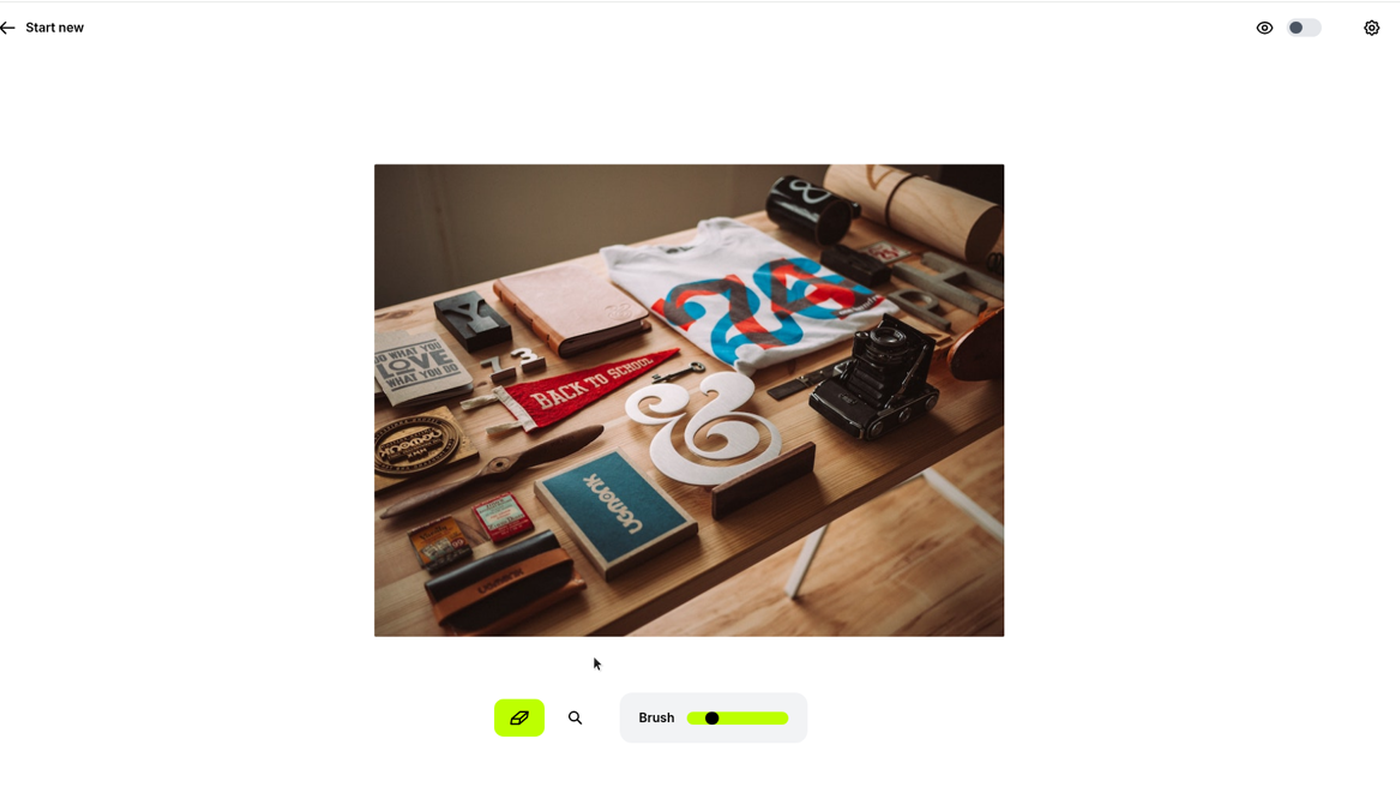
How to Use Photoroom — official Photoroom channel. Official product walkthrough of the PhotoRoom editor.
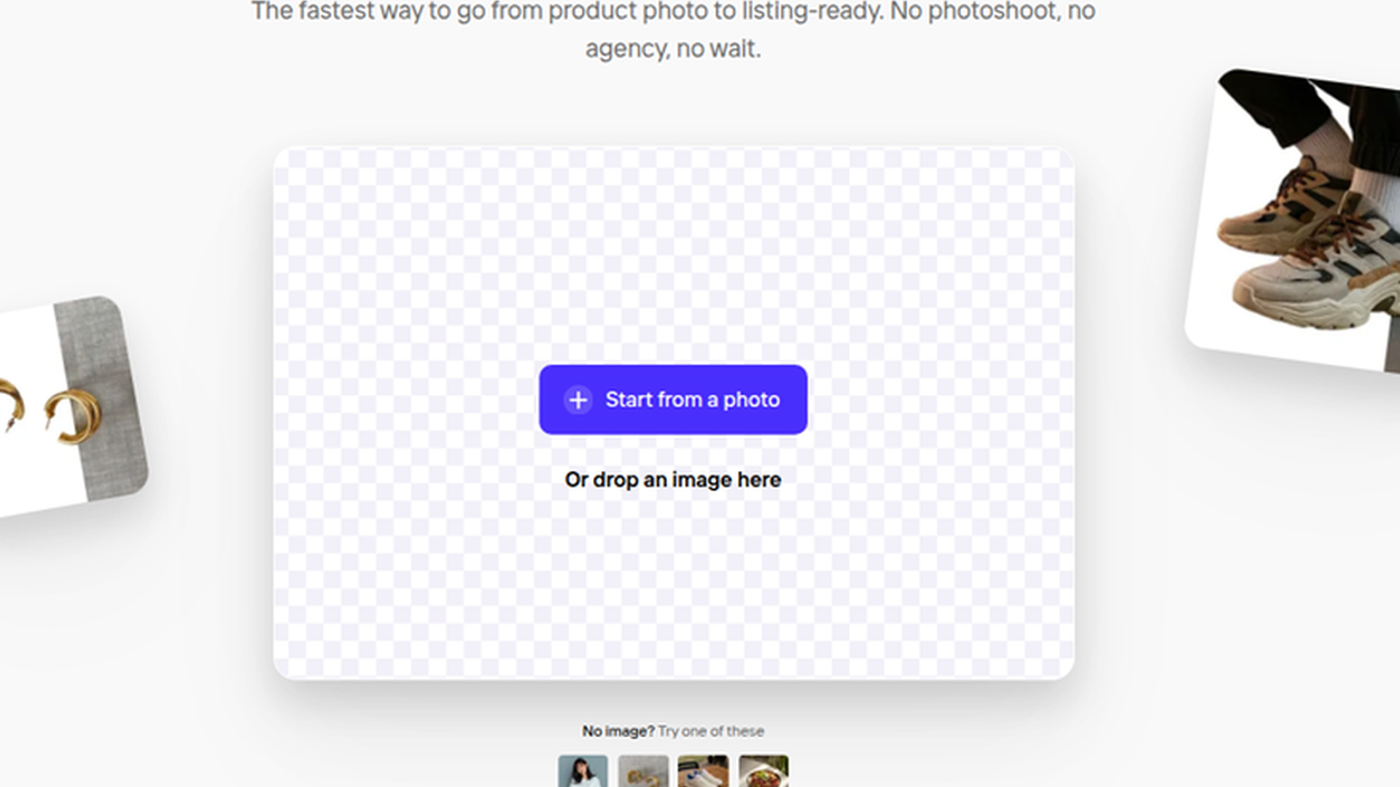
PhotoRoom is a product-photo editor: the signed-out Background Remover (see the cover: checkerboard drop zone, Start from a photo) is the tool. Use it when the job is cut a product out and export a listing image, not when you only need a one-click object erase.
It is not open source. A free signed-out remover exists. Pro is the first public dollar card we could copy in full.
What makes it unique: the cover is the live photoroom.com/tools/background-remover drop zone — a real upload UI, not a wordmark.
Best fit: sellers who need listing-ready cutouts and will pay Pro for credits/exports.
Poor fit: people who only want a 720px object erase (Cleanup.pictures) or a generative art studio (Krea).
Verified 2026-10-21 (Asia/Shanghai) from photoroom.com/pricing on the Yearly toggle. Max / Ultra dollar amounts were not in the fetched HTML (JS). Do not invent them. Re-check the live cards.
VAT/GST is included on the FAQ we copied. Mobile store prices can differ from desktop.
Official Photoroom channel video: How to Use Photoroom.
Written path: Quick guide to workflows (Web App) plus Pricing.
Catalog row is curated (2026-10-21). Cover is the live Background Remover drop zone, not a catalog poster. Dollars checked on photoroom.com/pricing (Pro $7.50/mo billed yearly). Tutorial: How to Use Photoroom on Photoroom.
2026-10-21 (Asia/Shanghai) editorial check.