Photopea
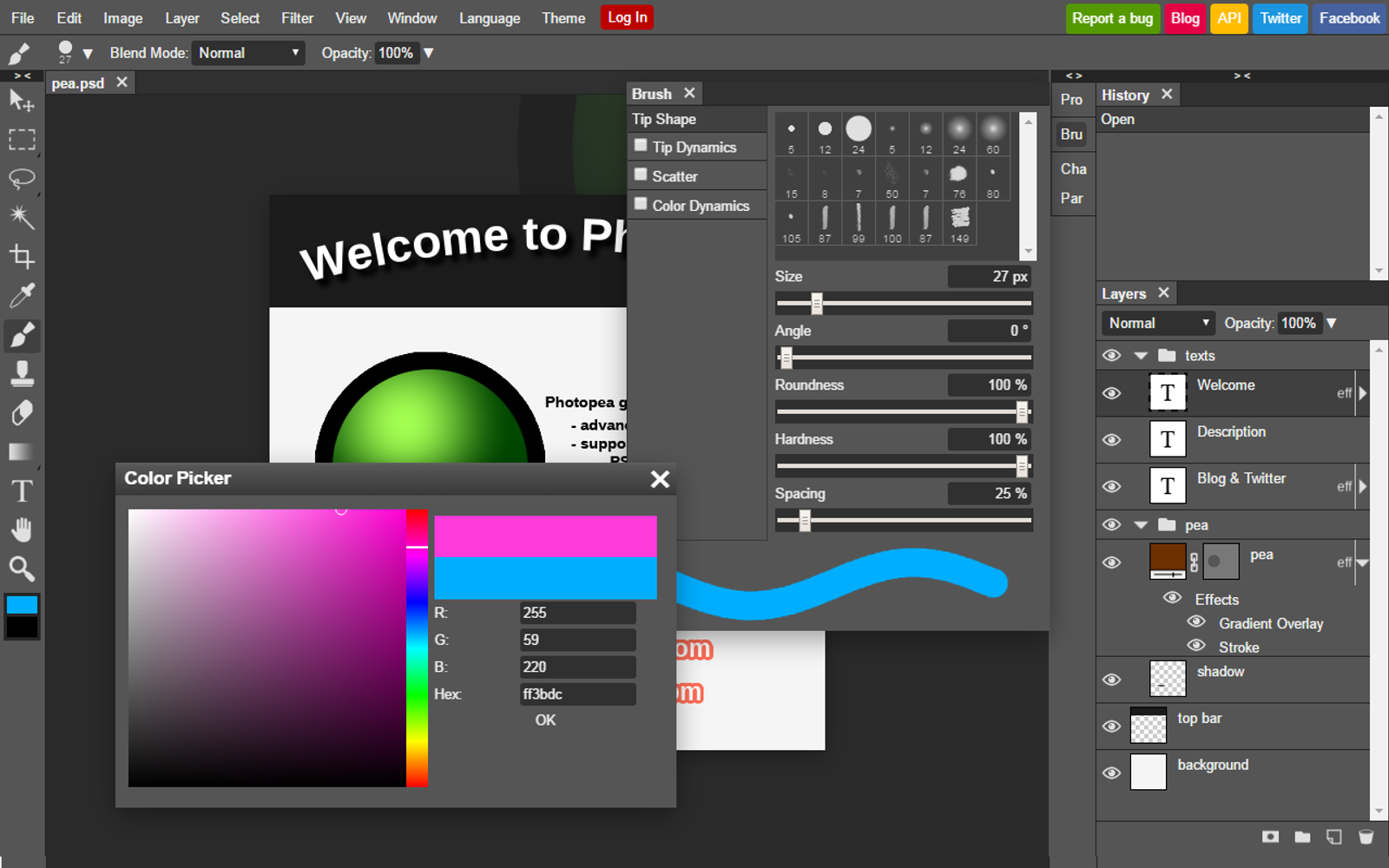
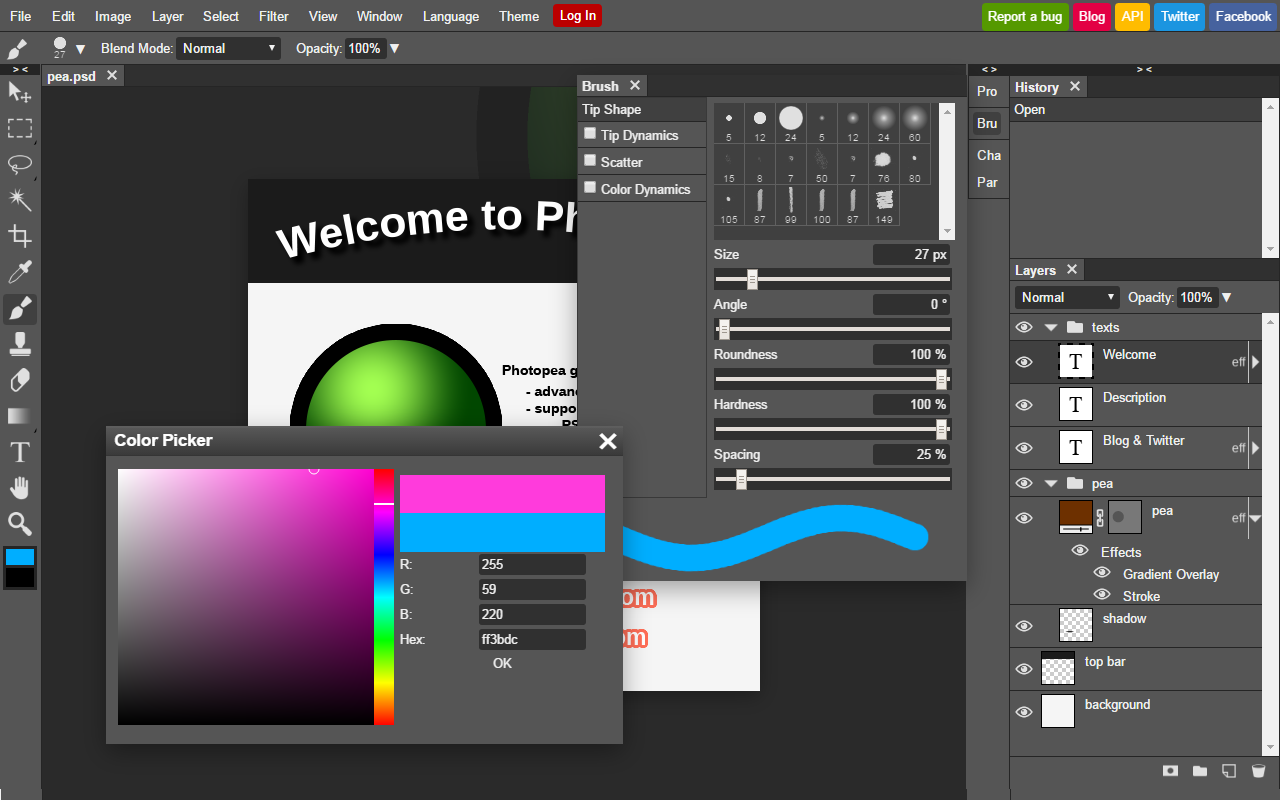
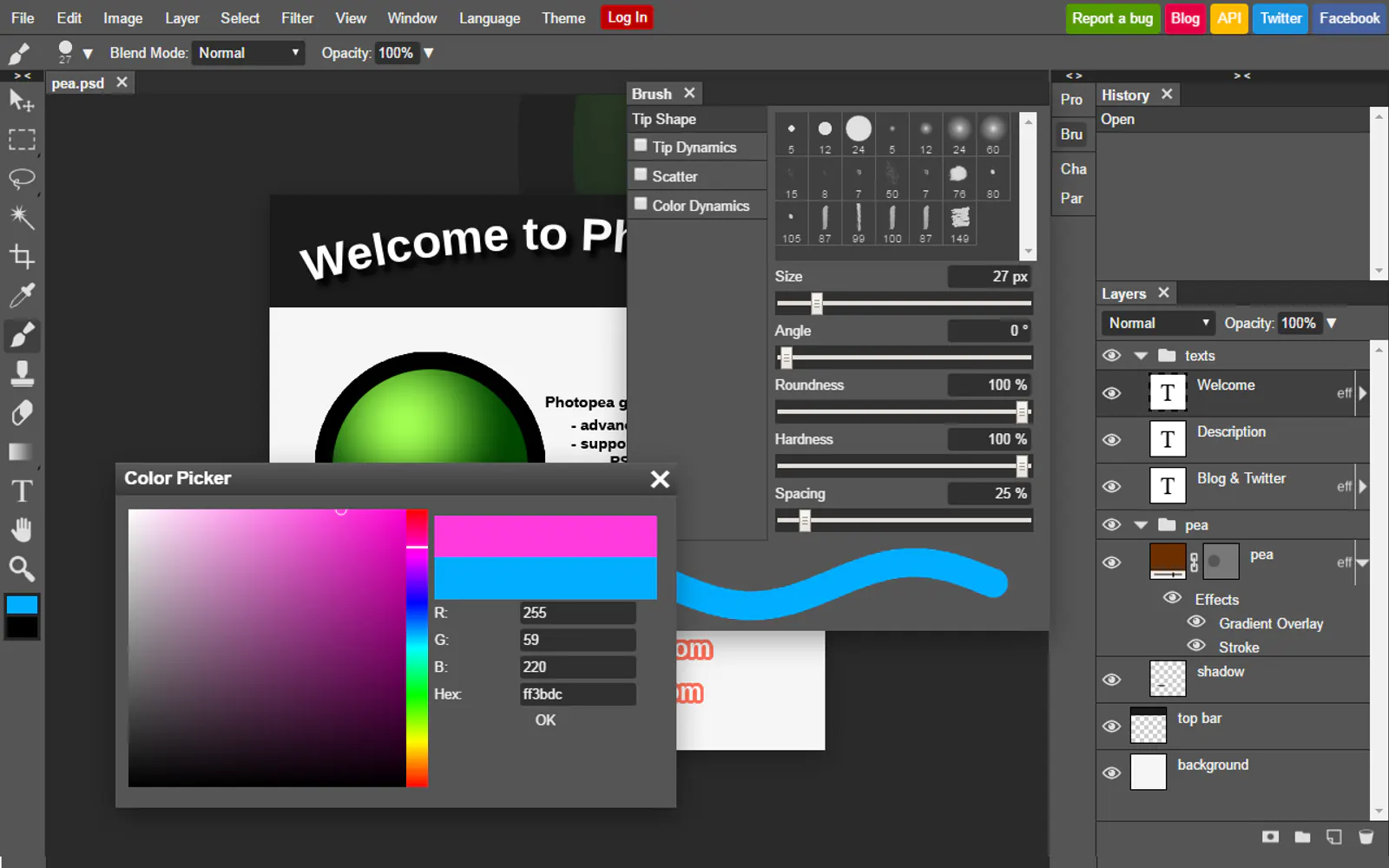
Photopea is a browser layered image editor: open a PSD, paint on a layer, and use the same menus as Photoshop.
OUR TAKE
Pick Photopea for people who will live on Free $0 and tolerate ads — not Pixelmator Pro first unless they want a native Mac seat. Ads on Free.
Good fit
People who will live on Free $0 and tolerate ads — not Pixelmator Pro first unless they want a native Mac seat.
Poor fit
Free · Premium €8
USD, before tax · Checked 2026-10-26 · photopea.com
OUR TAKE
Pick Photopea for people who will live on Free $0 and tolerate ads — not Pixelmator Pro first unless they want a native Mac seat. Ads on Free. That is the usage cost.
Good fit
People who will live on Free $0 and tolerate ads — not Pixelmator Pro first unless they want a native Mac seat.
Poor fit
Free · Premium €8
USD, before tax · Checked 2026-10-26 · photopea.com
What it costs
USD, before tax · Checked 2026-10-26 · photopea.com
Free
All editing features; ads
$0
Premium
sold in the Account window as prepaid days. We did not fetch that panel. Do not copy third-party / / figures into this page until someone screenshots Account
Lowest paid
€8
The product is not OSS.
Not published by the vendor
Not published by the vendor
Checked 2026-10-26·photopea.com
Before you pay
Good fit
People who will live on Free $0 and tolerate ads — not Pixelmator Pro first unless they want a native Mac seat.
Watch out
Ads on Free. That is the usage cost.
Instead, try
Pixelmator Pro if native Mac editor; MAS $49.99 / Creator Studio public $; Adobe Firefly if generate-first; Standard US$9.99/mo
Compare Photopea with
Limits, in full
- 01
Ads on Free. That is the usage cost.
- 02
No public Premium $ HTML. Do not invent one.
- 03
Not Photoshop CC. A browser clone, not an Adobe seat.
If Photopea isn't it
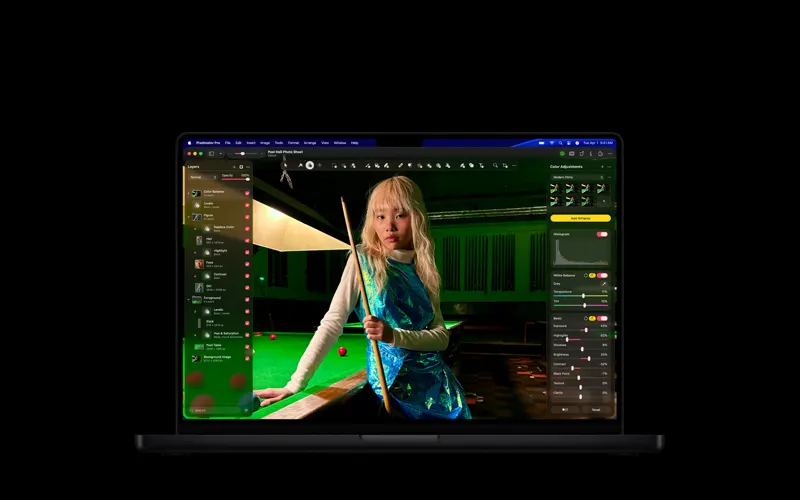
Why: native Mac editor; MAS $49.99 / Creator Studio public $.
Paid only$49.99
macOS 26 / iPadOS 26Checked 2026-10-26·pixelmator.com/pro
vs Photopea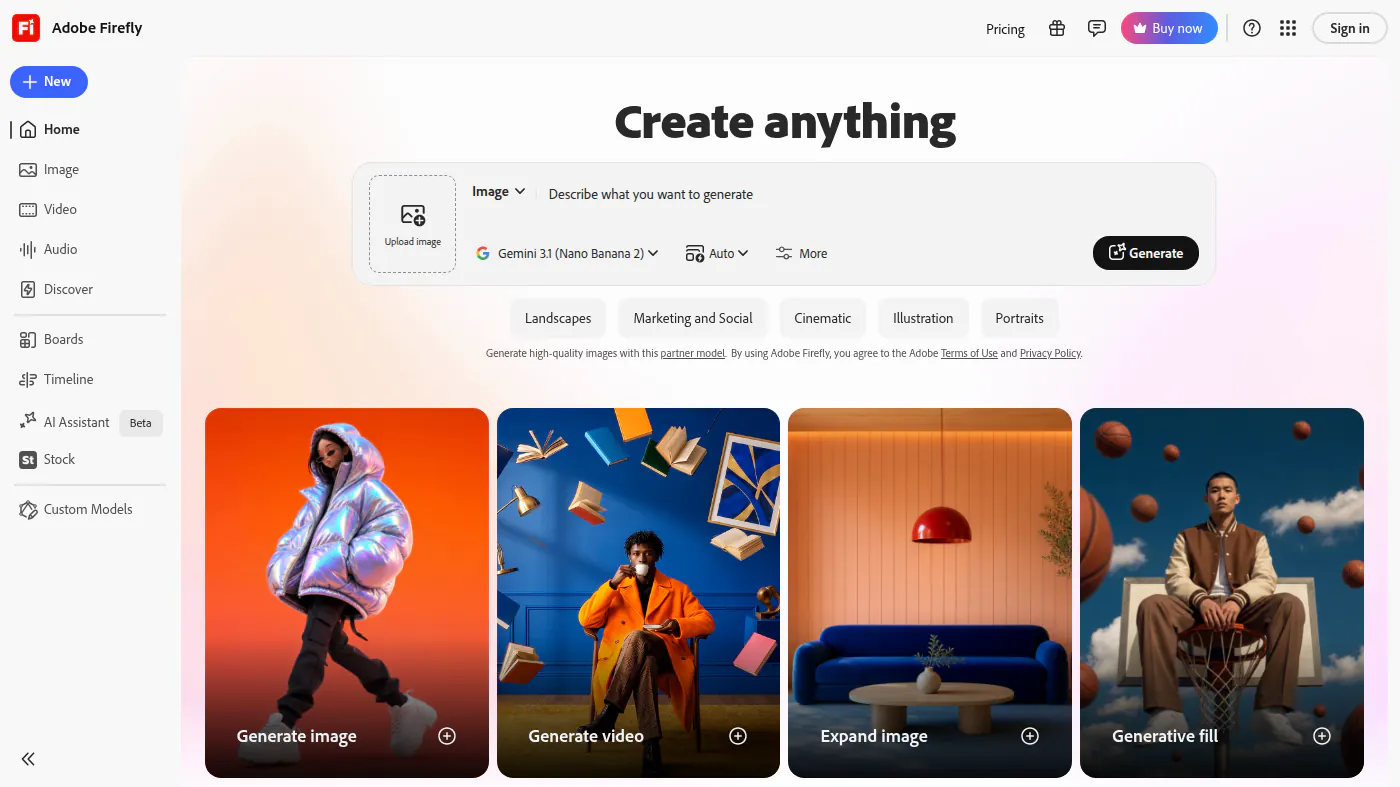
Why: generate-first; Standard US$9.99/mo.
Paid only$9.99/mo
Credits and model mix changeChecked 2026-10-20·adobe.com/products/firefly/plans.html
vs Photopea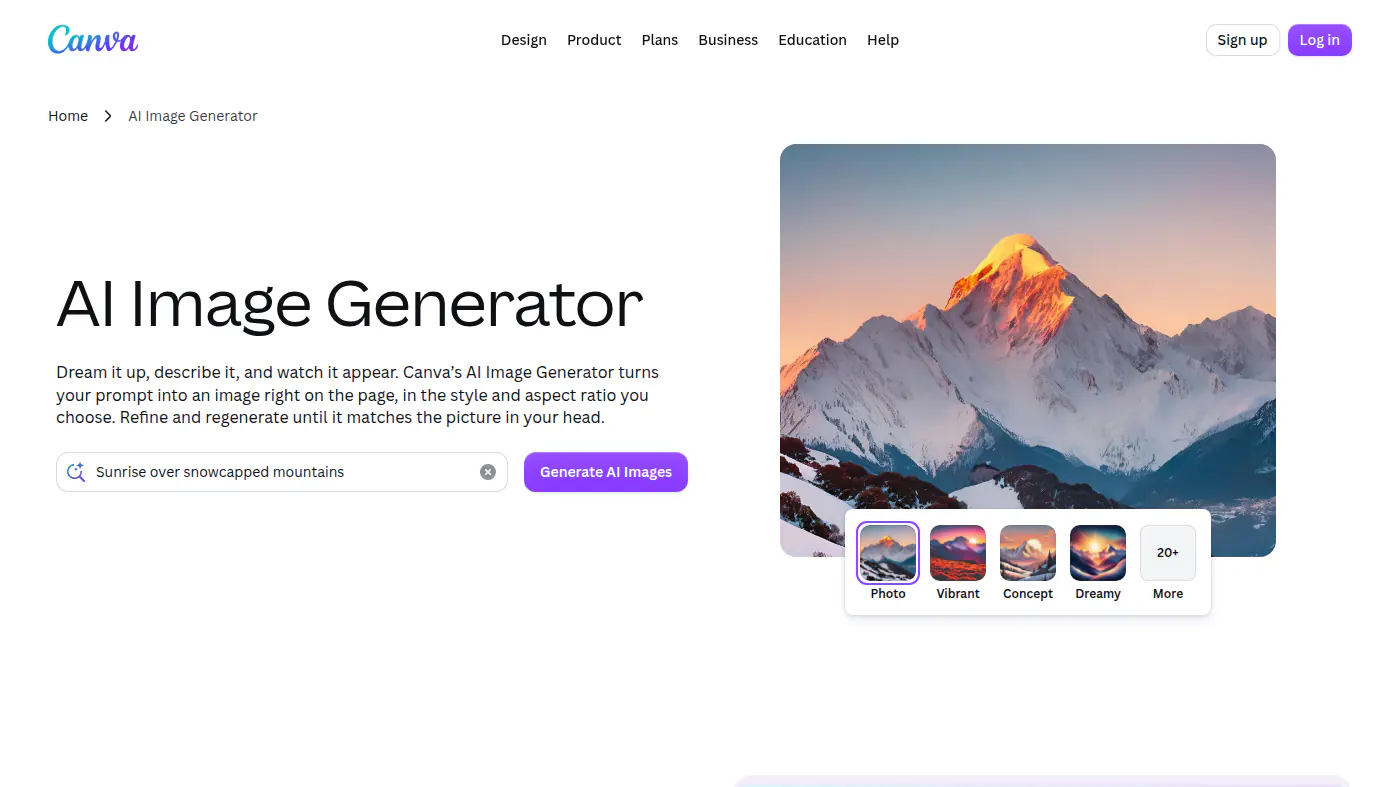
Why: templates; Pro US$144/yr.
Free· paid from$144/yr
Free is not ProChecked 2026-10-20·canva.com/pricing
vs PhotopeaLimits & alternatives3 limits · Pixelmator Pro, Adobe Firefly, Canva instead
Limits, in full
- 01
Ads on Free. That is the usage cost.
- 02
No public Premium $ HTML. Do not invent one.
- 03
Not Photoshop CC. A browser clone, not an Adobe seat.
If Photopea isn't it
Why: native Mac editor; MAS $49.99 / Creator Studio public $.
Paid only$49.99
macOS 26 / iPadOS 26Checked 2026-10-26·pixelmator.com/pro
vs PhotopeaWhy: generate-first; Standard US$9.99/mo.
Paid only$9.99/mo
Credits and model mix changeChecked 2026-10-20·adobe.com/products/firefly/plans.html
vs PhotopeaWhy: templates; Pro US$144/yr.
Free· paid from$144/yr
Free is not ProChecked 2026-10-20·canva.com/pricing
vs Photopea