Newsletter
Join the Community
Subscribe to our newsletter for the latest news and updates
Cloud Chromium for agents
Stay logged in across browser sessions with Kernel Profiles — official Kernel channel. Official Kernel Profiles walkthrough: save login state across sessions.
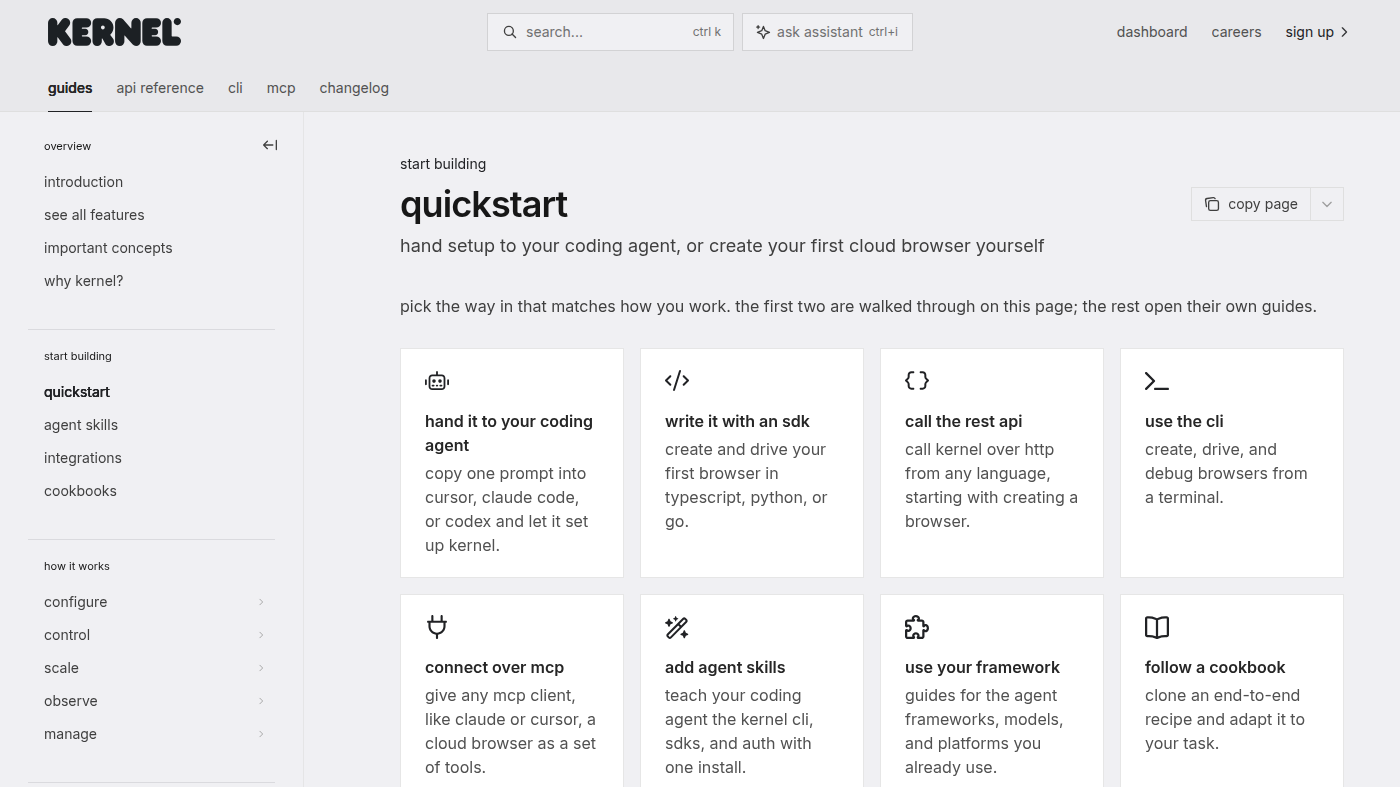
Kernel is cloud Chromium infrastructure for agents: the official docs still (see the cover: quickstart cards — hand it to a coding agent, write it with an SDK, call the REST API, use the CLI) is the getting-started surface. Use it when the job is spin an isolated browser with profiles and live view, not when you need a scrape-to-markdown credit pack.
It is not open source as a product. Images and SDKs are public. Developer is $0 + usage. Hobbyist is the first public paid card.
What makes it unique: the cover is Kernel’s own Quickstart with four concrete start paths — not a homepage loop.
Best fit: agent platforms that need fast session create and will pay per second.
Poor fit: people who want a no-code general agent (Manus) or a query-language scraper (AgentQL).
Verified 2026-10-22 (Asia/Shanghai) from kernel.sh/docs/info/pricing. Re-check before you buy.
Per-second rates on the same page: headless $0.0000166667/sec ($0.06/hour); headful $0.0001333336/sec ($0.48/hour); headful + GPU $0.0008000016/sec.
The docs say you are never charged for proxies. Included credits apply to usage only.
Official Kernel channel video: Stay logged in across browser sessions with Kernel Profiles (oEmbed author: Kernel).
Written path: Quickstart plus Pricing.
https://github.com/onkernel/kernel-images
Catalog row curated for AI Tools Nav. Cover is the official Quickstart (four start-path cards). Dollars checked on kernel.sh/docs/info/pricing (Developer $0 + $5; Hobbyist $30; Start-Up $200). Tutorial: Kernel Profiles on @trykernel (oEmbed).
2026-10-22 (Asia/Shanghai) editorial check.