aitoolsnav.com

ForkLift vs Hazel

Our take

Pick ForkLift if mac users who will buy Single US$19.95 (1yr updates) after they browse a first local+remote pair — then Family US$29.95 or 2-year US$34.95 if they want that window, not Transmit US$45 first unless they want Panic’s cloud connector list, and not if they need Windows. Pick Hazel if mac users on macOS 13+ who will run the trial while they file a first Downloads rule — then Hazel 6 at US$42 once (or

ForkLift

ForkLift

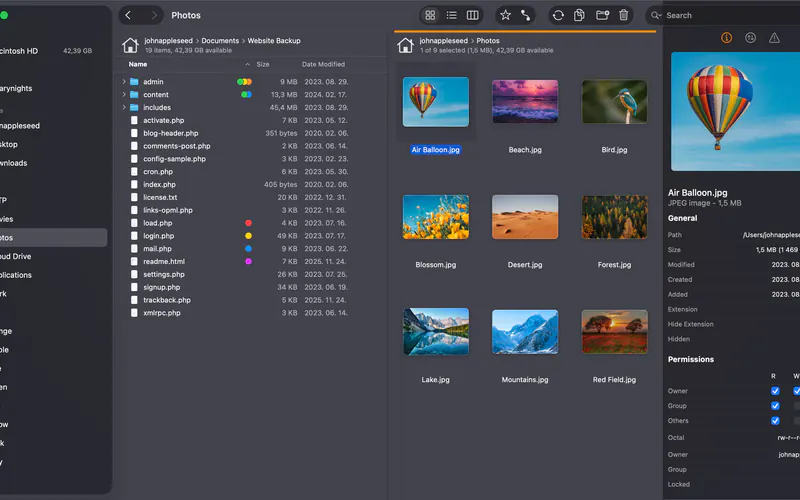
macOS dual-pane file-manager desk

Hazel

Hazel

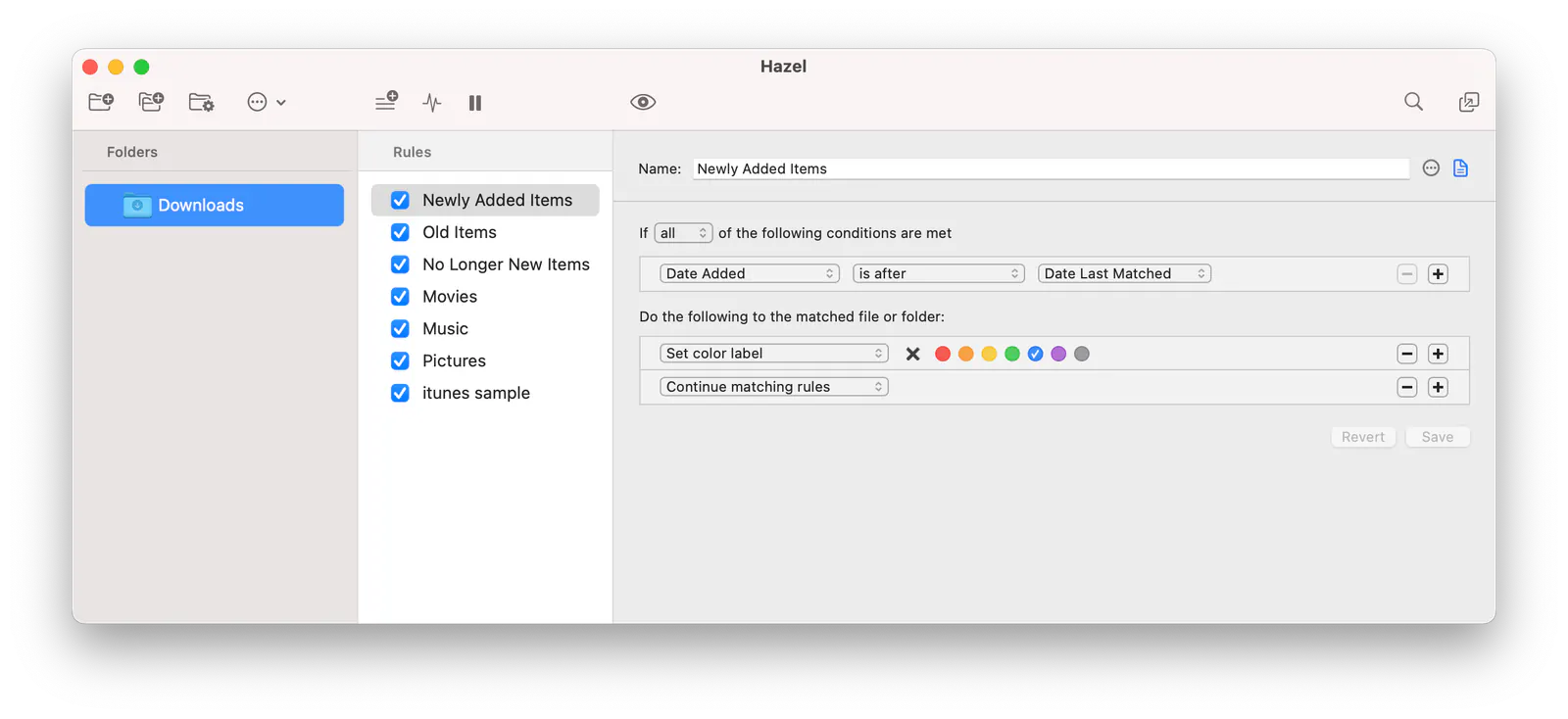
macOS folder-automation desk

Best for

ForkLift Local + remote panes you start at a public $

Hazel A folder rule you start at a public $

Free plan

ForkLift No free plan

Hazel No free plan

Lowest paid

ForkLift 1 year of updates $19.95

Hazel Upgrade to 6 $20

Next step up

ForkLift 2 years of updates $34.95

Hazel Hazel 6 $42

Watch out

ForkLift macOS-only

Hazel macOS-only

Last checked

ForkLift 2026-10-23 · binarynights.com/store

Hazel 2026-10-23 · store.noodlesoft.com/store

Which one, then?

Pick ForkLift if

mac users who will buy Single US$19.95 (1yr updates) after they browse a first local+remote pair — then Family US$29.95 or 2-year US$34.95 if they want that window, not Transmit US$45 first unless they want Panic’s cloud connector list, and not if they need Windows.

Read the ForkLift page

Pick Hazel if

mac users on macOS 13+ who will run the trial while they file a first Downloads rule — then Hazel 6 at US$42 once (or Family Pack US$65 for ≤5 household Macs), not Keyboard Maestro US$36 first unless they want a general macro suite, and not if they need Windows / a GUI that is not a folder watcher.

Read the Hazel page
Other comparisons