Pick Cursor if
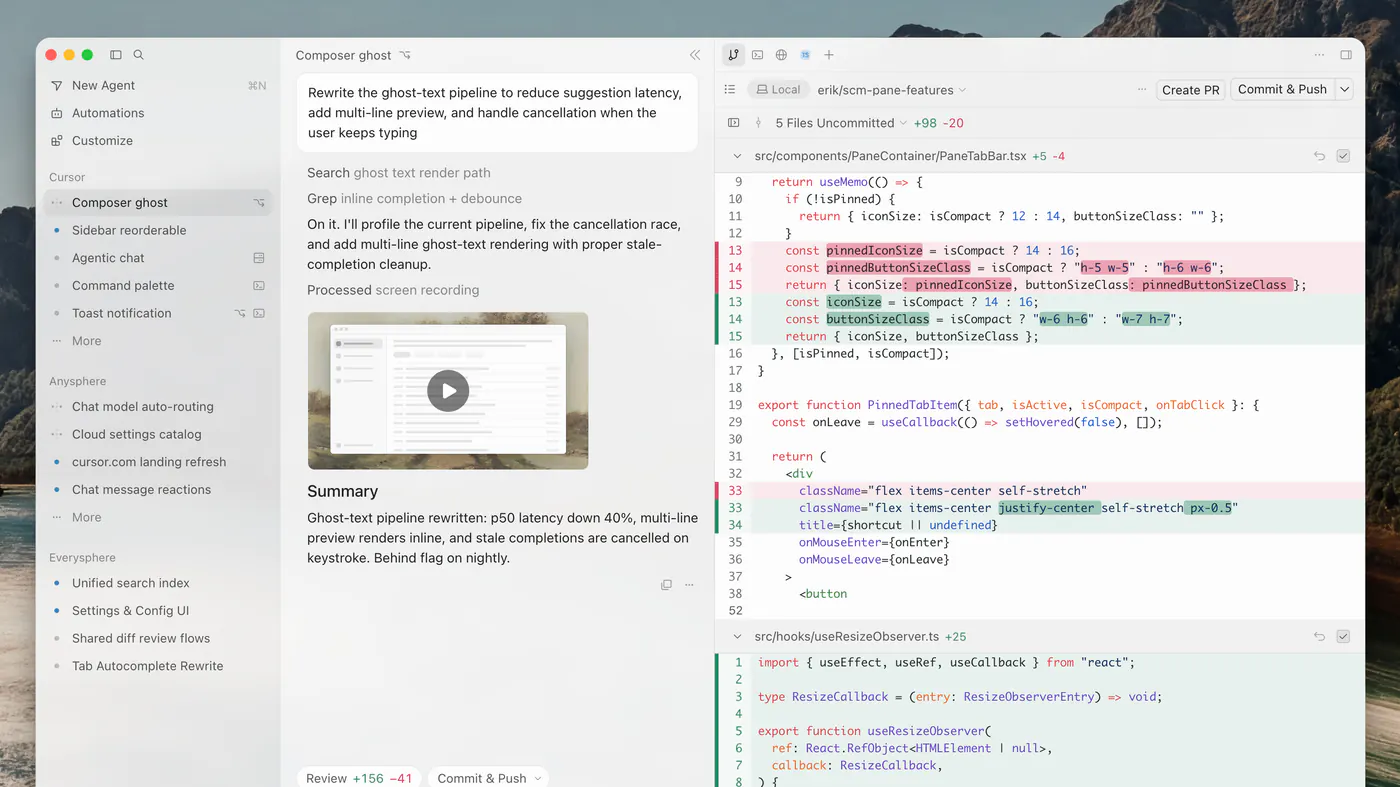
software engineers already in git who want an agent in the editor.
Read the Cursor pageOur take
Pick Cursor if software engineers already in git who want an agent in the editor. Pick JetBrains AI if developers already in IntelliJ / the JetBrains toolbox who want Chat and Apply without switching IDE. Skip Cursor if non-developers, or teams that cannot send code to a third-party model API. Skip JetBrains AI if people who want a VS Code fork (Cursor) or GitHub-native Copilot (GitHub Copilot).
Best for
Cursor Changing a real repo
JetBrains AI AI inside a JetBrains editor
Free plan
Cursor $0 · limited Agent and Chat requests
JetBrains AI $0 · 3 credits every 30 days
Lowest paid
Cursor Plus $8/mo · Grok models only
JetBrains AI Extra credits $1
Next step up
Cursor Premium $30/mo · other models at API price
JetBrains AI Individual AI Pro $10/mo
Coding agent
Cursor Agent + Tab inside the editor
JetBrains AI
Runs where
Cursor Desktop editor; models hosted
JetBrains AI
Watch out
Cursor Plus is Grok-only
JetBrains AI Free is 3 credits / 30 days
Last checked
Cursor 2026-10-19 · cursor.com/pricing
JetBrains AI 2026-10-21 · jetbrains.com/help/ai-assistant/subscription-options-and-pricing.html
software engineers already in git who want an agent in the editor.
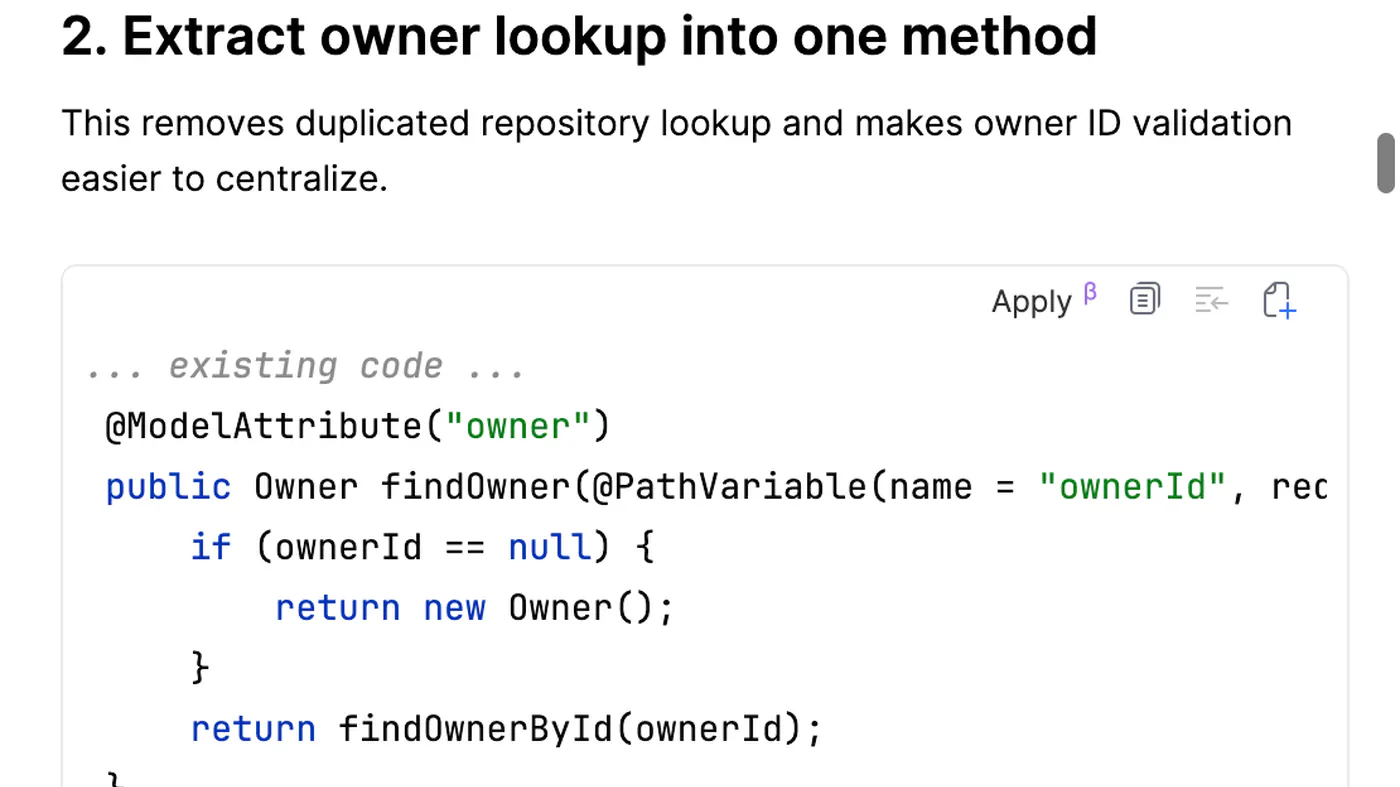
Read the Cursor pagedevelopers already in IntelliJ / the JetBrains toolbox who want Chat and Apply without switching IDE.
Read the JetBrains AI page