Newsletter
Join the Community
Subscribe to our newsletter for the latest news and updates
In-IDE Chat and Apply
Get Started With AI Assistant in IntelliJ IDEA — official IntelliJ IDEA channel. Official IntelliJ AI Assistant getting-started walkthrough.
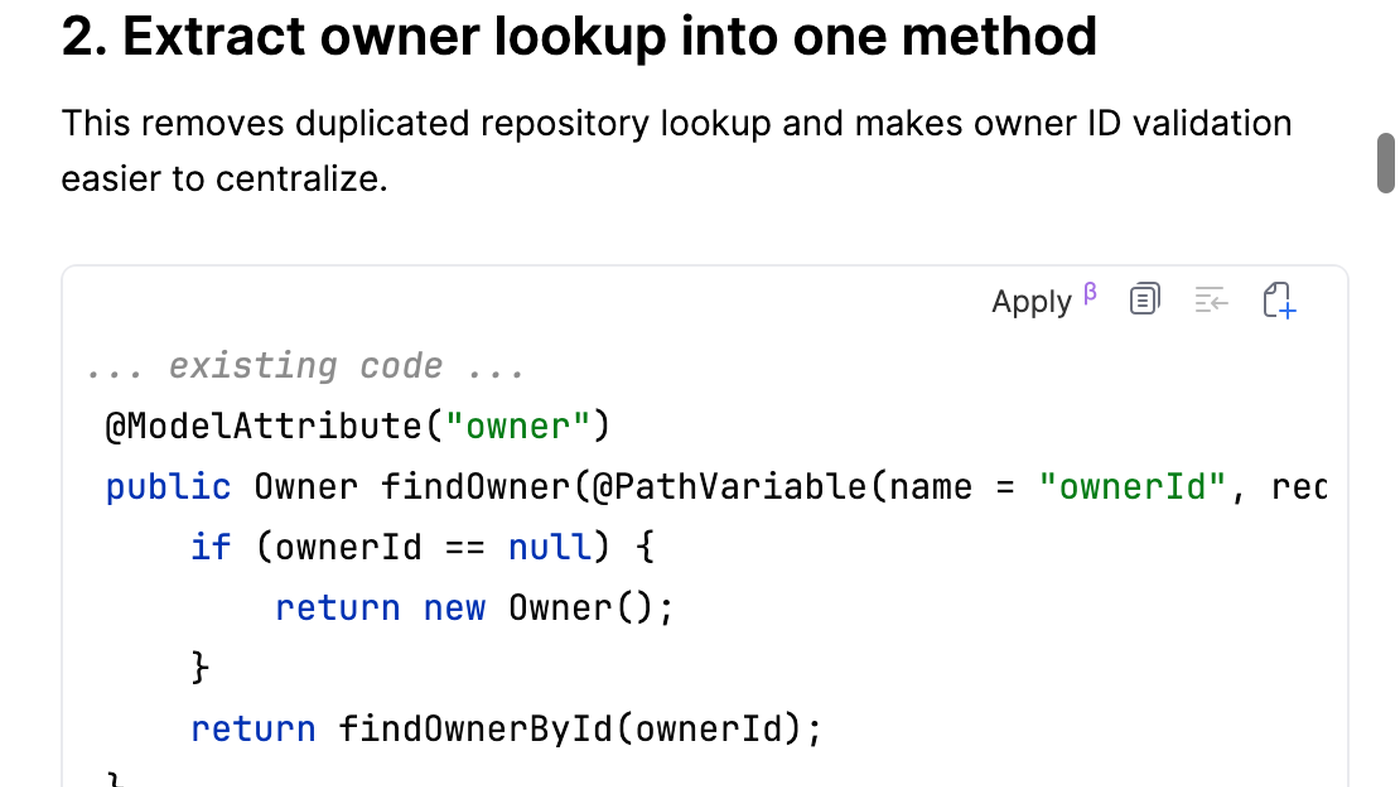
JetBrains AI is the in-IDE assistant for IntelliJ IDEA and other JetBrains IDEs: Chat, inline completion, and Apply on a suggested edit (see the official Apply code cover). Use it when the job is AI inside a JetBrains editor, not when you want a browser chat.
It is not open source. Free exists (credit-capped). AI Pro and AI Ultimate add monthly credits.
What makes it unique: the cover is JetBrains’ own Chat reply with Apply on a real method extract — not a wordmark.
Best fit: developers already in IntelliJ / the JetBrains toolbox who want Chat and Apply without switching IDE.
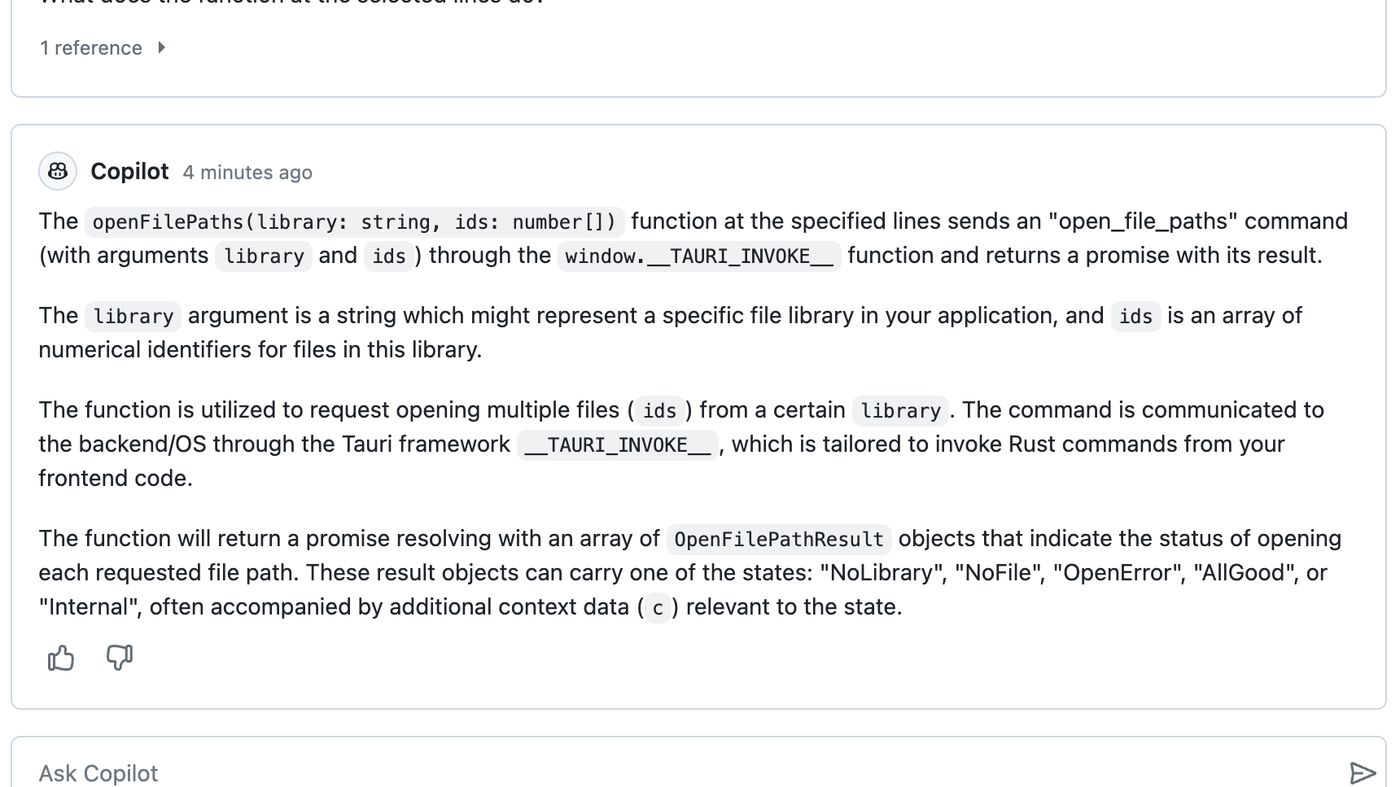
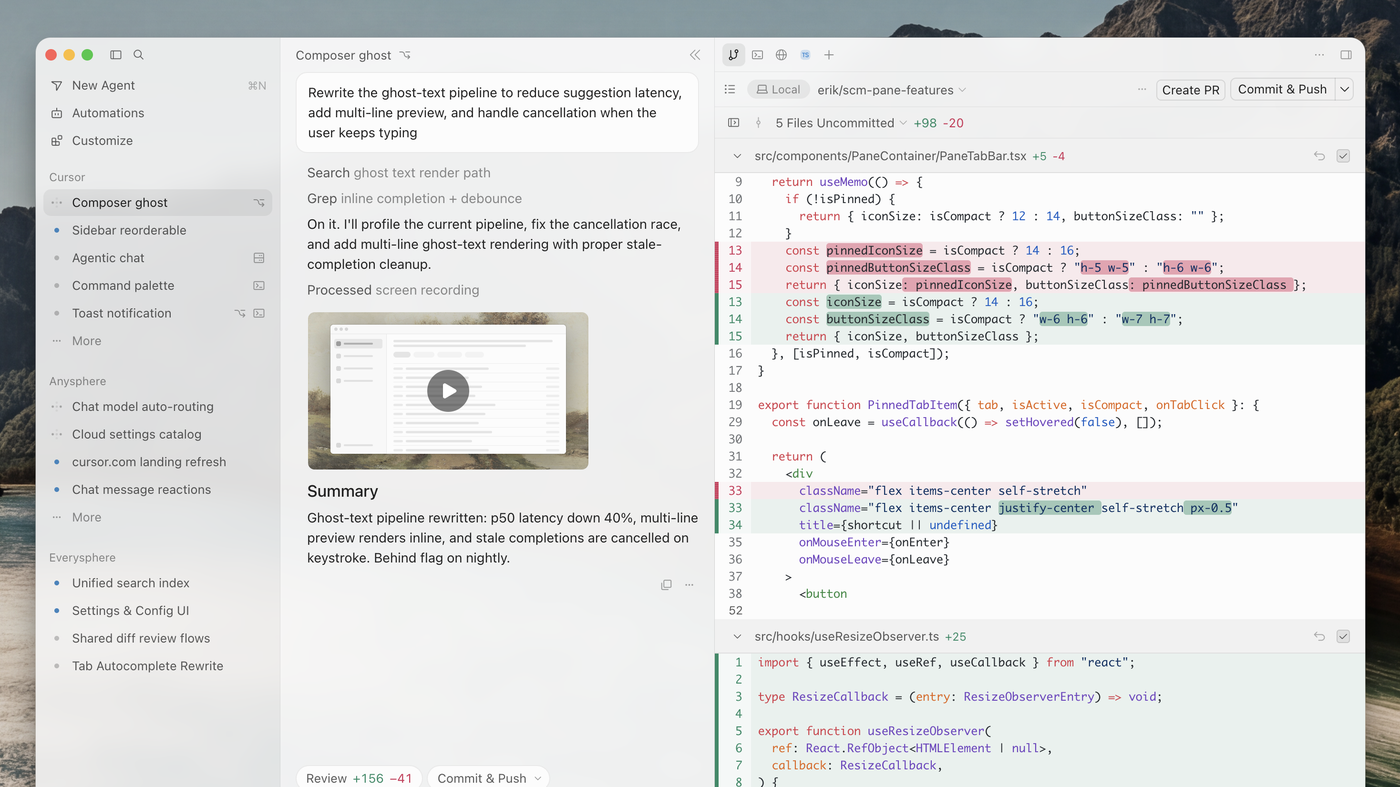
Poor fit: people who want a VS Code fork (Cursor) or GitHub-native Copilot (GitHub Copilot).
Verified 2026-10-21 (Asia/Shanghai) from JetBrains AI subscription options and pricing (page dated 14 Oct 2026). Re-check before you buy.
Do not invent a yearly individual dollar if the table you see is monthly.
Official IntelliJ IDEA channel video: Get Started With AI Assistant in IntelliJ IDEA.
Written path: JetBrains AI plus Subscription options and pricing.
Catalog row is curated (2026-10-21). Cover is JetBrains’ official AI Chat Apply still (Extract owner lookup), not a logo. Dollars checked on the JetBrains AI help pricing page (Free $0 / 3 credits; Individual Pro $10; Ultimate $30). Tutorial: Get Started With AI Assistant in IntelliJ IDEA on @intellijidea (oEmbed author IntelliJ IDEA, a JetBrains IDE).
2026-10-21 (Asia/Shanghai) editorial check.