aitoolsnav.com

Cal.com vs Reclaim

Our take

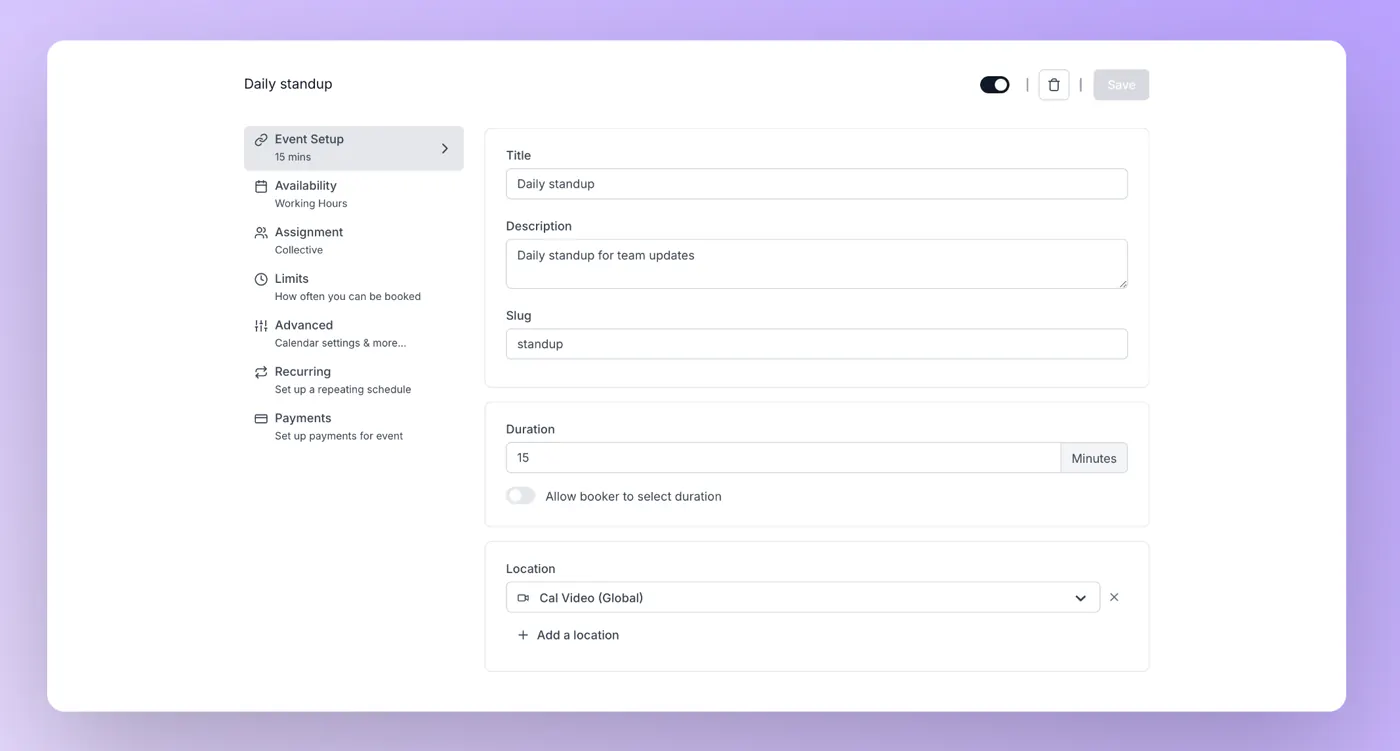
Pick Cal.com if individuals who will stay on Free $0 (1 user, unlimited event types, calendar sync, no card) while they publish a first standup link, then buy Teams at $12 per user / month billed yearly when a second booker needs a shared workspace. Pick Reclaim if iCs who will run Lite at $0, then buy Starter at $10/seat/month billed yearly when they need 8-week range and more than one calendar.

Cal.com

Cal.com

open-source scheduling desk

Reclaim

Reclaim

AI calendar that defends the week

Best for

Cal.com Bookings you start at $0

Reclaim A seat you pay to auto-schedule around the calendar you already have

Free plan

Cal.com $0 · forever. 1 user. Unlimited event types and calendars. Email & SMS notifications. 1-click Calendly import. 100+ integrations

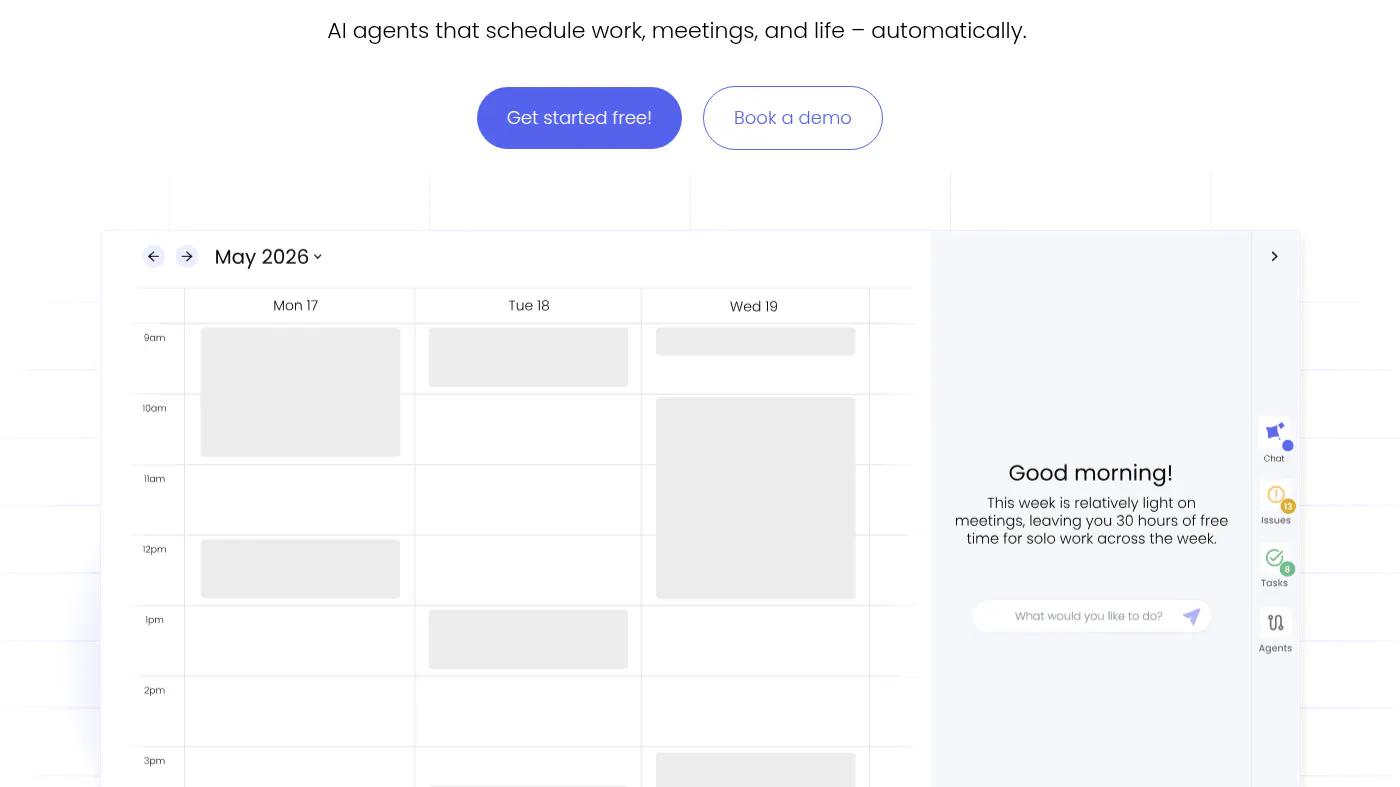
Reclaim $0 · free forever. 5 AI Agents. Focus Time, Habits, Buffer Time, Smart Meetings, Meeting Quality. 1 user. 1-week scheduling range (except links). 1 Calendar Sync. 1 Scheduling Link. Limited integrations

Lowest paid

Cal.com Teams $12/mo yearly

Reclaim Attendee Users $8/mo

Next step up

Cal.com Organizations $28/mo yearly

Reclaim Starter $10/user/mo

Coding agent

Cal.com

Reclaim AI Agents

Runs where

Cal.com Local; you host it

Reclaim

Watch out

Cal.com Free is 1 user

Reclaim Lite is one week of auto-range and one calendar

Last checked

Cal.com 2026-10-22 · cal.com/pricing

Reclaim 2026-10-22 · reclaim.ai/pricing

Which one, then?

Pick Cal.com if

individuals who will stay on Free $0 (1 user, unlimited event types, calendar sync, no card) while they publish a first standup link, then buy Teams at $12 per user / month billed yearly when a second booker needs a shared workspace.

Read the Cal.com page

Pick Reclaim if

iCs who will run Lite at $0, then buy Starter at $10/seat/month billed yearly when they need 8-week range and more than one calendar.

Read the Reclaim page

Other comparisons