Newsletter
Join the Community
Subscribe to our newsletter for the latest news and updates
Prompt/screenshot to editable UI
Best for PMs and mixed product teams who want a shared board without a Figma learning curve
Verified 22 Oct 2026 · Asia/Shanghai
Pricing. Starter — $0.
Decide
Full notes belowVisily's Design Instructions & Deep Design Mode walkthrough — official Visily channel. Official Visily Deep Design walkthrough.
Visily is a hosted prompt-and-screenshot UI studio: describe a screen, drop a reference, or sketch a flow, and it returns editable wireframes on a shared board. Use it when the job is a team board of screens, not when you need Figma components first.
It is not open source. Starter is $0 (300 AI credits / month). Pro is $14/editor/month.
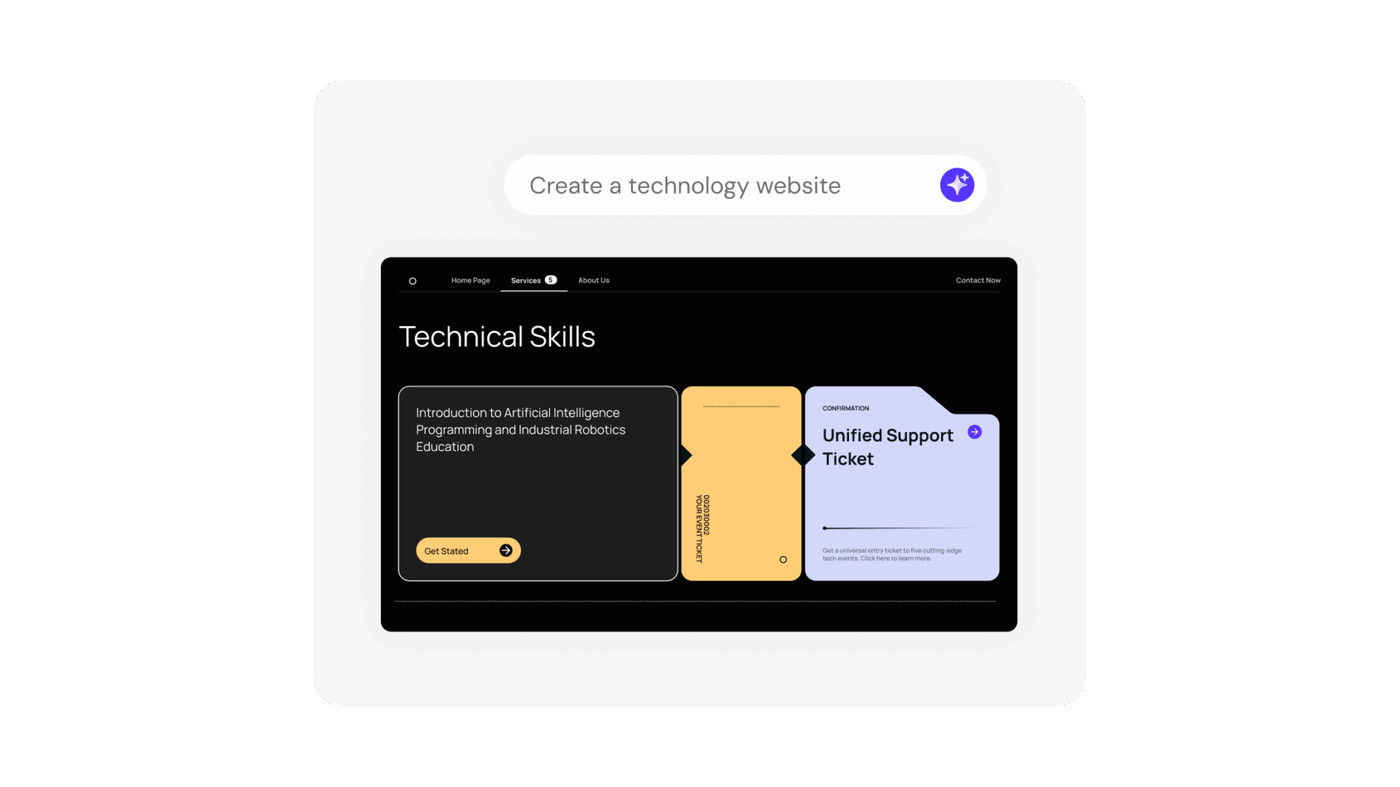
What makes it unique: the cover is Visily’s official generated-UI still — prompt “Create a technology website” above an editable Technical Skills mock — not a tool-icon poster.
Best fit: PMs and mixed product teams who want a shared board without a Figma learning curve.
Poor fit: designers who already have a component library in Figma and only need an in-file assistant (Figma AI).
Verified 2026-10-22 (Asia/Shanghai) from visily.ai/pricing. Re-check editor vs guest credits before you buy.
Template credits are a second meter (Starter 150 / workspace / month; Pro 8,000 / editor / month; Business unlimited).
Official Visily channel video: Visily's Design Instructions & Deep Design Mode walkthrough (oEmbed author: Visily).
Written path: Pricing.
Catalog row curated for AI Tools Nav. Cover is Visily’s official generated-UI still (Create a technology website). Starter $0 / 300 credits. Pro $14/editor/mo. Business $29/editor/mo. Tutorial: Design Instructions & Deep Design on @visilyai (oEmbed).
2026-10-22 (Asia/Shanghai) editorial check.