Newsletter
Join the Community
Subscribe to our newsletter for the latest news and updates
Desktop long-term memory
How to Install Pieces and Create Your First Artificial Memory — official Pieces channel. Official install and first-memory walkthrough.
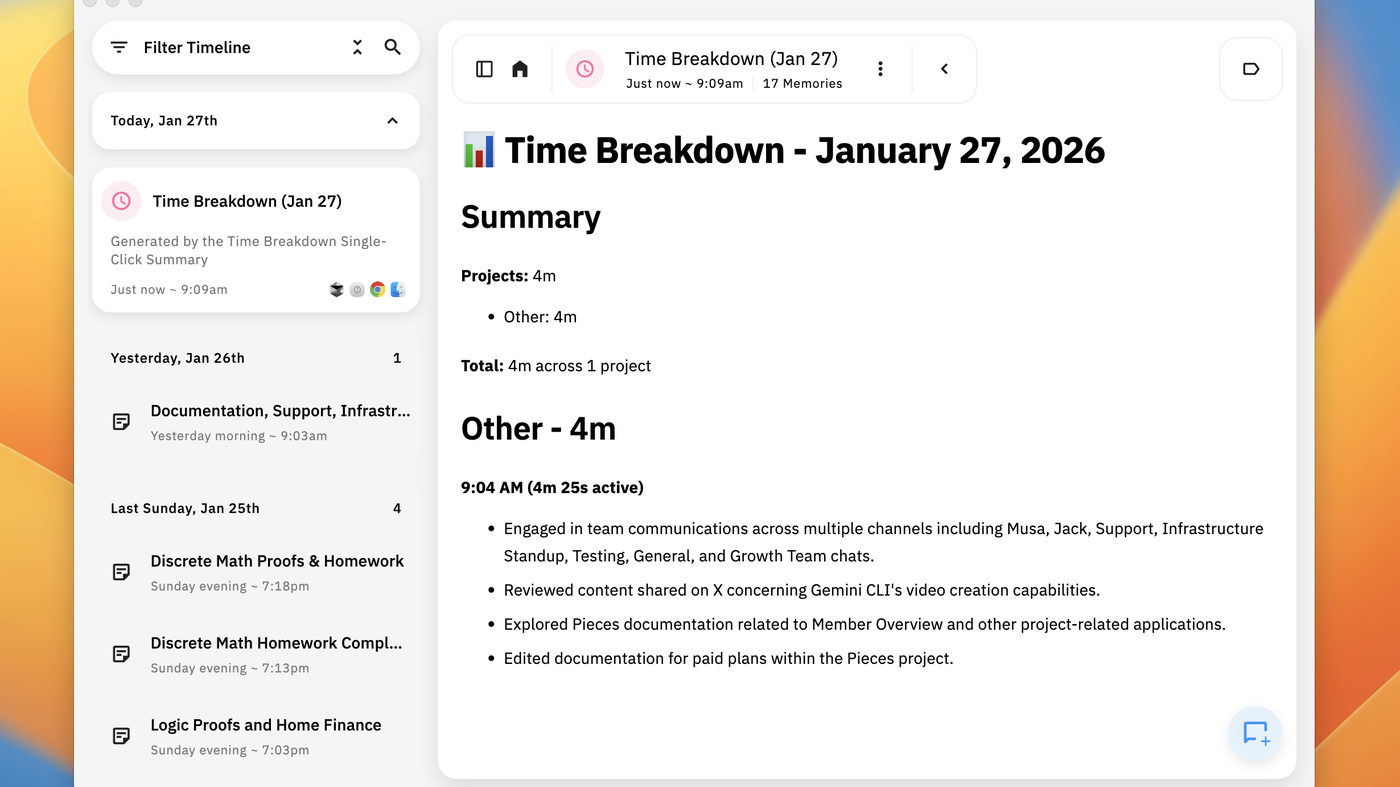
Pieces is a desktop long-term memory for work: the official Timeline (see the cover: Time Breakdown, project minutes, memories) is the product. Use it when the job is recall what you did across apps, not when you want Tab-complete in the editor.
It is not open source. There is no permanent free plan on the public cards we copied. Pro is the first listed seat. A 7-day trial asks for a card.
What makes it unique: the cover is Pieces’ own desktop Timeline (Filter Timeline + daily breakdown), not a wordmark.
Best fit: knowledge workers who want a searchable work journal and will pay Pro after the trial.
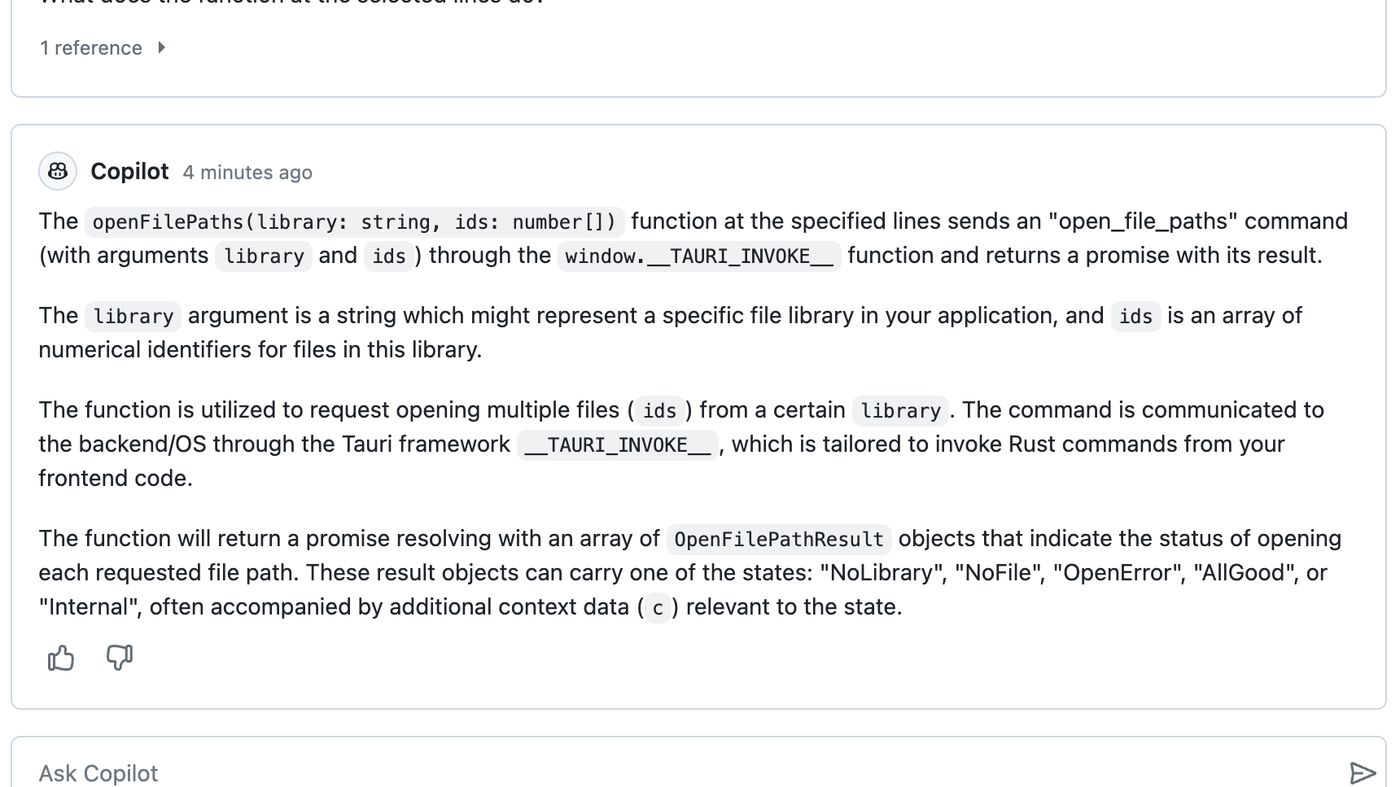
Poor fit: people who only want in-editor completions (GitHub Copilot) or a local model runner (Ollama).
Verified 2026-10-21 (Asia/Shanghai) from pieces.app/pricing. Re-check before you buy.
Do not treat the trial as a free plan.
Official Pieces channel video: How to Install Pieces and Create Your First Artificial Memory.
Written path: Pieces plus Pricing.
Catalog row is curated (2026-10-21). Cover is Pieces’ official desktop Timeline (Time Breakdown + memories), not a logo. Dollars checked on pieces.app/pricing (Pro $18.99/user/mo or $169.99/year; Enterprise $22.99/user/mo or $69.99/user/quarter; 7-day trial). Tutorial: How to Install Pieces on @getpieces (oEmbed author Pieces).
2026-10-21 (Asia/Shanghai) editorial check.