Newsletter
Join the Community
Subscribe to our newsletter for the latest news and updates
Storyboard-to-video workspace
Best for filmmakers and brand studios who want a storyboard they can restack before a final render
Verified 22 Oct 2026 · Asia/Shanghai
Pricing. Free — $0.
Decide
Full notes belowHow to use the new Timeline Editor in LTX Studio — official LTX_io channel. Official LTX Studio Timeline Editor walkthrough.
LTX Studio is a storyboard-to-video workspace: drop clips onto scenes, then generate and rearrange shots inside one timeline. Use it when the job is an AI storyboard you can reorder as references.
Free exists ($0). Lite is the first public paid card.
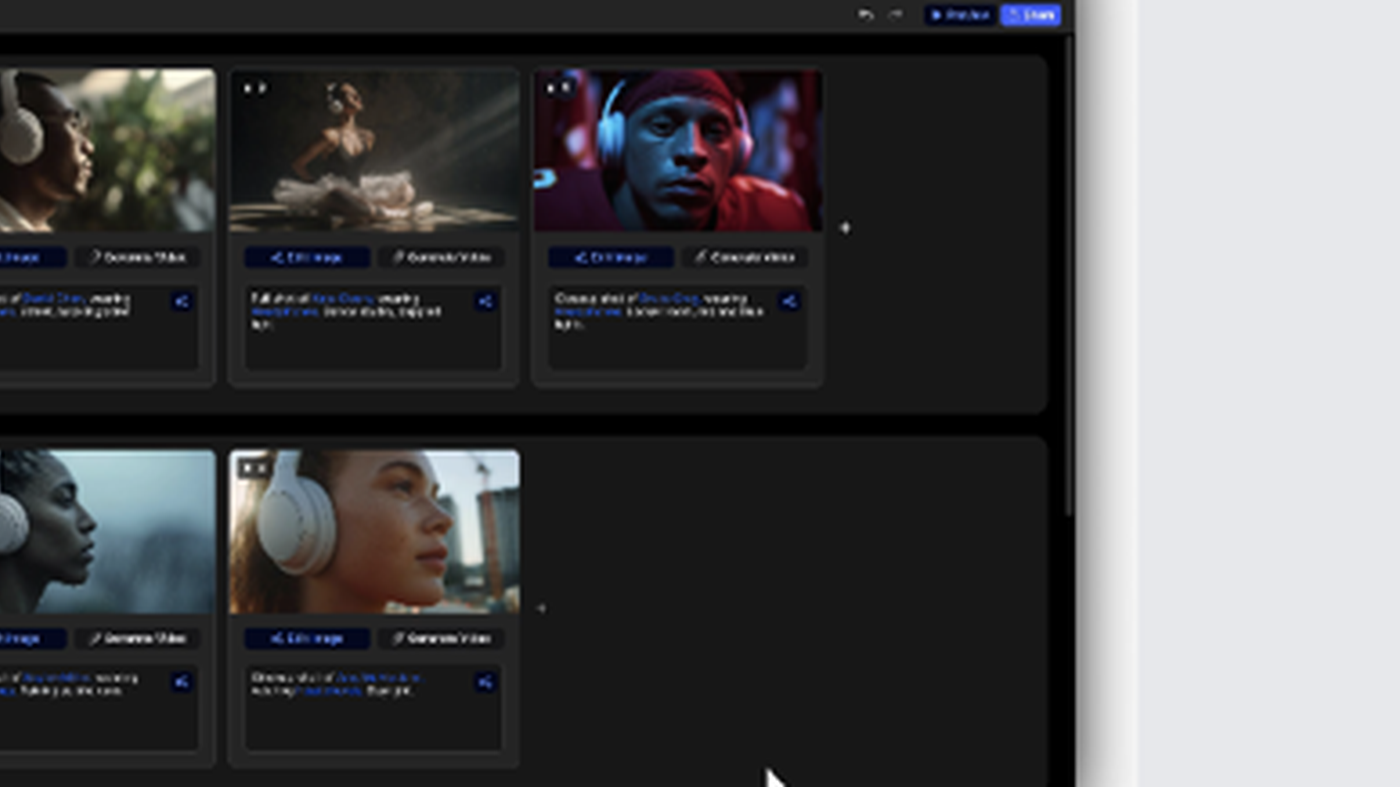
What makes it unique: the cover is LTX’s official Storyboard still from the LTX Studio tutorial — scene rows, clip thumbs, and Generate Video on each card.
Best fit: filmmakers and brand studios who want a storyboard they can restack before a final render.
Verified 2026-10-22 (Asia/Shanghai) from the live Yearly (20% off) cards on ltx.io/pricing. Displayed dollars can vary by region at checkout.
The yearly toggle prints 20% off.
Official LTX channel video: How to use the new Timeline Editor in LTX Studio (oEmbed author: LTX_io).
Written path: LTX Studio tutorial plus Pricing.
Catalog row curated for AI Tools Nav. Cover is LTX’s official Storyboard still from the tutorial (scene rows + clip thumbs). Dollars checked on ltx.io/pricing (Free $0 / 800 one-time; Lite $15 / $12 yr; Standard $35 / $28 yr; Pro $125 / $100 yr). Tutorial: Timeline Editor on @LTX_io (oEmbed).
2026-10-22 (Asia/Shanghai) editorial check.