Newsletter
Join the Community
Subscribe to our newsletter for the latest news and updates
MIT ChatGPT-style shell
Tutorial: Install LibreChat on Docker (Windows 11) — official LibreChat channel. Official Docker install on Windows 11.
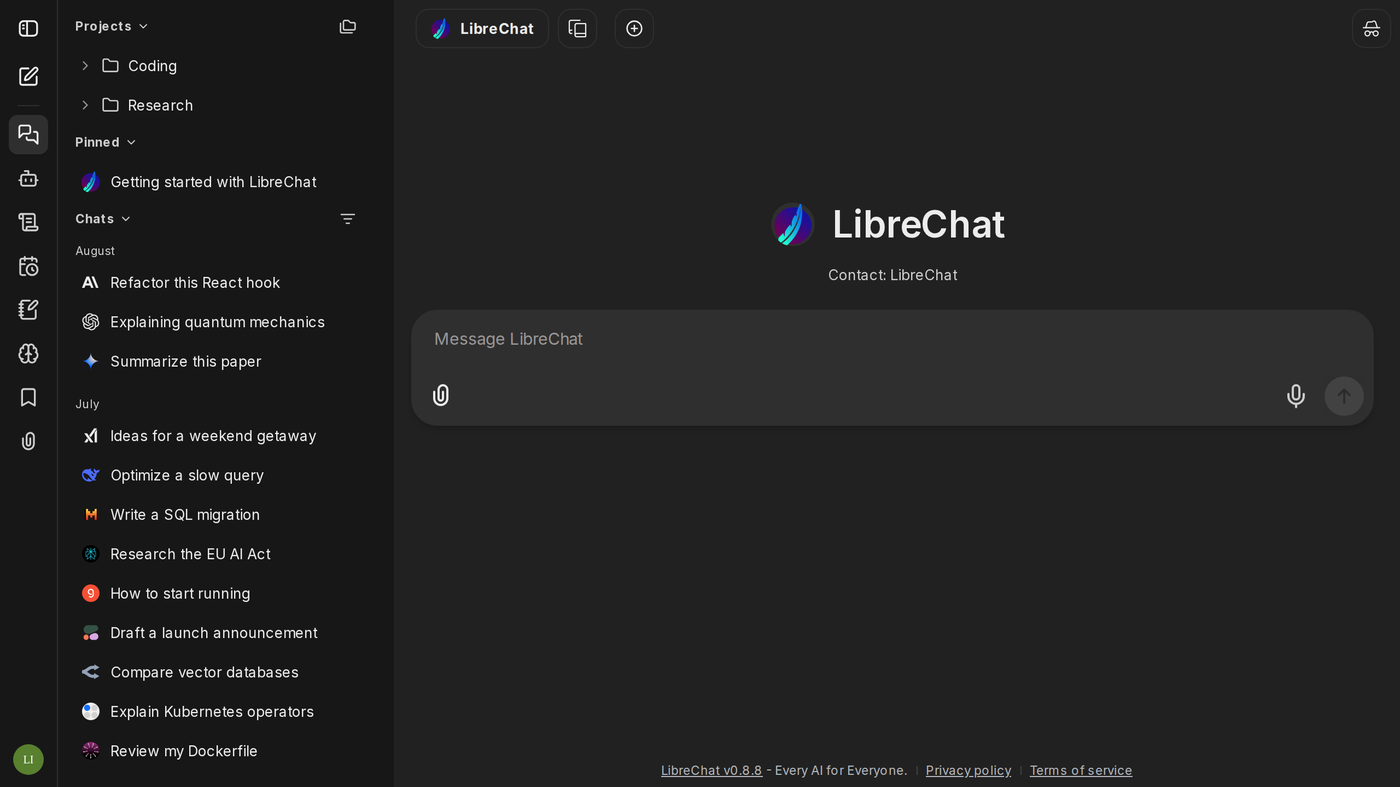
LibreChat is a self-hosted ChatGPT-style shell: the official website still (see the cover: LibreChat, Message LibreChat, sidebar chats, Projects Coding / Research, paperclip + mic) is the composer. Use it when the job is one UI in front of many model APIs, not when you want a vendor assistant.
The software is MIT. Self-host is $0. The public demo at chat.librechat.ai is evaluation-only (docs). The public pages do not print a per-seat Cloud dollar.
What makes it unique: the cover is LibreChat’s own dark composer — projects, chats, attach/voice — not a wordmark.
Best fit: people who will run Docker and already have an OpenAI-compatible key.
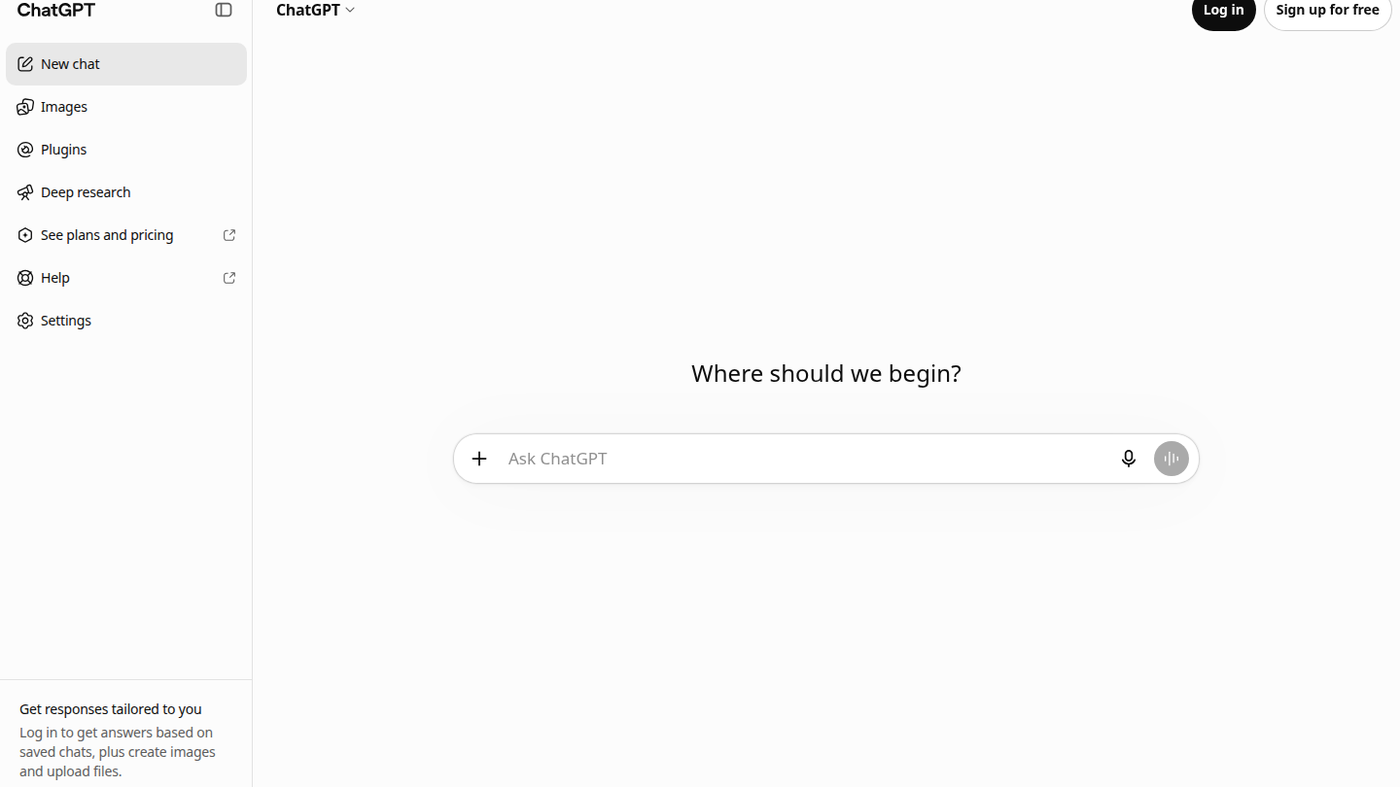
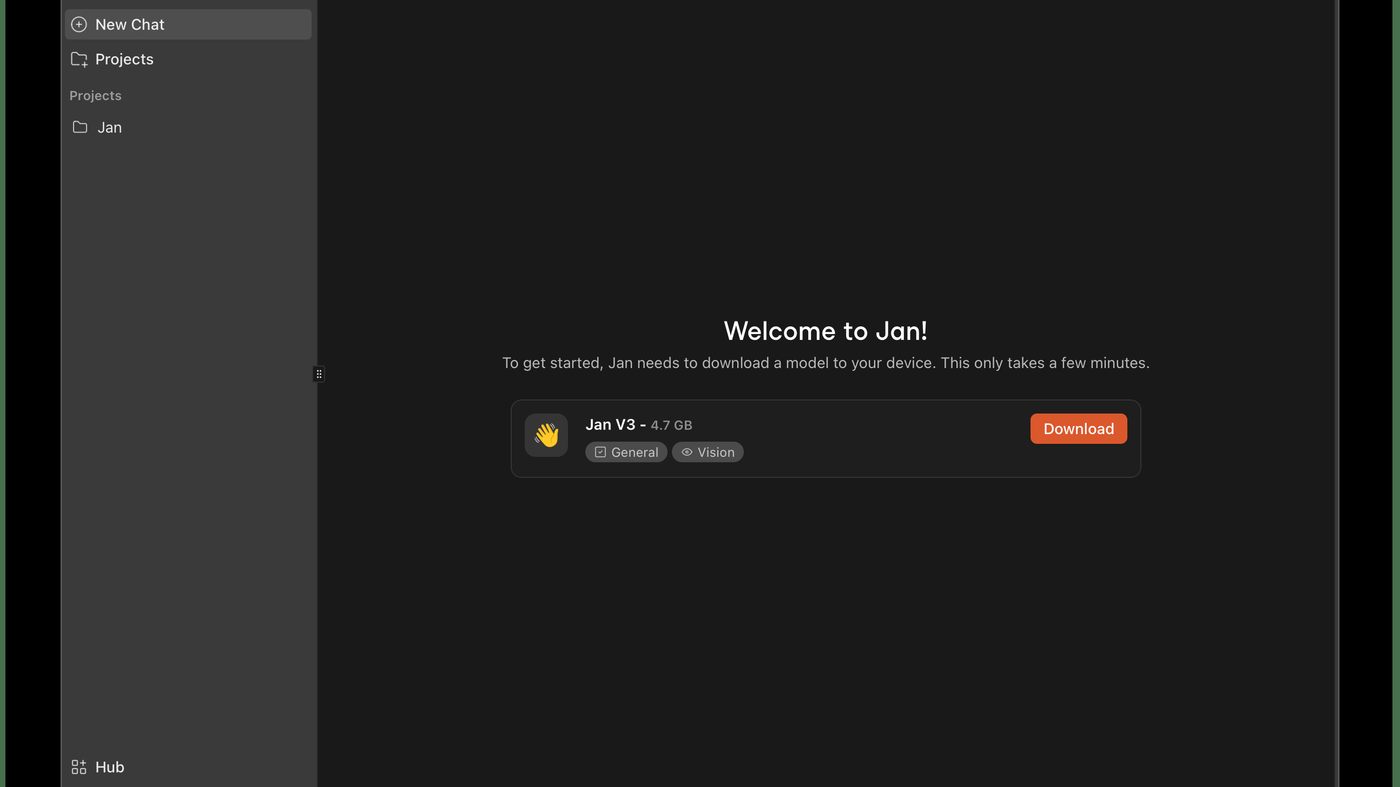
Poor fit: people who want a vendor chat with a printed Plus card (ChatGPT) or a desktop-only installer (Jan).
Verified 2026-10-21 (Asia/Shanghai) from github.com/LibreChat-AI/LibreChat (MIT) and docs.librechat.ai.
Official LibreChat channel video (channel linked from librechat.ai): Tutorial: Install LibreChat on Docker (Windows 11) (oEmbed author: LibreChat).
Written Documentation (Quick Start + Your First Chat).
https://github.com/LibreChat-AI/LibreChat
Catalog row curated for AI Tools Nav. Cover is LibreChat’s official website demo_dark.png (composer + projects), not a logo. License MIT. Tutorial: Install LibreChat on Docker (Windows 11) on the official LibreChat channel (oEmbed).
2026-10-21 (Asia/Shanghai) editorial check. Software is MIT $0. Demo is evaluation-only. No Cloud dollar on the docs home.