Newsletter
Join the Community
Subscribe to our newsletter for the latest news and updates
macOS macro automation
Best for Mac users on macOS 10
Verified 23 Oct 2026 · Asia/Shanghai
Pricing. Keyboard Maestro 11 — US$36 one-time.
Decide
Full notes belowKeyboard Maestro 9 Introduction — official Keyboard Maestro channel. Official Keyboard Maestro intro; Paste Selection editor still is the cover.
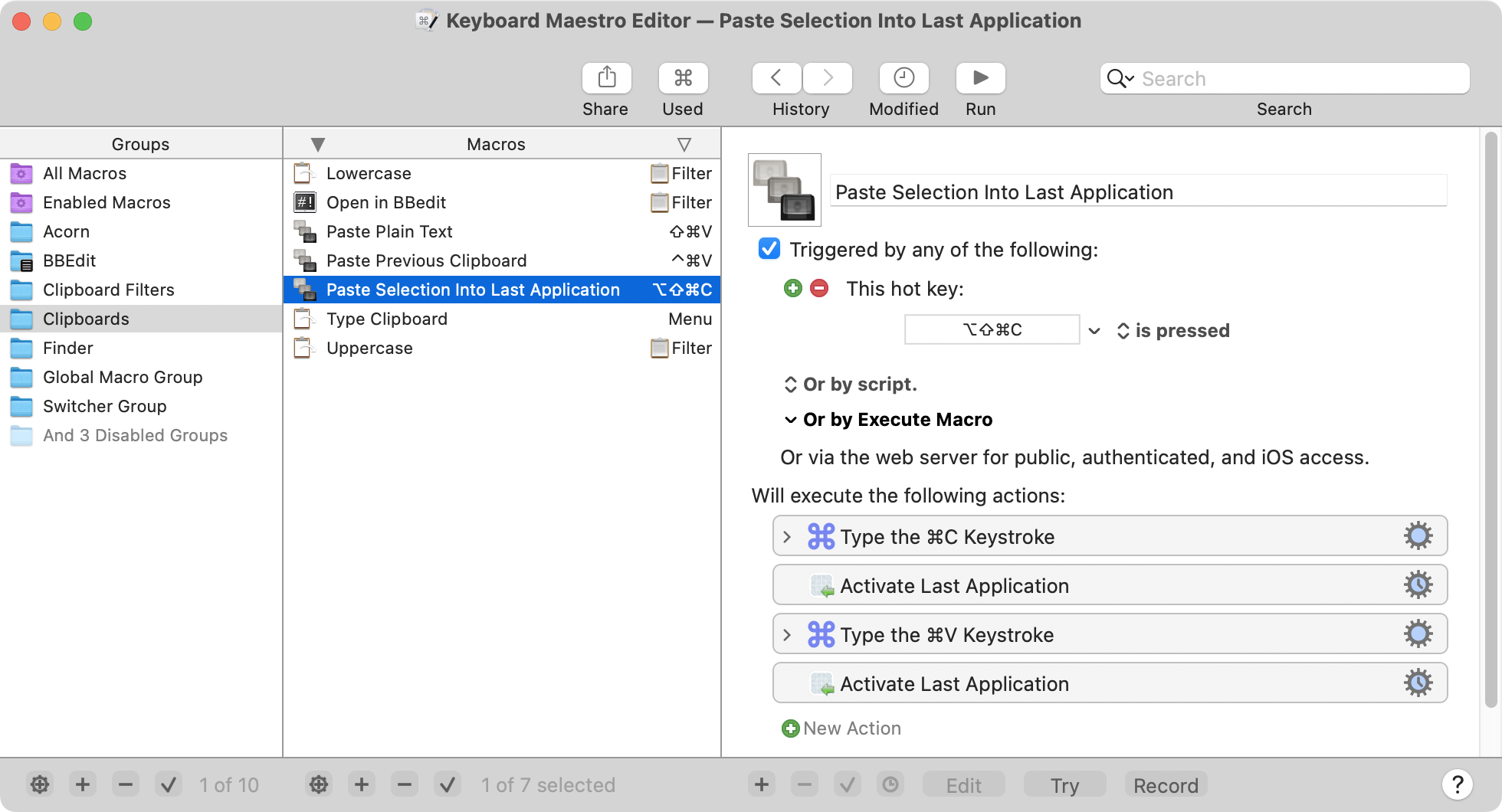
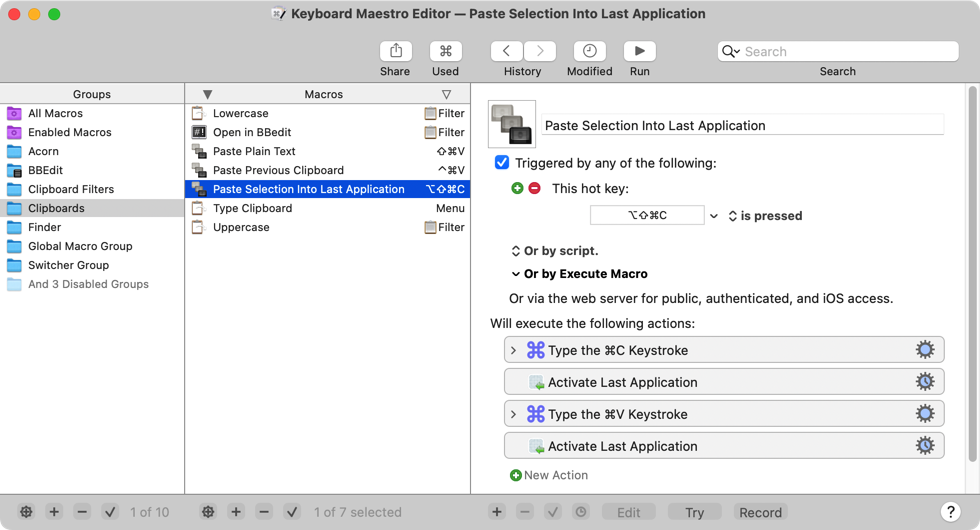
Keyboard Maestro is a macOS macro automation desk: you bind ⌃⌥⌘C to Paste Selection Into Last Application, chain Type ⌘C / Activate / Type ⌘V, and version 11 is US$36 once. Use it when the job is a macro you start at a public $, not when you need Alfred’s Free launcher only.
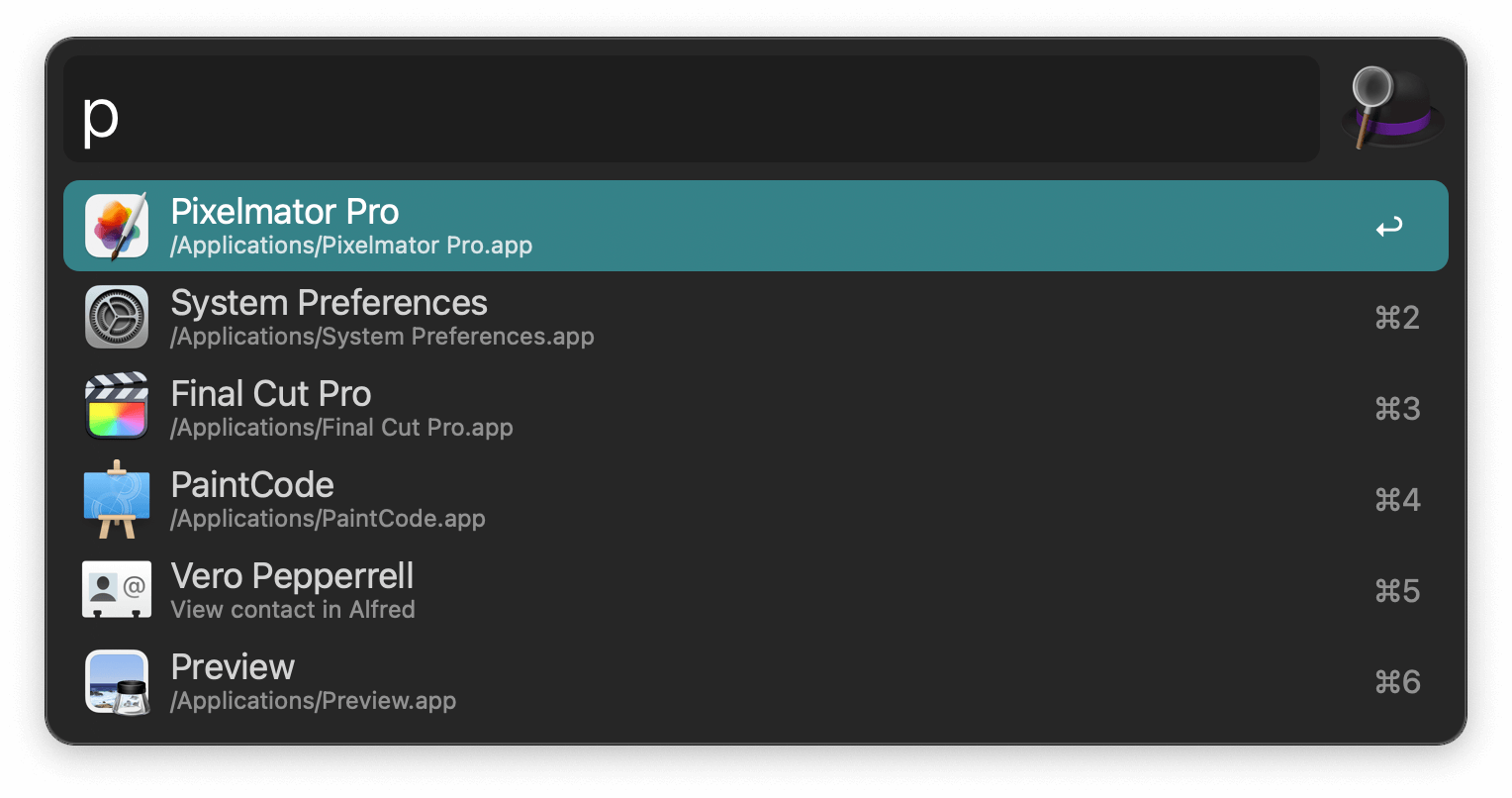
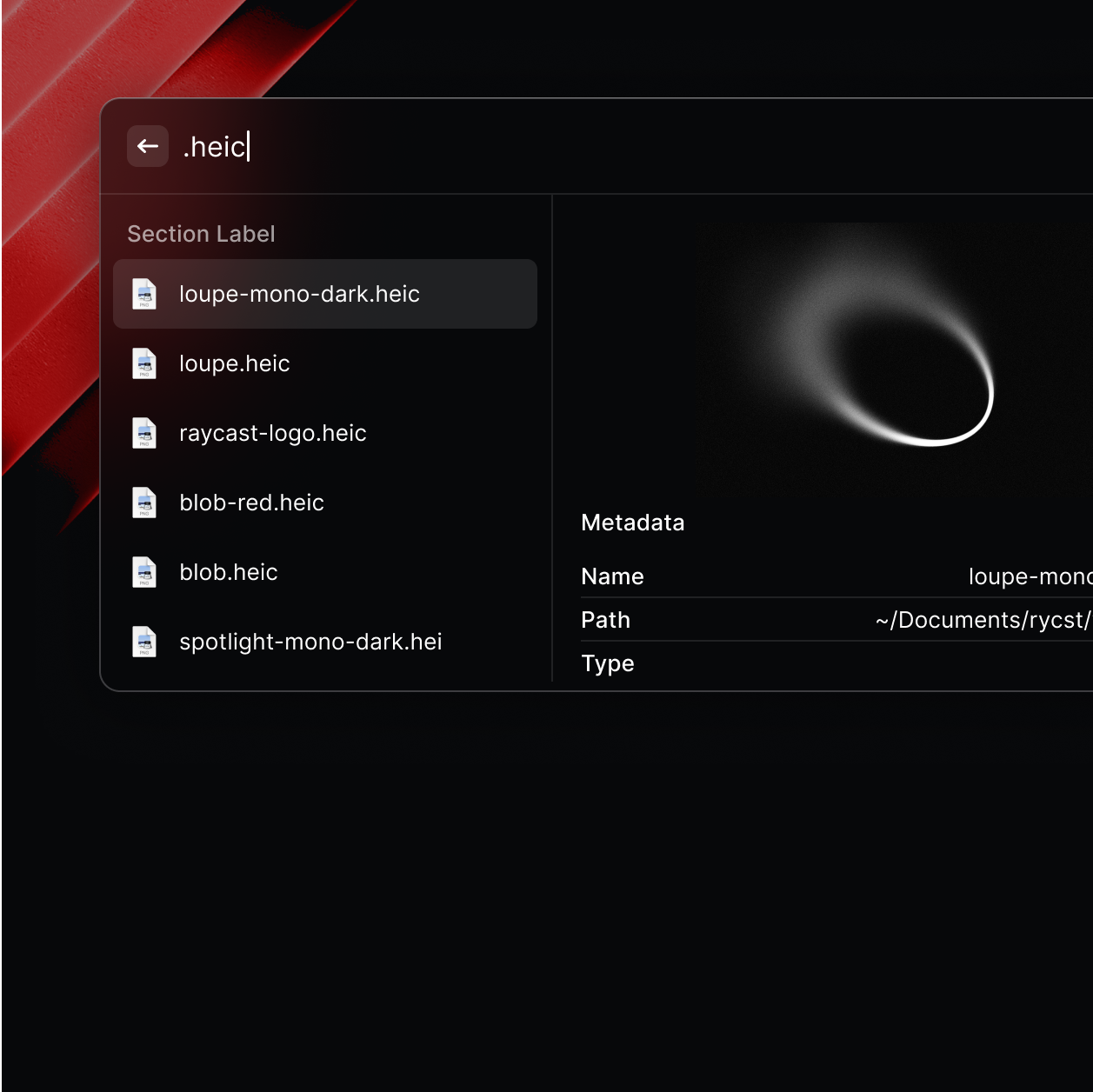
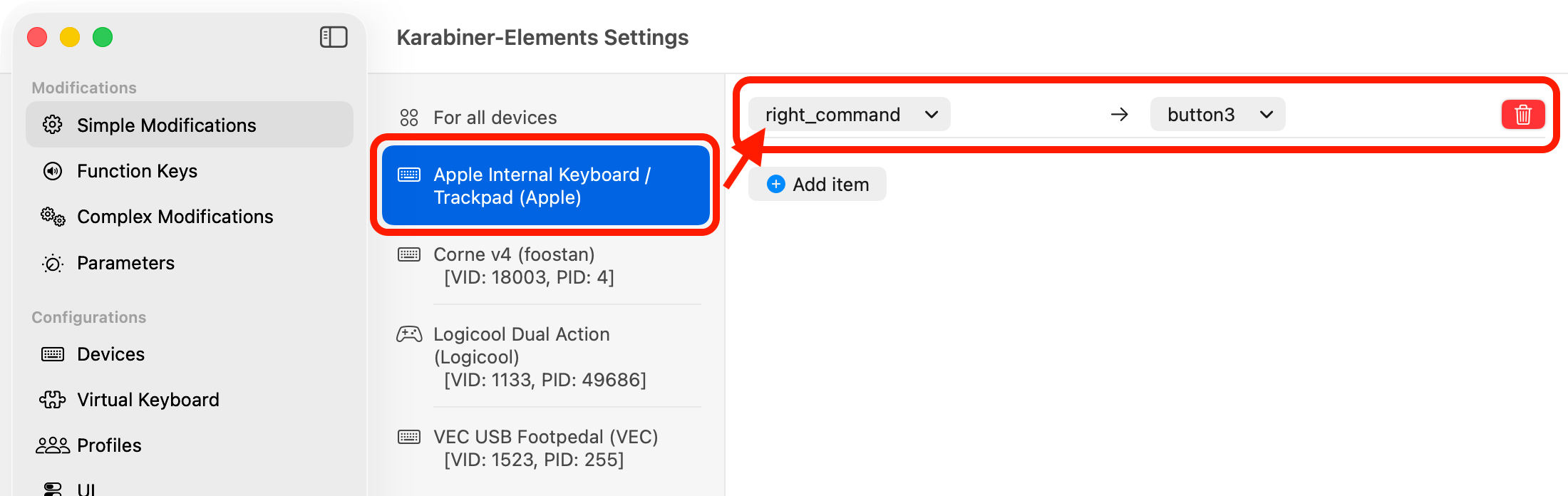
Soft-note: US$36 one-time for v11 (upgrade US$25; free if purchased after 1 March 2023). Distinct from Alfred, Raycast, and Karabiner-Elements.
What makes it unique: the cover is Keyboard Maestro’s official macro editor (Paste Selection Into Last Application, Clipboards group, hotkey ⌃⌥⌘C, Type the ⌘C keystroke / Activate Last Application / Type the ⌘V keystroke) from keyboardmaestro.com/img/v11/overview.png — not a wordmark. The ⌃⌥⌘C row itself is ops of the macro.
Paste Selection Into Last Application sits here.Download / Purchase are CTAs (not desks). US$36 / US$25 stay in Pricing. There is no AI extra to drop.
Best fit: Mac users on macOS 10.13+ who will run the fully-functional trial while they bind a first Paste Selection macro — then v11 at US$36 once (up to 5 Macs per user), not Alfred Powerpack £34 first unless they want a launcher, and not if they need Windows / iOS.
Verified 2026-10-23 (Asia/Shanghai) from keyboardmaestro.com (“One-Time Purchase for Version 11” / “purchase it now for US$36* plus applicable tax”), purchase.keyboardmaestro.com (“Buy now for $36” / “Upgrade for US$25”), and wiki Purchase (per-user; up to five Macs; fully-functional trial at download.stairways.com). Soft-note: FastSpring; taxes may apply.
Official Keyboard Maestro channel (desc: “The Keyboard Maestro official video channel”) video: Keyboard Maestro 9 Introduction (oEmbed author: Keyboard Maestro; author_url @Keyboard_Maestro). First-party intro; the Paste Selection editor still is the cover. We searched @Keyboard_Maestro (200), @KeyboardMaestro (404), @keyboardmaestro (404), @peternlewis (200, title Peter Lewis), and @Stairways (200, title Carl Hellborg — not Stairways Software). We do not embed How to Get Started with Keyboard Maestro (cu1cXDO4KLY) — oEmbed author is Mo Townshend (@MacsProductivity), listed on the wiki Videos page as third-party Macs Productivity.
Written path: keyboardmaestro.com plus Purchase and Quick Start.
https://www.keyboardmaestro.com/
Catalog row curated for AI Tools Nav. Cover is Keyboard Maestro’s official v11 overview still (Paste Selection Into Last Application / Clipboards / ⌃⌥⌘C / Type ⌘C → Activate → Type ⌘V) from keyboardmaestro.com/img/v11/overview.png. Dollars checked on keyboardmaestro.com + purchase.keyboardmaestro.com + wiki Purchase (US$36 v11; upgrade US$25; free if purchased after 1 March 2023; per-user / five Macs; fully-functional trial, no printed day count). Tutorial oEmbed author: Keyboard Maestro (@Keyboard_Maestro). No invented GitHub.
2026-10-23 (Asia/Shanghai) editorial check.