Newsletter
Join the Community
Subscribe to our newsletter for the latest news and updates
Block local agent desktop/CLI
Best for developers who want a local agent desktop and will paste an API key
Pricing. Desktop / CLI — $0.
Decide
Full notes belowGetting Started with the Goose Desktop App — official goose OSS channel. Official goose desktop getting-started walkthrough.
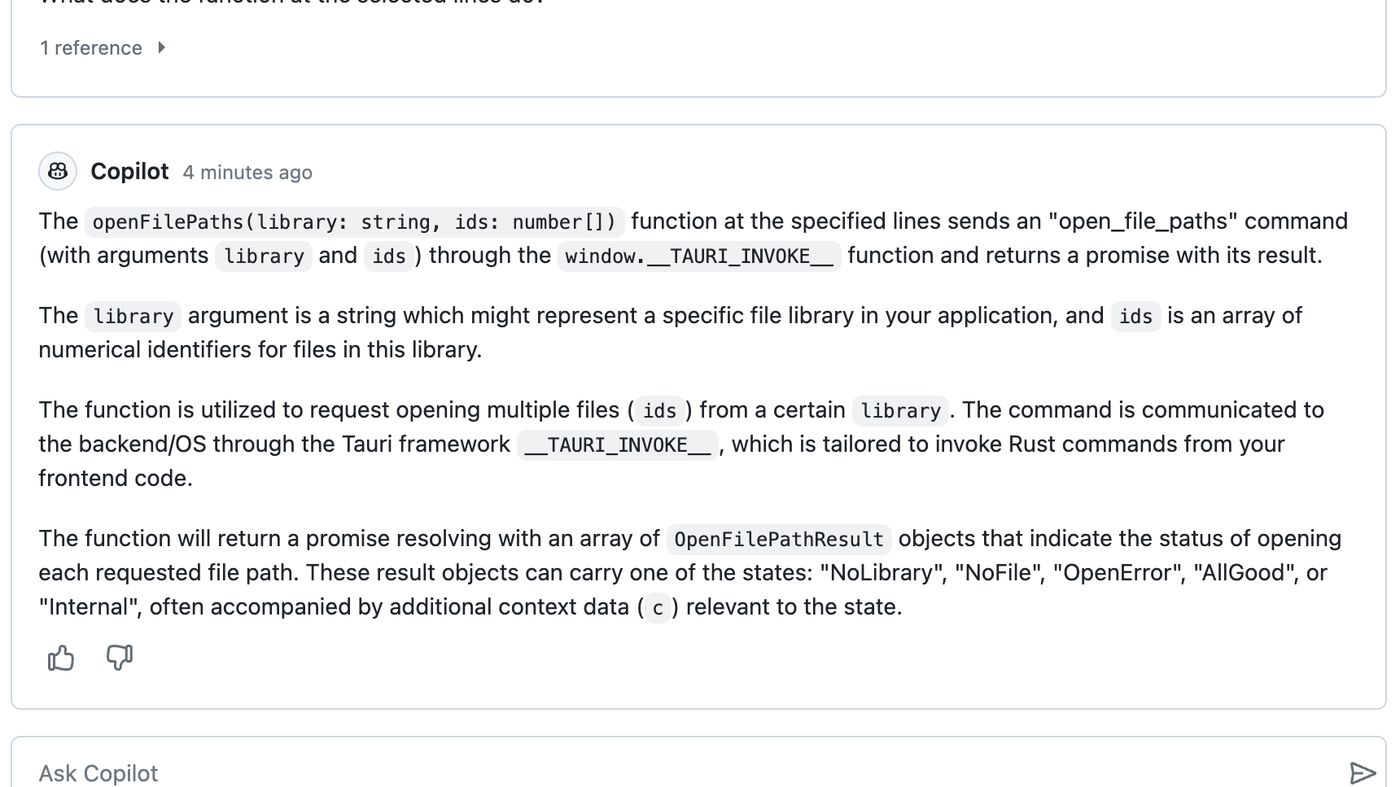
IDE pair programmer with chat and completions
Best for Code / Agents
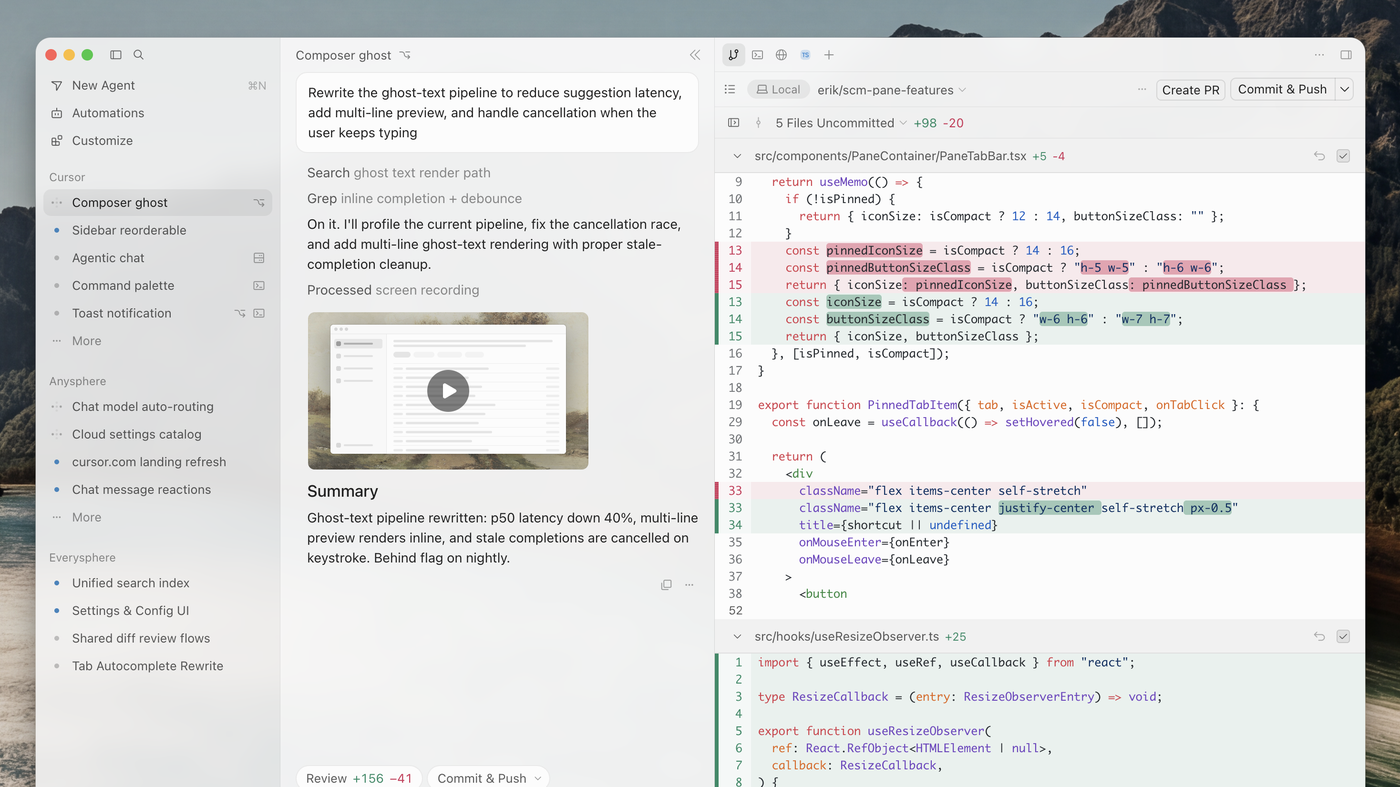
AI-native VS Code fork with Agent and Tab
Best for Code / Agents
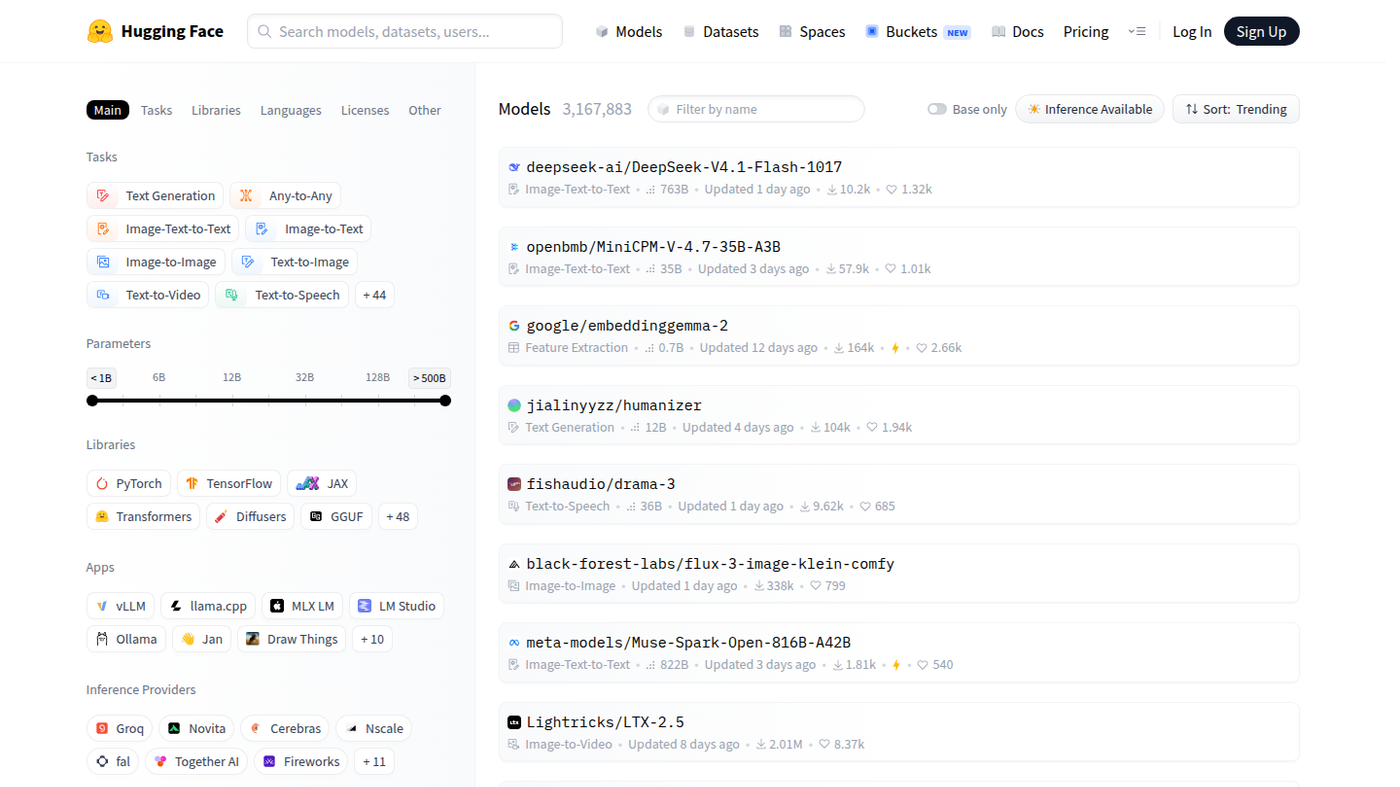
Hub for open models, datasets, and Spaces
Best for Open-source / Self-host · Code / Agents
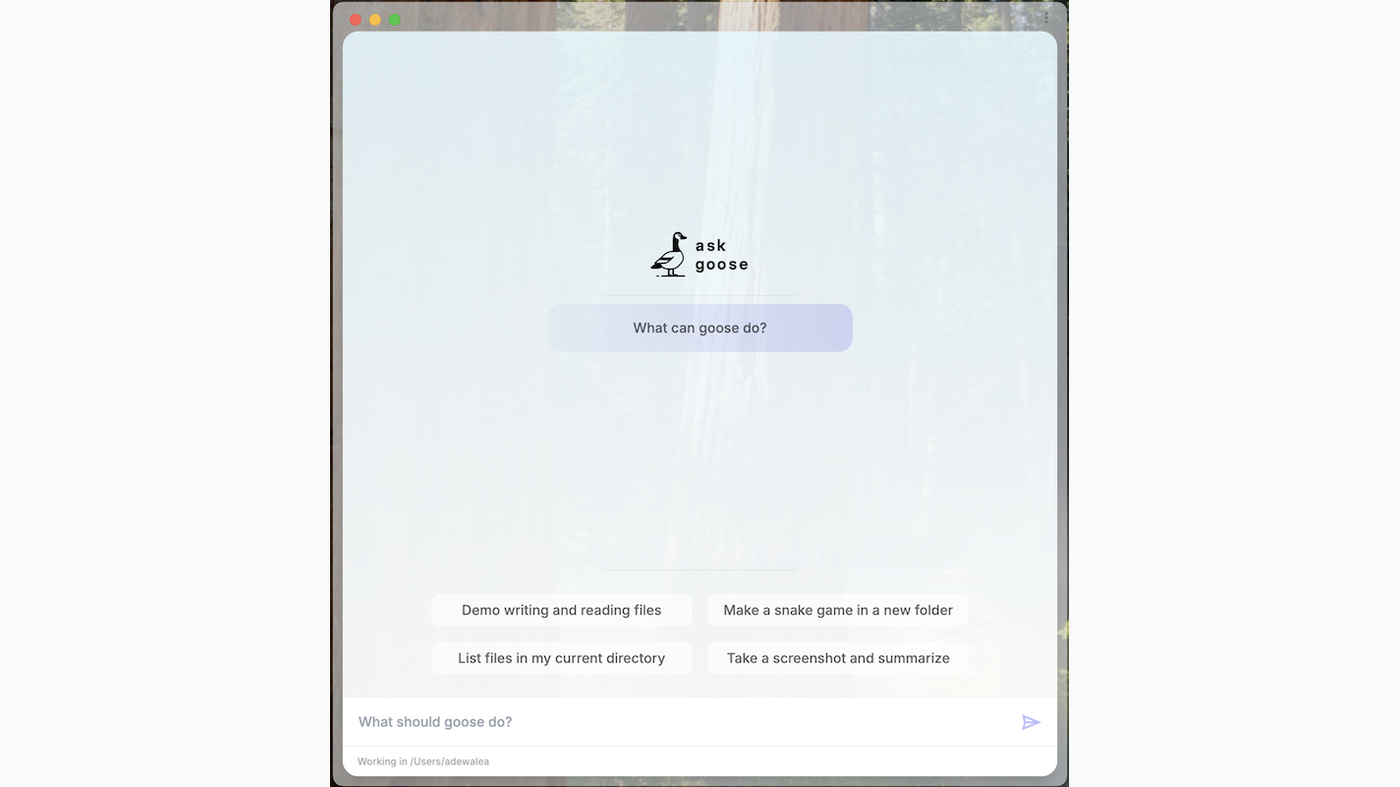
Goose is Block’s local coding-and-computer agent: the desktop app opens on a composer (“What should goose do?”) with starter chips, and the CLI does the same job in a repo. Use it when the job is an agent that runs on your machine.
The software is Apache-2.0 and $0. You bring a model key. The cover is the official desktop empty state — duck mark, chips, composer, and working directory.
What makes it unique: the desktop is a real product window, and the same goose binary talks to files, the shell, and MCP tools.
goose session; resume the same thread in the other surface (docs).goose run --recipe (docs).Best fit: developers who want a local agent desktop and will paste an API key.
Verified 2026-10-22 (Asia/Shanghai) from block.github.io/goose and github.com/block/goose (Apache-2.0).
Official goose OSS channel video: Getting Started with the Goose Desktop App (oEmbed author: goose OSS). Written path: goose Quickstart.
https://github.com/block/goose
Catalog row curated for AI Tools Nav. Cover is the official goose desktop empty state (chips + composer + working directory). Software $0 Apache-2.0; tokens billed by the vendor you connect. Tutorial: Getting Started with the Goose Desktop App on @goose-oss (oEmbed).
2026-10-22 (Asia/Shanghai) editorial check.