Newsletter
Join the Community
Subscribe to our newsletter for the latest news and updates
AI UI design
Best for PMs and founders who will prompt a flow and then hand Figma to a designer
Verified 22 Oct 2026 · Asia/Shanghai
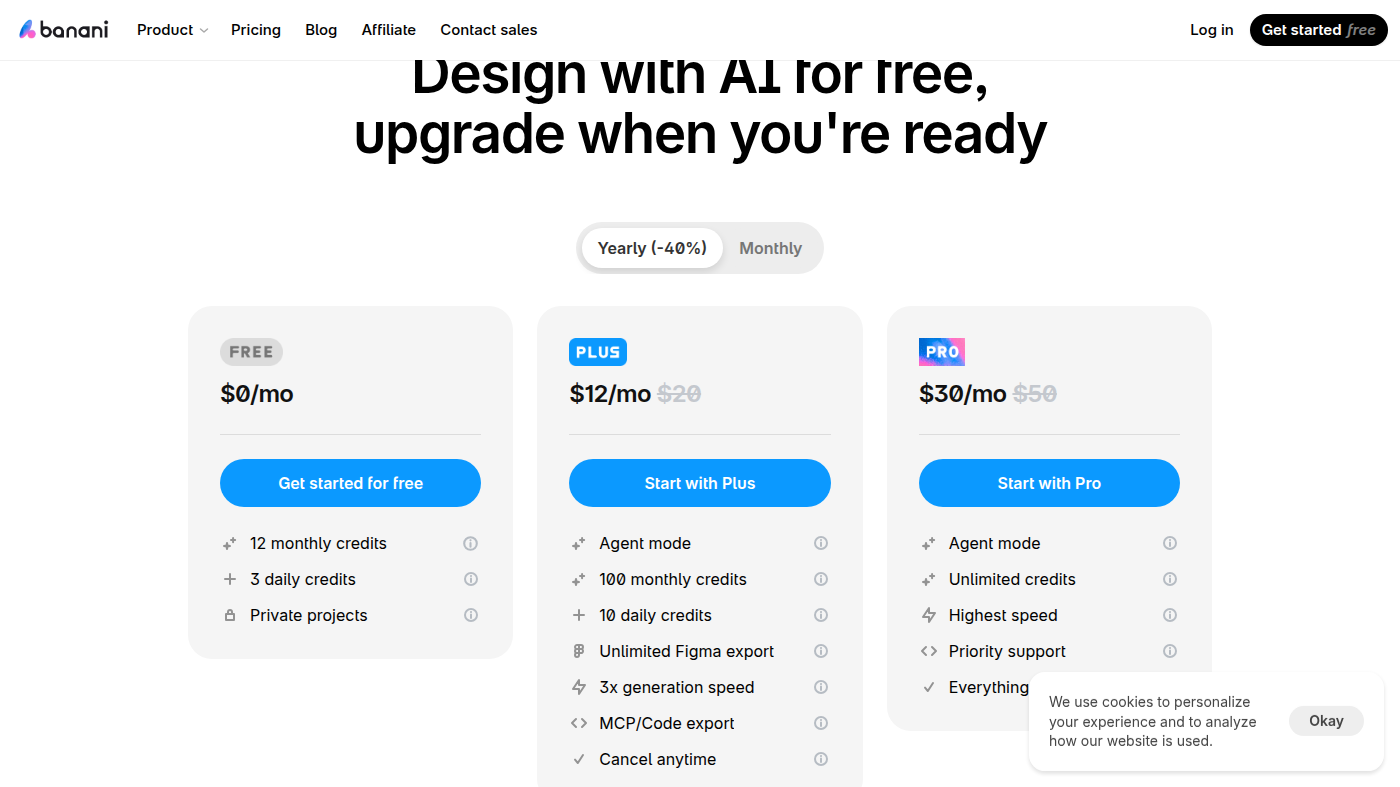
Pricing. Free — $0/mo.
Decide
Full notes belowBanani is an AI UI design desk: you describe a product (or attach a brand / Figma frame) and it generates editable multi-screen prototypes you can refine and export. Use it when the job is prompt a UI, not when you need a full Figma design system.
It is not open source. Free is $0. Paid Plus is $12/month billed yearly ($20 monthly).
What makes it unique: the cover is Banani’s official plan cards — Free $0, Plus $12/mo, Pro $30/mo (yearly toggle, −40%).
Best fit: PMs and founders who will prompt a flow and then hand Figma to a designer.
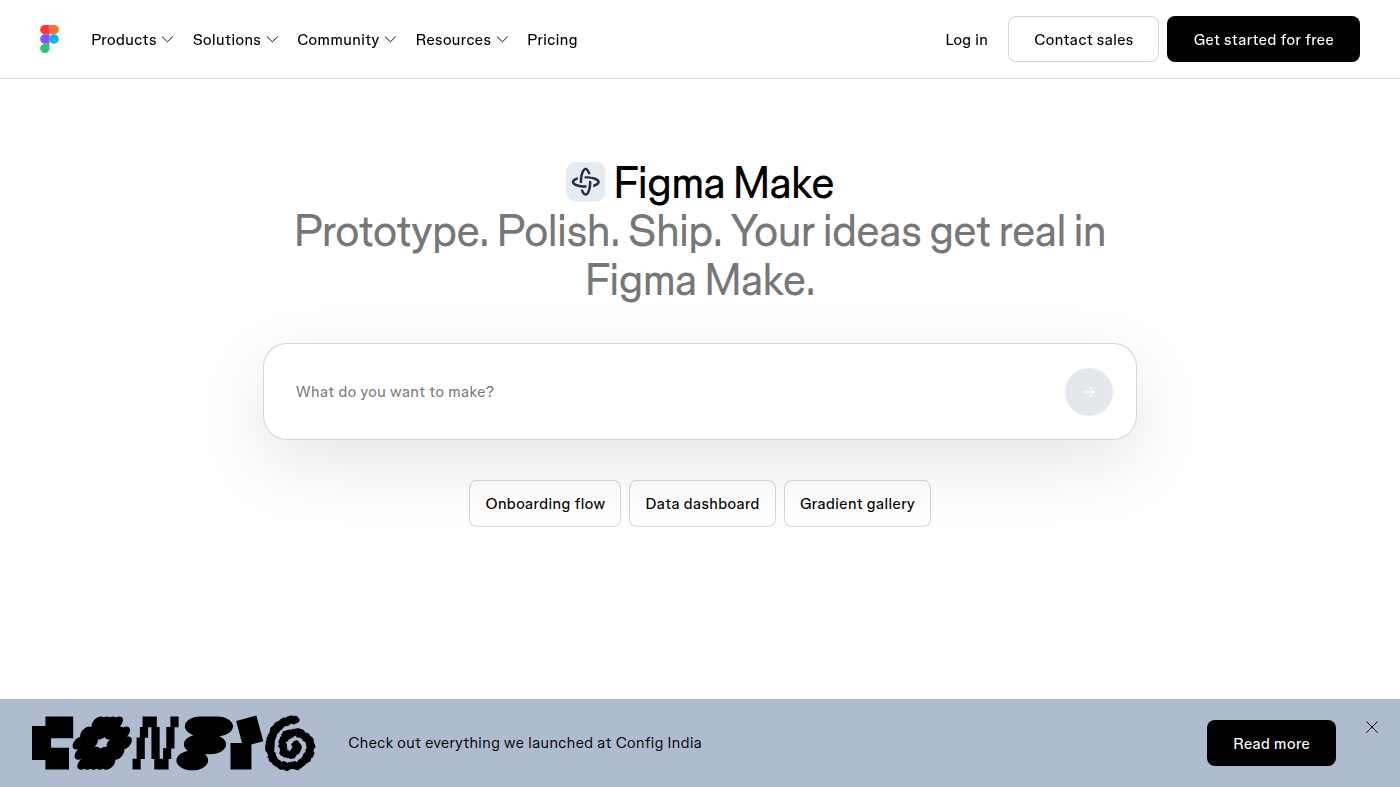
Poor fit: design orgs that already live in a Figma library and only need a native AI panel (Figma AI).
Verified 2026-10-22 (Asia/Shanghai) from banani.co/pricing (cover, yearly −40% toggle). Help articles (July 2026) describe a capped Pro; the marketing card still says “Unlimited.” Cite both. Pay checkout.
Yearly (cover)
Help Center (legacy Pro note, July 2026): Pro is 900 credits / month (600 monthly + 10 daily), not literally unlimited. Credit FAQ: a generation usually costs more than 1 credit. Failed generations are not charged.
We searched the official Banani channel for a first-party getting-started video we could oEmbed. The walkthroughs that rank (Nick Babich and others) are not first-party, so they are not embedded. Use the written Get started plus Pricing.
Catalog row curated for AI Tools Nav. Cover is Banani’s official Free $0 / Plus $12 / Pro $30 yearly cards. Official channel exists (no first-party getting-started embed).
2026-10-22 (Asia/Shanghai) editorial check.