Pick Playwright MCP if
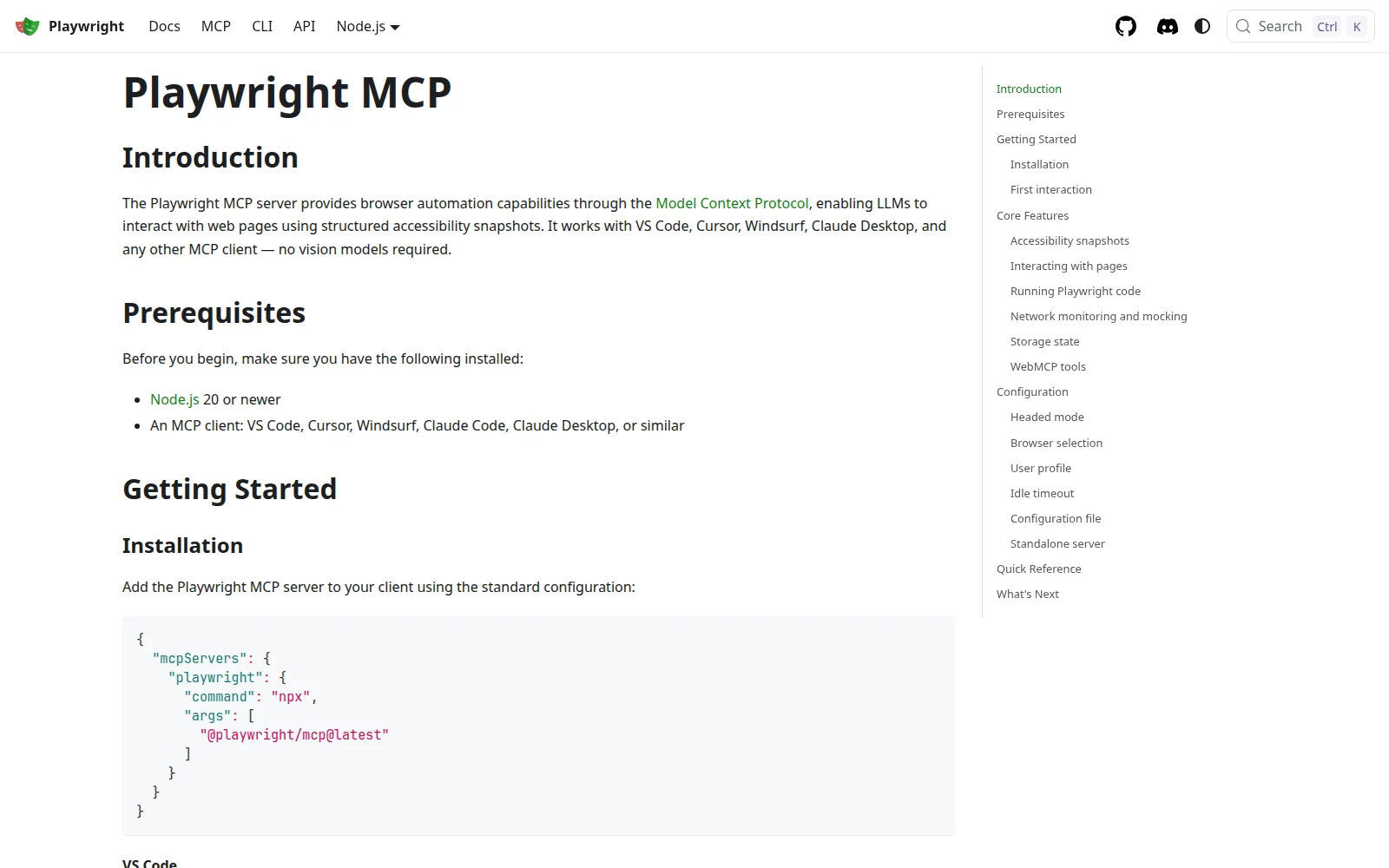
you want the agent to drive Chromium, Firefox, or WebKit without a vision model.
Read the Playwright MCP pageOur take
Pick Playwright MCP when the agent must click, fill, and assert across Chromium, Firefox, and WebKit. Pick Chrome DevTools MCP when you need network, console, and performance traces on a live Chrome tab. Skip Playwright MCP if you only need Chrome debugging. Skip Chrome DevTools MCP if you need cross-browser E2E, not a DevTools session.
Best for
Playwright MCP Cross-browser clicks, fills, screenshots
Chrome DevTools MCP Network, console, and performance on Chrome
Free plan
Playwright MCP $0 · Apache-2.0 MCP server
Chrome DevTools MCP $0 · Apache-2.0 MCP server
Lowest paid
Playwright MCP No paid MCP SKU
Chrome DevTools MCP No paid MCP SKU
Next step up
Playwright MCP You bring CI / browsers
Chrome DevTools MCP You bring Chrome + a client
Coding agent
Playwright MCP MCP tools on the accessibility tree
Chrome DevTools MCP MCP tools on a live Chrome tab
Runs where
Playwright MCP Local MCP + Playwright browsers
Chrome DevTools MCP Local MCP + Google Chrome
Watch out
Playwright MCP Not a DevTools trace server
Chrome DevTools MCP Chrome only; exposes the live tab
Last checked
Playwright MCP 2026-11-01 · github.com/microsoft/playwright-mcp
Chrome DevTools MCP 2026-11-01 · github.com/ChromeDevTools/chrome-devtools-mcp
you want the agent to drive Chromium, Firefox, or WebKit without a vision model.
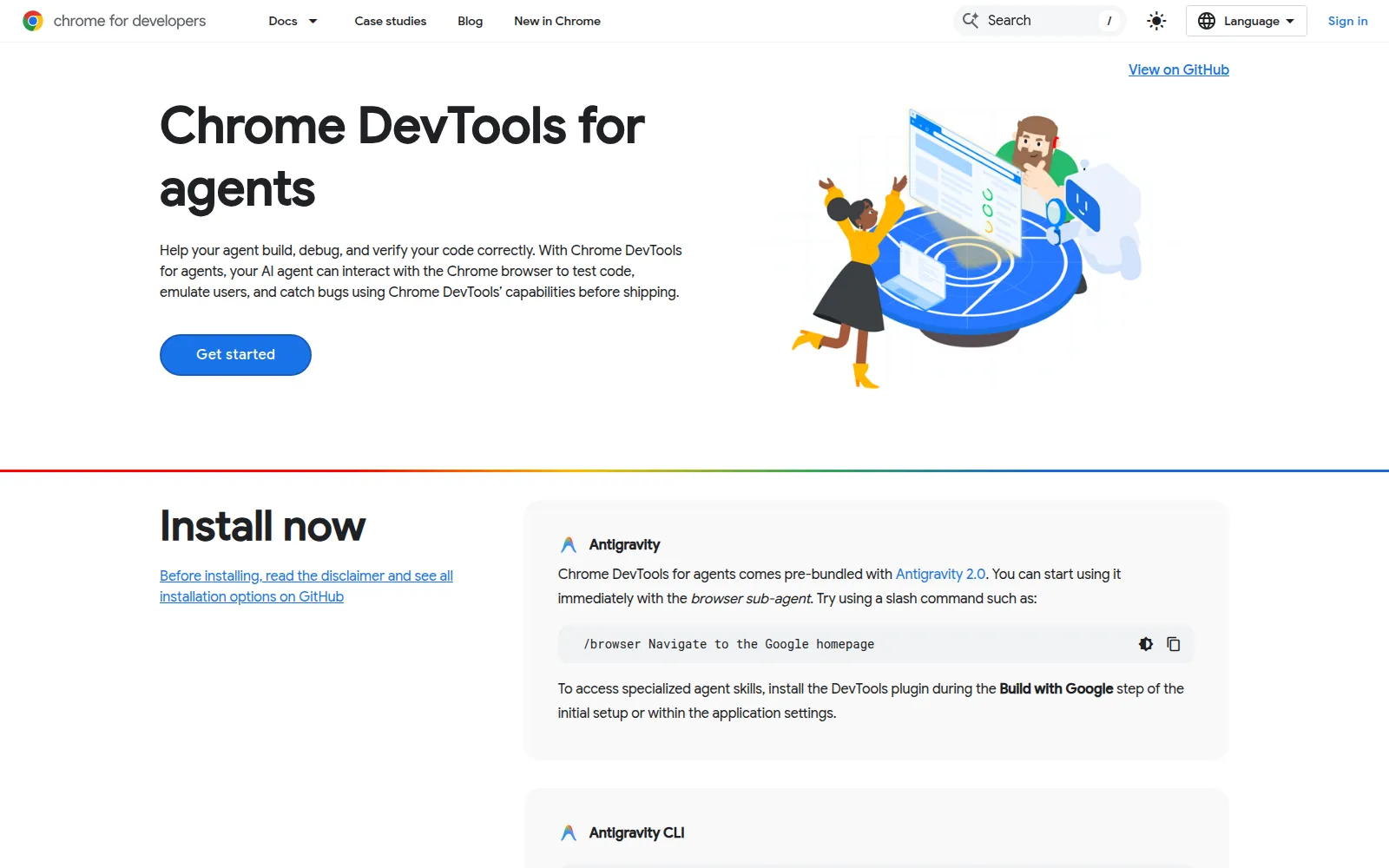
Read the Playwright MCP pageyou want the agent to debug the Chrome tab you already have open.
Read the Chrome DevTools MCP page