Pick Gemini CLI if
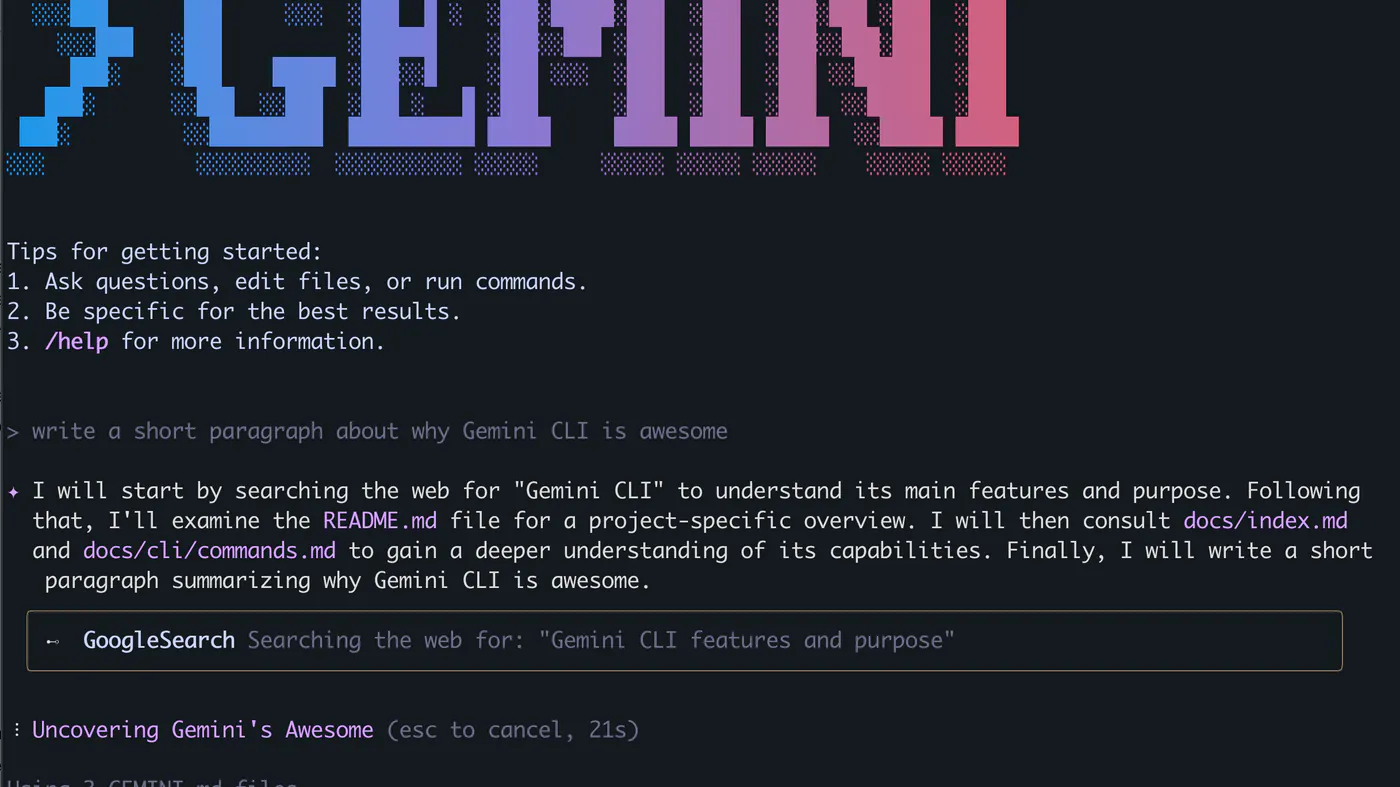
developers who want Gemini as a CLI agent and will sign in with Google or an API key.
Read the Gemini CLI pageOur take
Pick Gemini CLI if developers who want Gemini as a CLI agent and will sign in with Google or an API key. Pick GitHub Copilot if developers already in GitHub who want completions and chat without switching to a separate AI IDE. Skip GitHub Copilot if teams that cannot send code to GitHub’s model pool, or users who want a local-only model (Ollama).
Best for
Gemini CLI Gemini in a repo from the command line
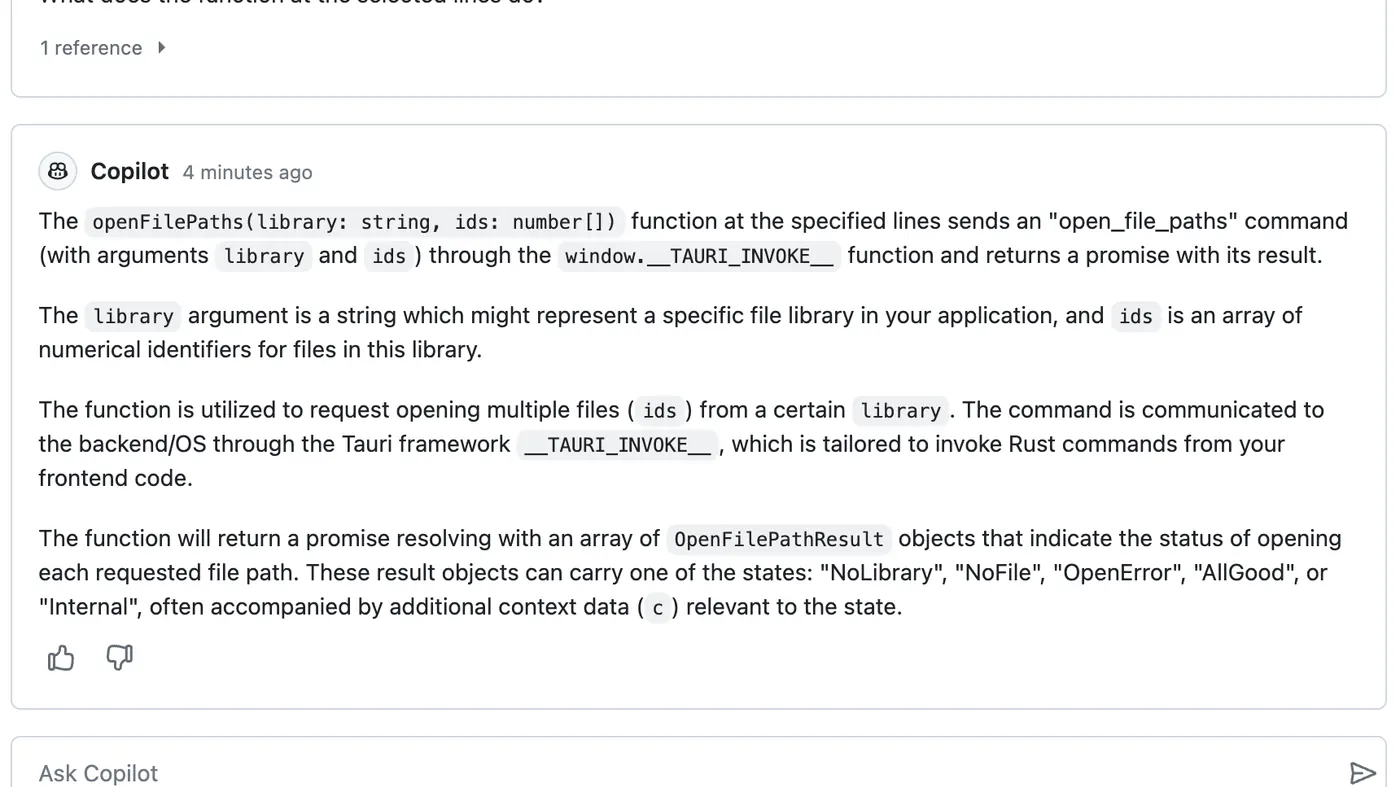
GitHub Copilot Code in a real editor
Free plan
Gemini CLI No free plan
GitHub Copilot $0 · limited completions and chat
Lowest paid
Gemini CLI Google AI Plus $4.99/mo
GitHub Copilot Pro $10/mo
Next step up
Gemini CLI Google AI Pro $19.99/mo
GitHub Copilot Pro+ $39/mo
Coding agent
Gemini CLI Repo agent in the TTY
GitHub Copilot Agent + Tab inside the editor
Watch out
Gemini CLI Daily request caps are per user
GitHub Copilot Flex credits are not unlimited Agent
Last checked
Gemini CLI 2026-10-22 · geminicli.com/docs/resources/quota-and-pricing
GitHub Copilot 2026-10-19 · github.com/features/copilot
developers who want Gemini as a CLI agent and will sign in with Google or an API key.
Read the Gemini CLI pagedevelopers already in GitHub who want completions and chat without switching to a separate AI IDE.
Read the GitHub Copilot page