Pick Canva if
marketers, teachers, and small teams who live in templates and need an in-page generate box.
Read the Canva pageOur take
Pick Canva if marketers, teachers, and small teams who live in templates and need an in-page generate box. Pick Khroma if designers picking a palette in the browser who will paste hex into Figma or CSS. Skip Canva if product designers who need variables and Dev Mode (Figma AI) or a commercial Firefly workflow inside Photoshop (Adobe Firefly). Skip Khroma if founders who need a logo, cards, and a one-pager from the
**browser design suite
Best for
Canva A one-page graphic or deck without installing Photoshop
Khroma Colors you will actually use
Free plan
Canva $0 · /year for one person
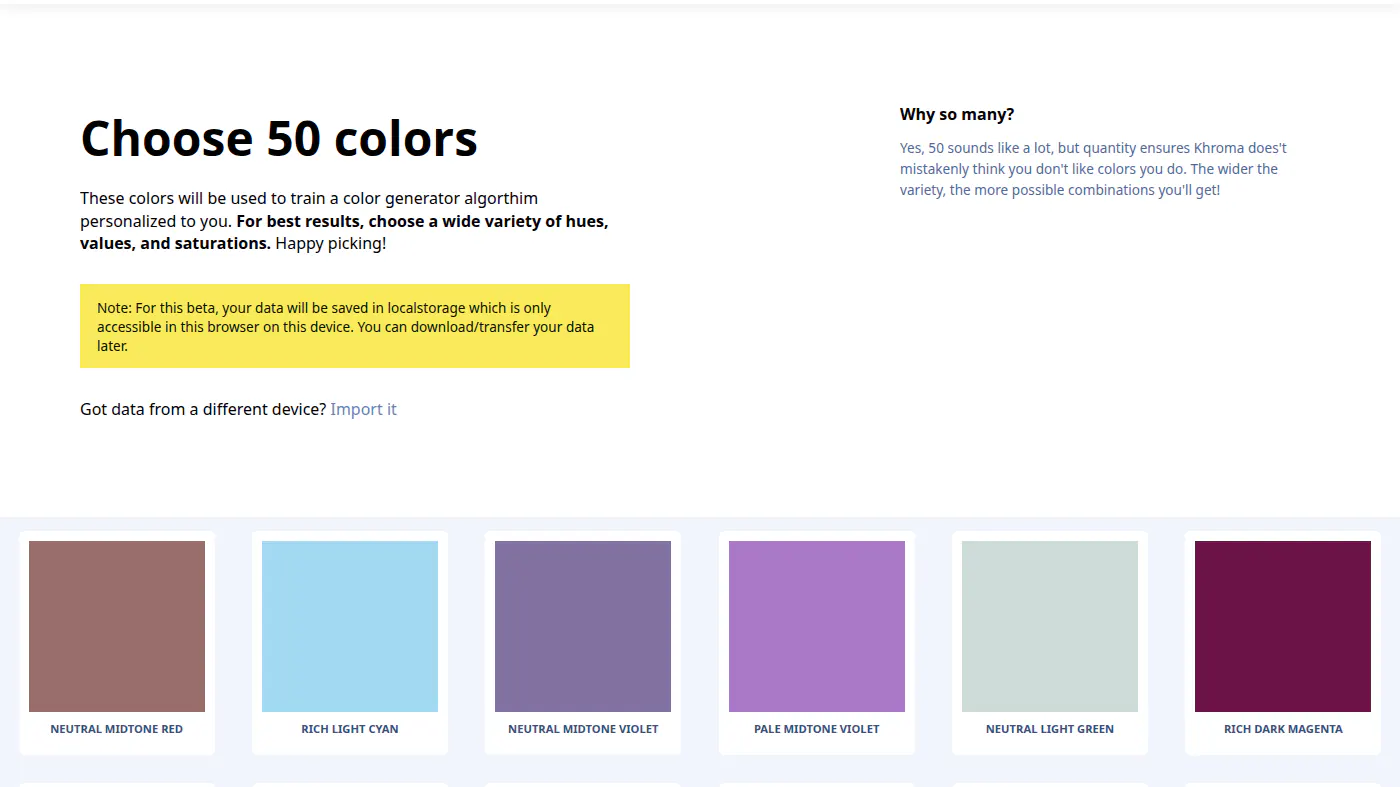
Khroma $0 · train, generate, search, save. Beta copy on the trainer: data lives in this browser’s localStorage; you can download / import to move it
Lowest paid
Canva Pro $144/yr
Khroma
Next step up
Canva Business $250/yr
Khroma
Watch out
Canva Free is not Pro
Khroma LocalStorage only (beta)
Last checked
Canva 2026-10-20 · canva.com/pricing
Khroma 2026-10-22 · khroma.co
marketers, teachers, and small teams who live in templates and need an in-page generate box.
Read the Canva pagedesigners picking a palette in the browser who will paste hex into Figma or CSS.
Read the Khroma page