aitoolsnav.com

BuildBuddy vs Namespace

Our take

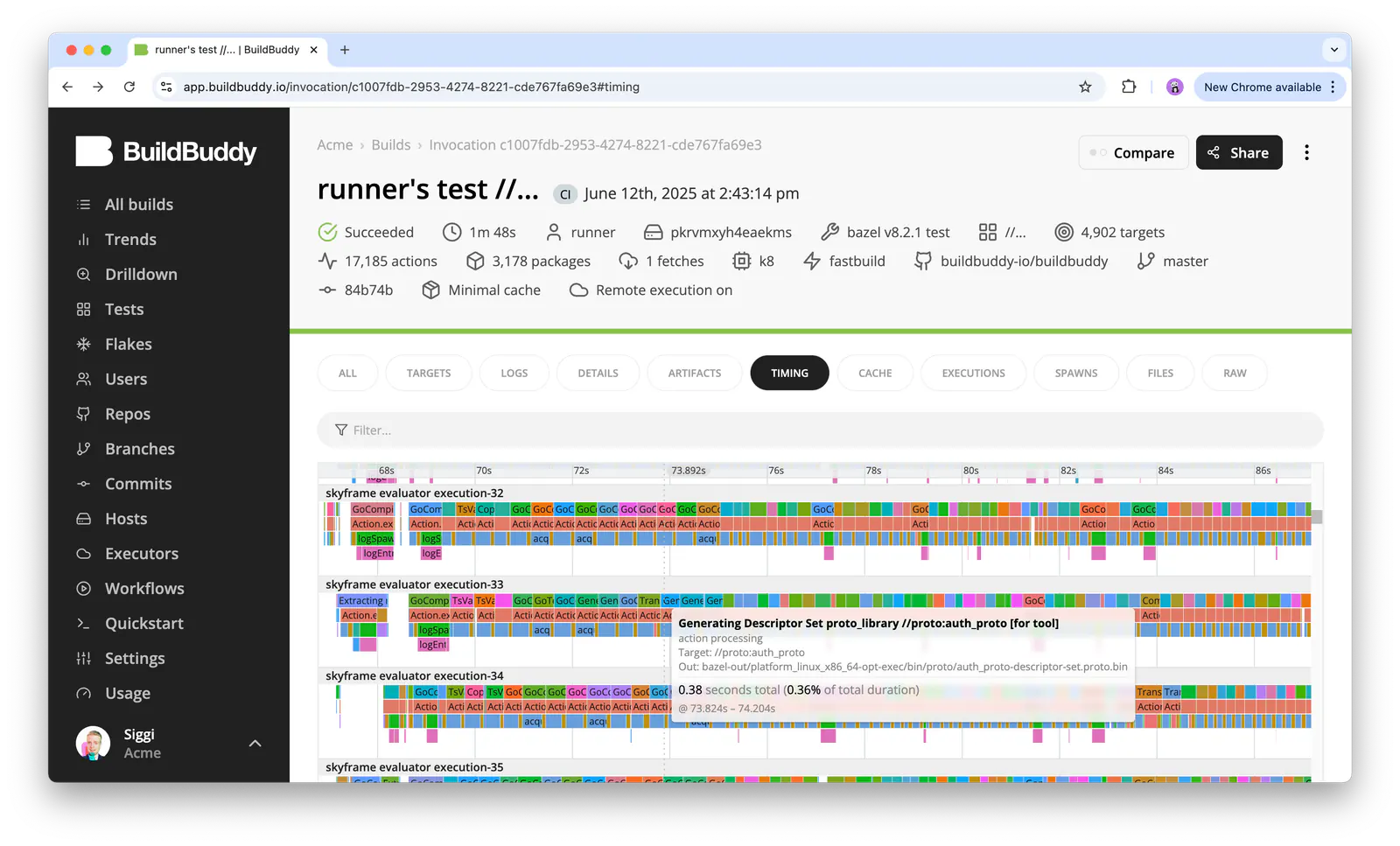
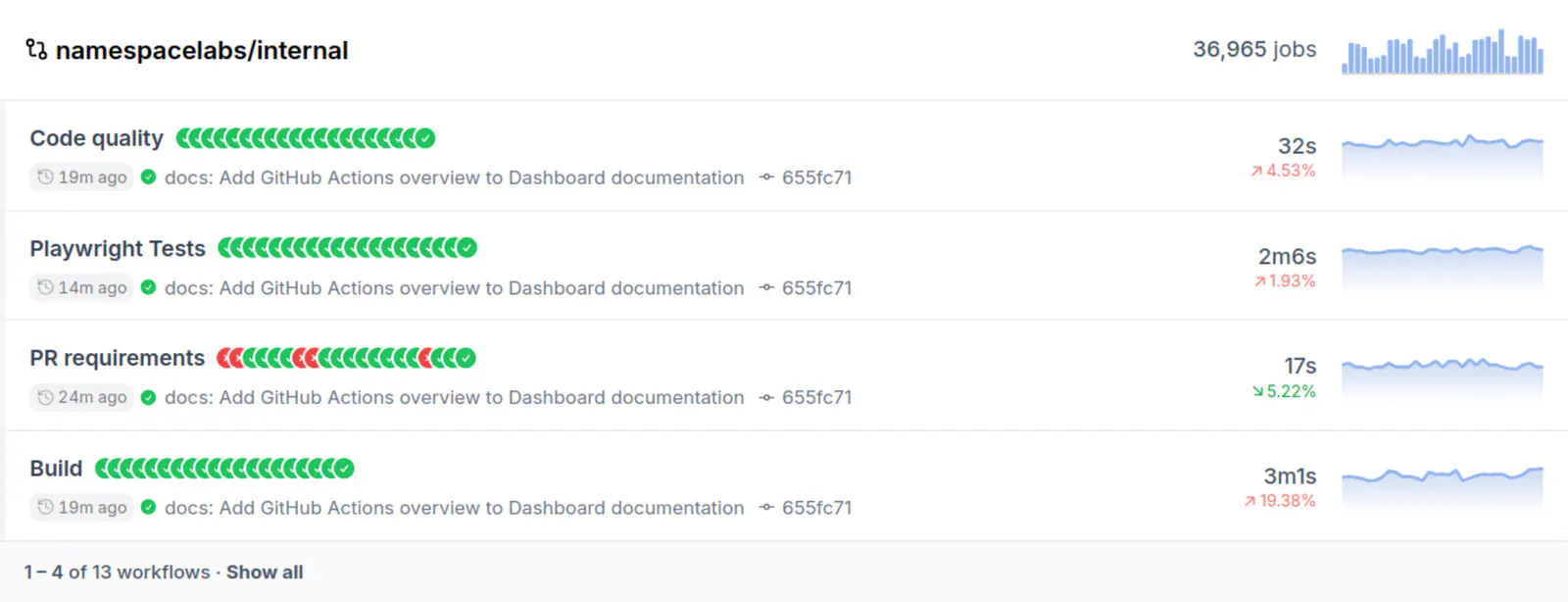
Pick BuildBuddy if bazel teams who will stay on Personal Free (10 users, 80 Linux cores, 100 GB cache) while they open a first invocation Timing tab, then pay Mac cores at $45 / core or a Team quote when cache transfer exceeds 100 GB. Pick Namespace if cI teams who will stay on Developer at $0 (pay-as-you-go) while they open a first GitHub Actions Overview, then buy Team at $100 / month when they want the included

BuildBuddy

BuildBuddy

hosted Bazel-results desk

Namespace

Namespace

hosted CI-and-devbox desk

Best for

BuildBuddy Build logs and remote cache you start at $0

Namespace Actions minutes and remote boxes you start at $0

Free plan

BuildBuddy No free plan

Namespace $0 · pay as you go. Devbox from $0.004 / min. Builds $0.05 / build. Registry / Turbo / Gradle / GitHub Artifacts $0.2 / GB-month

Lowest paid

BuildBuddy Mac remote execution $45

Namespace Meters that stay on every tile $0.004

Next step up

BuildBuddy

Namespace Business $250

Runs where

BuildBuddy Hosted

Namespace Local or hosted

Watch out

BuildBuddy Personal Free is 10 users, 80 Linux cores, 100 GB cache

Namespace Developer $0 is pay-as-you-go, not unlimited minutes

Last checked

BuildBuddy 2026-10-23 · buildbuddy.io/pricing

Namespace 2026-10-23 · namespace.so/pricing

Which one, then?

Pick BuildBuddy if

bazel teams who will stay on Personal Free (10 users, 80 Linux cores, 100 GB cache) while they open a first invocation Timing tab, then pay Mac cores at $45 / core or a Team quote when cache transfer exceeds 100 GB.

Read the BuildBuddy page

Pick Namespace if

cI teams who will stay on Developer at $0 (pay-as-you-go) while they open a first GitHub Actions Overview, then buy Team at $100 / month when they want the included build pack and more cache allowance.

Read the Namespace page

Other comparisons