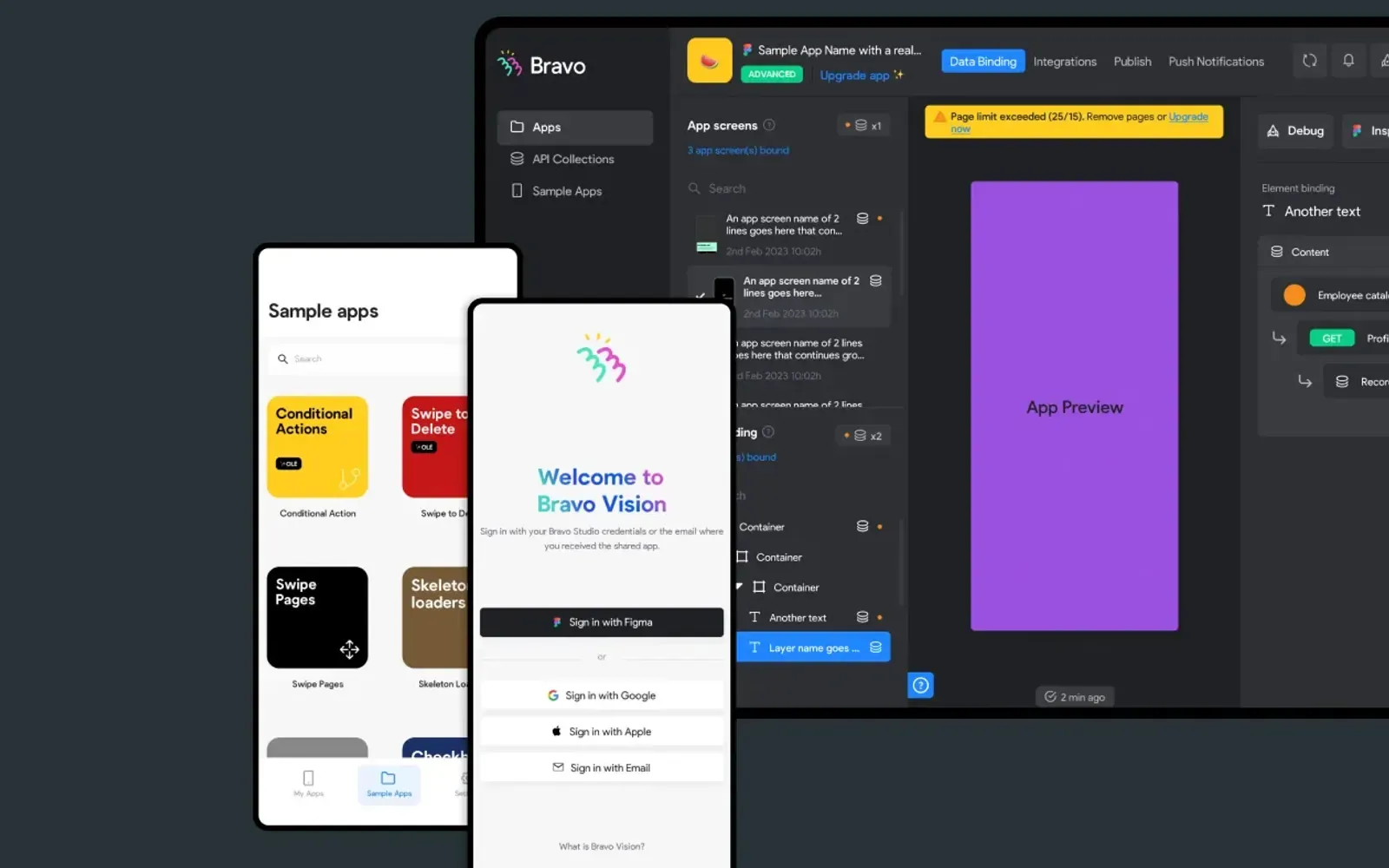
Pick Bravo Studio if
designers who already have the app in Figma and want a native preview without a rewrite.
Read the Bravo Studio pageOur take
Pick Bravo Studio if you're designers who already have the app in Figma and want a native preview without a rewrite. Pick Draftbit if you're a founder shipping a cross-platform app who want a visual canvas and optional store builds. Skip Bravo Studio if you're a team that needs exported React on their own repo from day one (Builder.io). Skip Draftbit if you're a Webflow / Figma sitemap job (Relume).
Best for
Bravo Studio The designed screens, not a developer rewrite
Draftbit An iOS / Android / web app from one canvas
Free plan
Bravo Studio $0 · preview on your phone. Basic API connections. Up to 15 screens / app (FAQ). No App Store builds
Draftbit $0 · / month. 1 open project. 3,000 starter credits. 20 agent runs / week on your own AI. Web publish on draftbit.dev
Lowest paid
Bravo Studio Solo $22
Draftbit Standard $12
Next step up
Bravo Studio Bravo To Go $999
Draftbit Pro $24
Coding agent
Bravo Studio
Draftbit Claude Code (paid plans)
Watch out
Bravo Studio Starter cannot ship to the stores
Draftbit Free cannot export code
Last checked
Bravo Studio 2026-10-28 · bravostudio.app/pricing
Draftbit 2026-10-28 · draftbit.com/pricing
designers who already have the app in Figma and want a native preview without a rewrite.
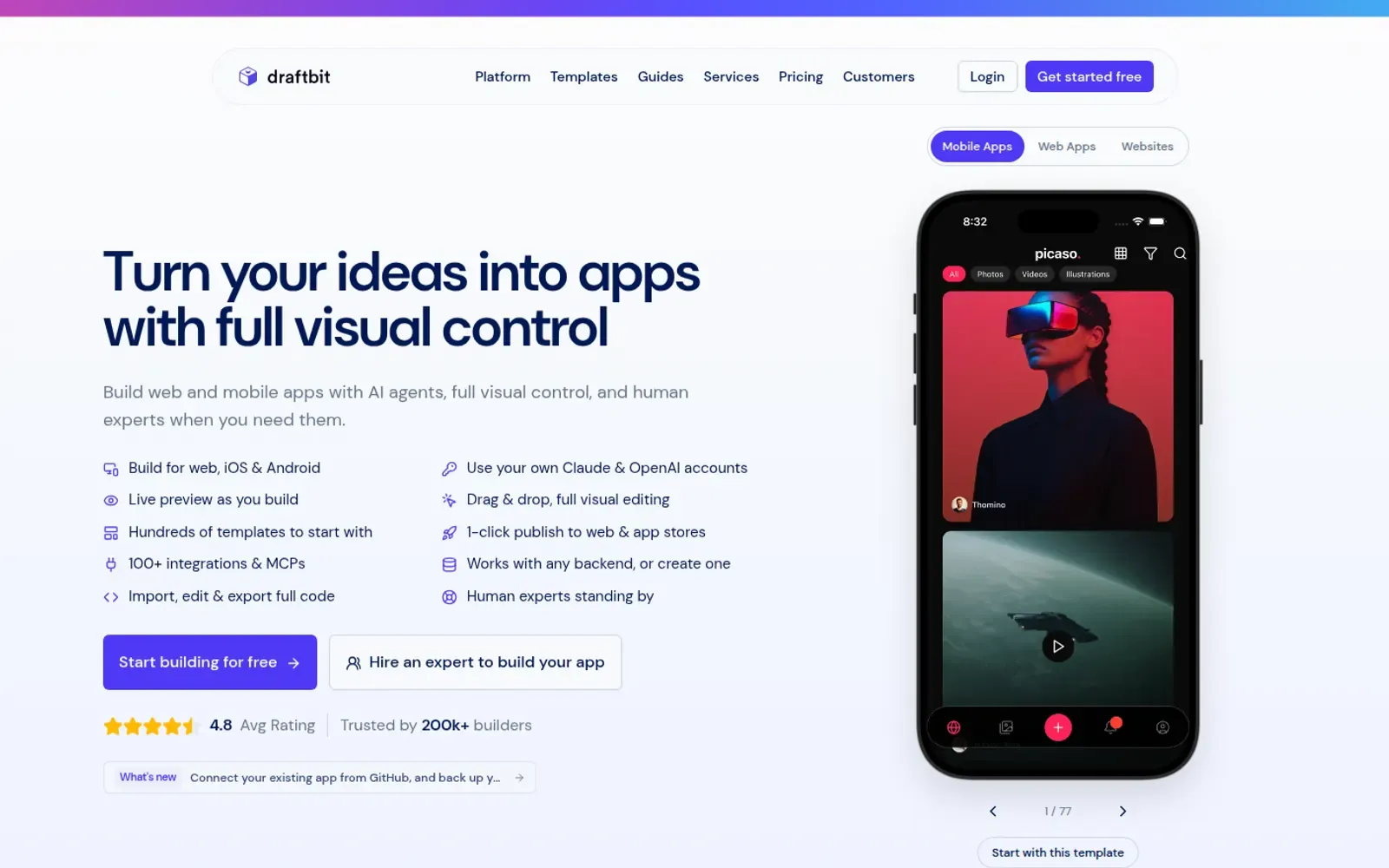
Read the Bravo Studio pagefounders shipping a cross-platform app who want a visual canvas and optional store builds.
Read the Draftbit page